Get hands-free help on the road that already knows your plans
Say "take me to my appointment" and Gemini finds where it is from your own Google apps and starts the route.
Published . Steps as of October 2026.
Can Gemini in my car read my flight and calendar details?
Yes, if you turn on Personal Intelligence in the Gemini app and connect Gmail, Google Calendar and Maps, Gemini on Android Auto can use them hands-free. As of October 2026 it's on Android Auto, and cars with Google built-in get it in the coming months. If you travel a lot, ask for gates and delays. If you mostly drive around town, ask it to take you to your next appointment or find a stop along your route. It's for personal accounts only, not work or school ones.
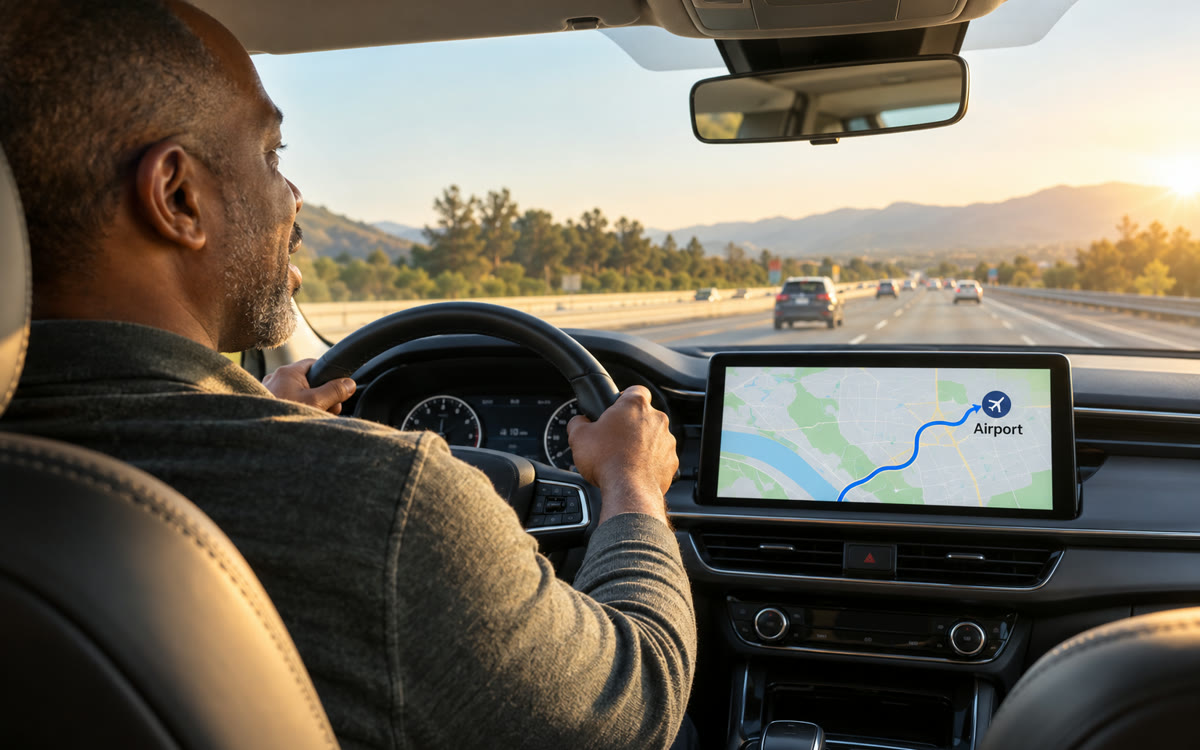
A picture made with AI to show the idea.
Your prompt
Fill in your details. Skip any you like.
This AI can't be filled in from a link, so the button copies your prompt: paste it into the new chat.
The prompt that gets copied
I'm about to drive to [WHERE YOU'RE GOING, e.g. the airport for Friday's flight]. Using my Gmail, Google Calendar and Maps, give me a short briefing I can listen to in the car.

1. The details I'll need when I get there, like a gate, a confirmation number, a booking time or a meeting room.
2. Anything that has changed, like a delay or a moved time, if you can see it.
3. One good [STOP TYPE, e.g. coffee stop with easy parking] along the way that matches places I usually like.
4. What time I should leave to arrive [ARRIVAL BUFFER, e.g. 20 minutes early].

Keep it under 100 words, plain and calm, written to be read aloud. If you can't find something, say so instead of guessing.
Turn on Personal Intelligence in Gemini once, then ask from Android Auto for your flight gate, a stop along your route or a drive to your next appointment, with no address typed.
Step by step
- Open the Gemini app, go to Settings and turn on Personal Intelligence.
- Connect the apps you want it to use, like Gmail, Google Calendar and Google Maps.
- Paste the prompt below into Gemini before you leave for a quick briefing.
- Connect your phone to Android Auto and ask Gemini follow-up questions out loud as you drive.
What you'll get
A short, calm briefing you can hear in the car with your gate or booking details, any changes, a stop that suits you and when to leave.
Android Auto now, cars with Google built-in later. Personal accounts 18+ only, and not in every region.
- Made for
- Everyone
- Works in
- Gemini, Gmail


