Find parking near your destination by asking Gemini in CarPlay
You just say where you're going and what you need, and Maps answers and changes the route by voice.
Published . Steps as of October 2026.
Can I ask Google Maps for parking by voice in CarPlay?
Yes. As of October 2026, tap the Gemini icon in Google Maps on CarPlay and ask out loud for nearby parking, a new route or to report a traffic incident. It fits iPhone drivers who already navigate with Google Maps. Android drivers get Gemini through Android Auto instead. Keep requests short and answer any follow-up question by voice so your hands stay on the wheel.
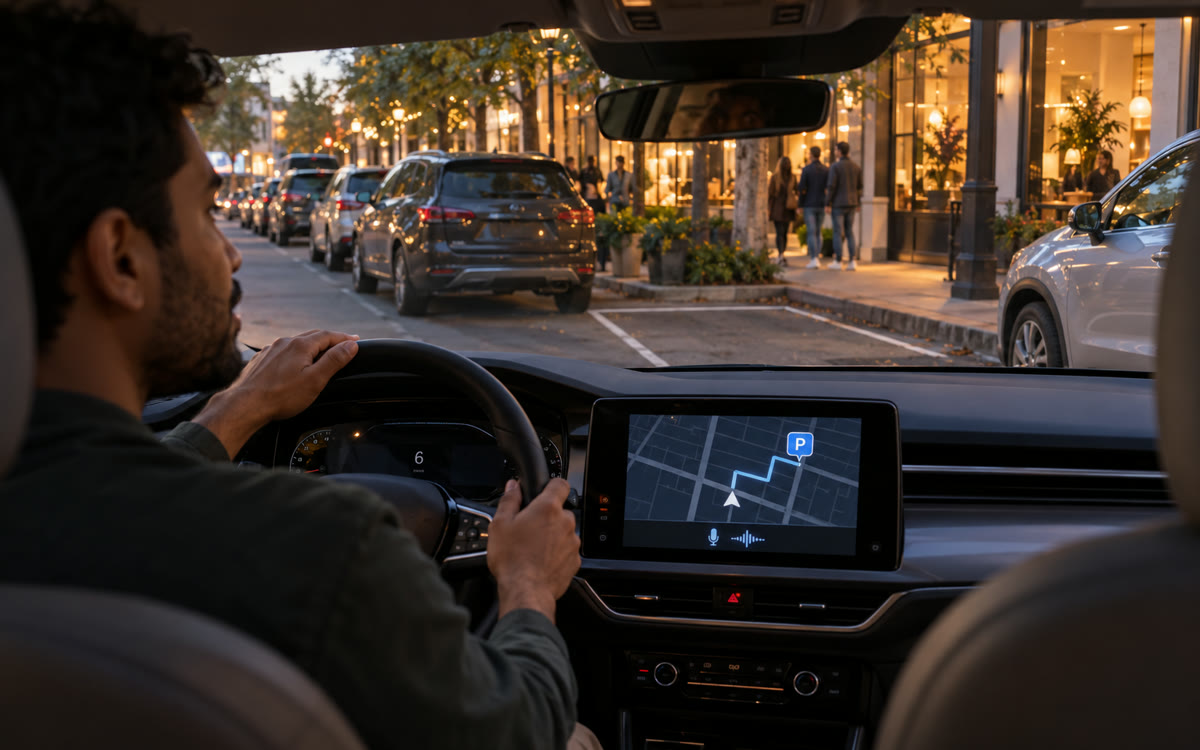
A picture made with AI to show the idea.
Your prompt
Fill in your details. Skip any you like.
This AI can't be filled in from a link, so the button copies your prompt: paste it into the new chat.
The prompt that gets copied
Say any of these after you tap the Gemini icon in Google Maps on CarPlay:

"Find me a parking garage close to [YOUR DESTINATION, e.g. the theater on Main Street], and tell me which one is the shortest walk."

"I'm running late for [YOUR APPOINTMENT, e.g. a 3 o'clock dentist visit]. Is there a faster way than this route?"

"Add a stop at a gas station on the way that doesn't take me far off the route."

"Report a crash in the right lane up ahead."

"Avoid highways for the rest of this drive."

Keep your eyes on the road. If Gemini asks a question back, answer it out loud.
Tap the Gemini icon in Google Maps on CarPlay and ask out loud for parking, a new route or to report a traffic problem. No typing and no phone in your hand.
Step by step
- Start navigation in Google Maps on CarPlay.
- Tap the Gemini icon on the Maps screen.
- Say one of the lines below in your own words.
- Answer any follow-up question out loud to confirm the change.
What you'll get
Spoken answers and route changes in Google Maps on CarPlay: parking nearby, a faster way, an added stop or a reported incident.
Needs an iPhone with CarPlay and the Google Maps app. Rolling out from October 21, 2026. Not available in every region.
- Made for
- Everyone
- Works in
- Gemini


