Get a client handout PDF made and polished in one Gemini chat
You highlight one clunky paragraph in the PDF, type "make this friendlier", and only that part changes.
Published . Steps as of October 2026.
Can Gemini make a PDF I can edit right in the chat?
Yes. Ask Gemini for a PDF and it shows a preview in the chat that you can open full screen, type into, or highlight to ask for a change, as of October 2026. A coach or consultant gets the most from it for handouts, welcome guides and session summaries. On a phone you can still preview and edit PDFs. Docs, Sheets and slide files need the web version.
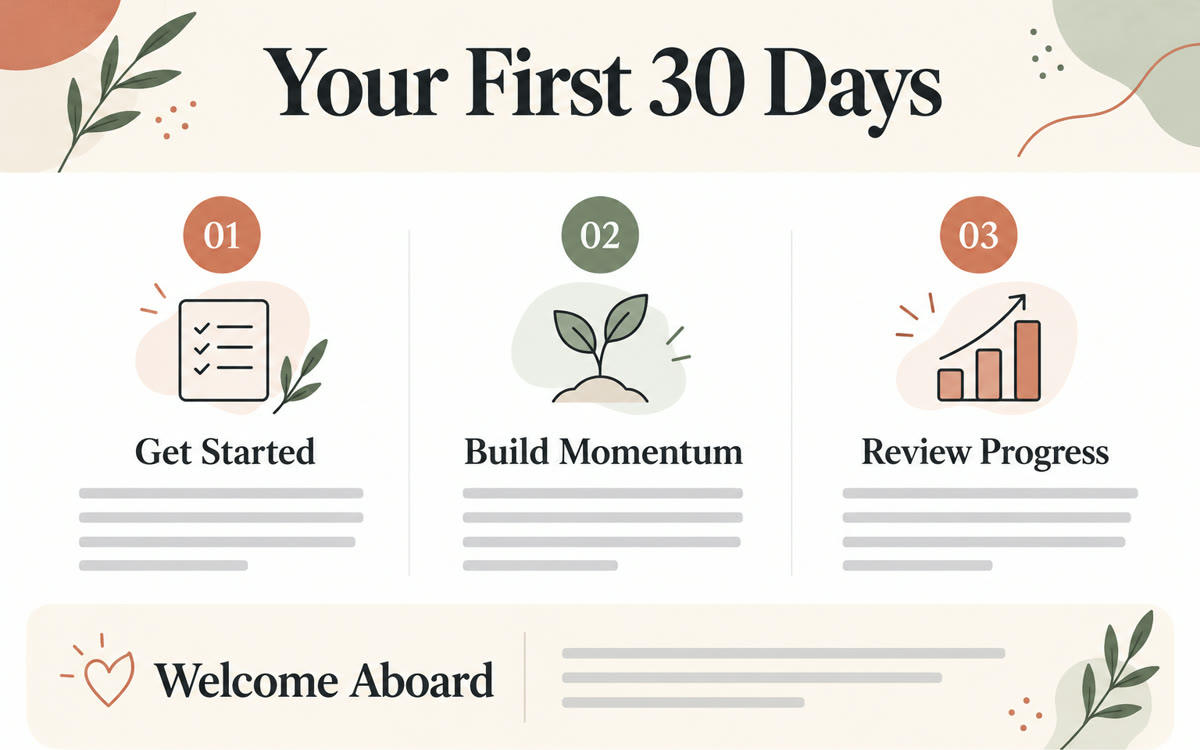
A sample of what you get back, made with AI.
Your prompt
Fill in your details. Skip any you like.
This AI can't be filled in from a link, so the button copies your prompt: paste it into the new chat.
The prompt that gets copied
Make me a one-page PDF handout for my clients. It's for [WHO IT'S FOR, e.g. new clients after our first call] at [YOUR BUSINESS]. Here are my rough notes: [YOUR ROUGH NOTES]. Lay it out like a clean, professional handout: a short welcoming title, a two-sentence intro in a warm voice, three to five clear sections with headings, and a short "what happens next" box at the bottom with [YOUR CONTACT DETAILS, e.g. email and booking link]. Keep every section short enough to scan in under a minute. Use plain words, no jargon. After you make it, tell me which section you think is weakest and why, so I can fix it first.
Ask Gemini to make a one-page PDF handout from your rough notes, then fix it right in the chat. Type edits in full screen or highlight a section and tell Gemini what to change.
Step by step
- Open Gemini and paste the prompt below with your rough notes
- Click the PDF preview and expand it to full screen
- Highlight any section and tell Gemini what to change
- Type small fixes directly, then save the finished PDF
What you'll get
A finished one-page PDF handout you can preview, edit and save from the chat, plus a note on which section to improve first.
Free for all Gemini users. PDF editing works on web and mobile. Docs, Sheets and slide files are web only.
- Made for
- Coaches, Consultants, Small business owners
- Works in
- Gemini


