Get timestamped coaching on a recorded talk or client session
It points to the exact minute the energy dropped and tells you what to do instead.

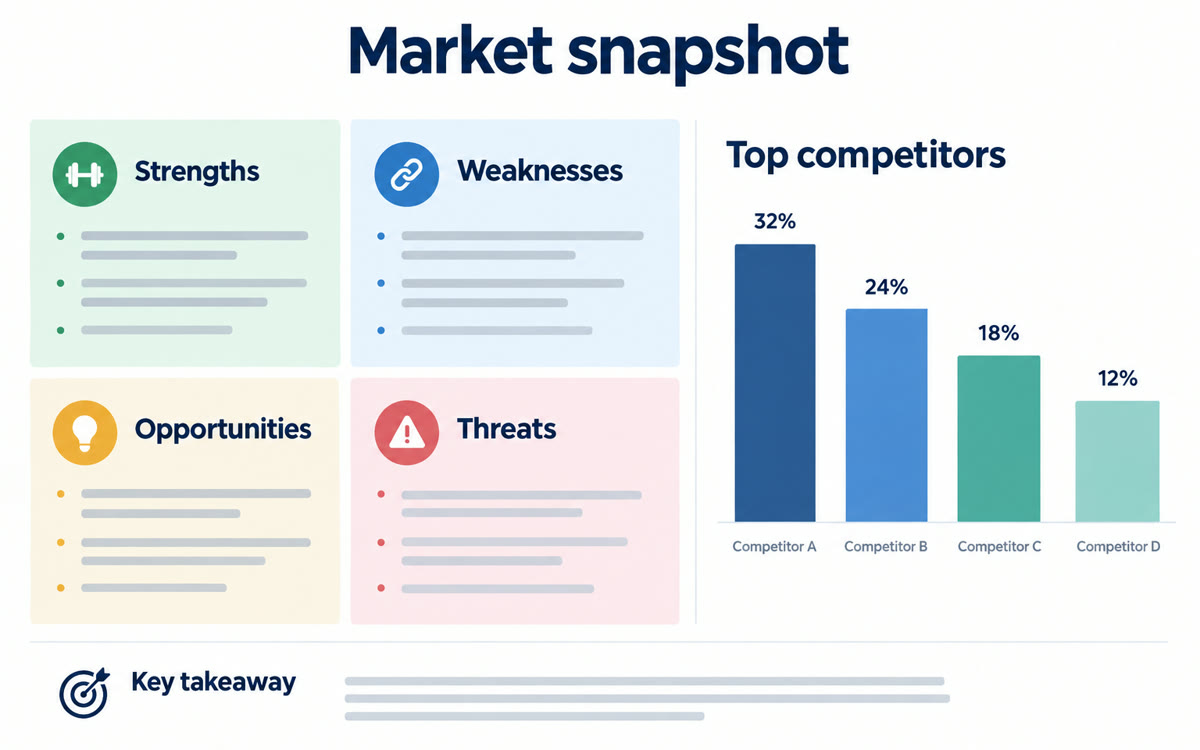
A picture made with AI to show the idea.
Your prompt
Fill in your details. Skip any you like.
This AI can't be filled in from a link, so the button copies your prompt: paste it into the new chat.
The prompt that gets copied
Watch this video of [WHO'S SPEAKING, e.g. me or my client] giving a [TYPE OF TALK, e.g. webinar or sales demo] to [YOUR AUDIENCE]. The goal of the talk is [TALK GOAL, e.g. book 10 discovery calls]. Give me a coaching review with timestamps: 1) the 3 strongest moments and why they work, 2) the 3 moments where energy, clarity, or attention dropped, 3) body language, pace, and filler words worth noticing, 4) any point where the message got confusing, and 5) a short practice plan with 3 drills to improve before the next talk. Be kind but honest, and specific enough that I can act on it.
Upload a video to Gemini, like your webinar, a sales demo or a client's practice talk, and get a breakdown of strengths, weak spots and ways to improve, with timestamps.
Step by step
- Open Gemini and upload the video file. Get your client's okay first if it's their talk.
- Paste the prompt with your goal.
- Use the timestamps to jump straight to each moment.
What you'll get
A timestamped coaching report with the top moments, weak spots, delivery notes, and three practice drills.
Free Gemini takes videos up to 5 minutes. Videos up to 1 hour need Google AI Pro.
- Made for
- Coaches, Consultants, Creators
- Works in
- Gemini