See how you really use Claude and what to try next
It shows your peak hour, your top topics by percentage, and a next step for each of four AI skills.
Published . Steps as of October 2026.
How do I see how I've been using Claude each month?
Open Settings, then Wellbeing, and click View under Reflect to see your monthly recap (as of October 2026). It's in beta on the Free, Pro and Max plans on the web and desktop, and it needs memory turned on. Pick this month for a quick check, or the past 3 months or year to spot real patterns. If you don't see it yet, it's still rolling out, so check again in a few days.
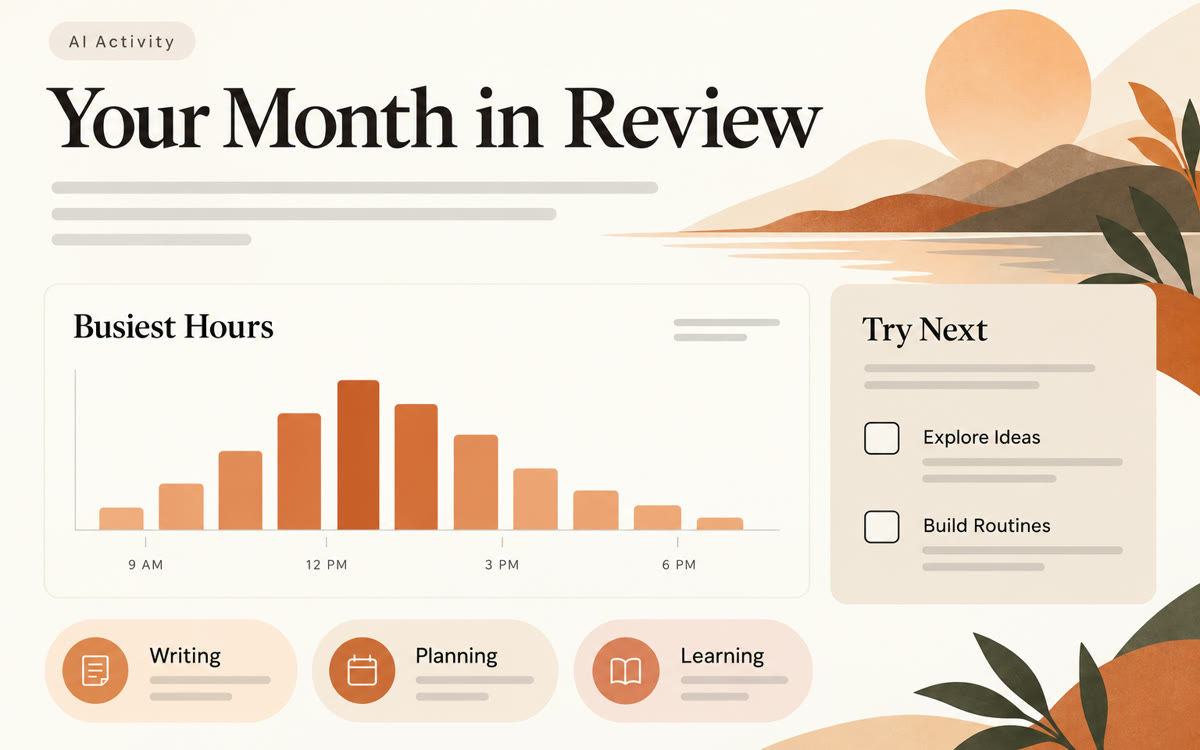
A sample of what you get back, made with AI.
Your prompt
Fill in your details. Skip any you like.
Claude opens with your prompt already typed in. It's copied too, just in case.
The prompt that gets copied
Here's my Claude monthly recap: [PASTE YOUR RECAP]. I mostly use AI for [MAIN GOAL, e.g. running my coaching business]. Read the recap like a friendly coach. First, tell me in three sentences what my habits say about how I work. Then pick the two suggestions from the recap that would save me the most time and turn each one into a small experiment I can try this week, with the exact first message I'd send to start it. Finally, name one task I keep doing by hand that I could set up once as a project or skill so I never explain it again. Keep it short, warm and practical, and don't lecture me.
Open Claude's monthly recap to see your topics, busiest hours and suggestions for using it better, then turn those suggestions into a short plan for next month.
Step by step
- Open Claude on the web or desktop and go to Settings, then Wellbeing
- Click View under Reflect to open your monthly recap
- Switch the date range to the past 3 months for a bigger picture
- Copy the recap into a new chat and paste the prompt
What you'll get
A short reflection on your month with Claude and two small experiments, each with the first message to send.
Beta on Free, Pro and Max, web and desktop. Memory must be on. Rolling out gradually.
- Made for
- Everyone, Coaches, Creators
- Works in
- Claude


