Read the bottom line first in every long AI answer
Every long answer now ends with a box that holds the whole point.
Published . Steps as of November 2026.
How can I make long AI answers easier to read?
Save a standing instruction that ends every AI answer with a short bottom-line box, so you can read that first. It holds the result, your next step, and any real risk. It fits best if you often get long answers and lose the point. The same text works in Claude's preferences or ChatGPT's custom instructions. For one long chat, paste it once at the start instead.
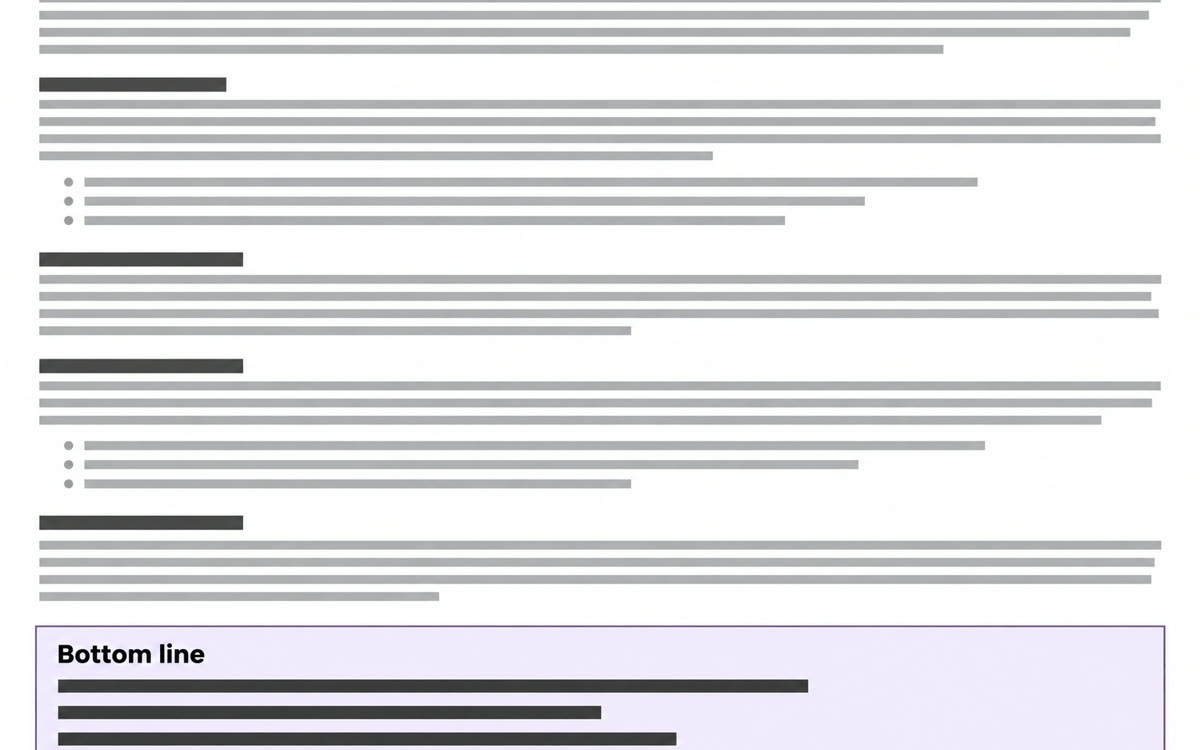
A sample of what you get back, made with AI.
Your prompt
Fill in your details. Skip any you like.
Claude and ChatGPT open with your prompt already typed in. Gemini can't be filled in from a link, so its button copies your prompt: paste it into the new chat.
The prompt that gets copied
End every answer with a short section titled 80/20, placed last, with a line above it. Put the bottom line only and nothing new. Show a line only when it has real content:

Result: always, one line.
Next: only if I must do something. Numbered, with the action in bold.
Decide: only if the choice is mine.
Watch out: only if there's a real risk.

Bold the key actions, so the bold text alone is the answer. Use this style for [WHERE TO APPLY, e.g. every chat]
Save one standing instruction so every AI answer ends with a short box: the result, what you must do next, and any real risk. You read the box first and scroll up only when you want the why.
Step by step
- Open Settings in Claude or ChatGPT and find the preferences or custom instructions box.
- Paste the instruction text and save it.
- Ask any question that needs a long answer.
- Read the bottom box first and scroll up only for details.
What you'll get
A short bottom-line box on every answer, so you know the result and your next step without reading the whole reply.
Custom instructions menus differ by app and plan.
- Made for
- Everyone, Coaches, Consultants
- Works in
- Claude, ChatGPT, Gemini