Answer aftercare questions with a 30-second animation
Claude animates your words, icons and colors into a video file, with no AI-generated people in it.
Published . Steps as of November 2026.
How can I make a short aftercare video for my customers with AI?
Type /motion in Claude, describe your care steps, and download the animated MP4 it builds. As of November 2026, Claude Motion is in beta on Team and Enterprise plans. It fits best for salons, makers and shops that send the same care instructions after every sale. If you're on another Claude plan, Motion isn't open to you yet, so ask Claude for a one-page care card from the same steps instead.

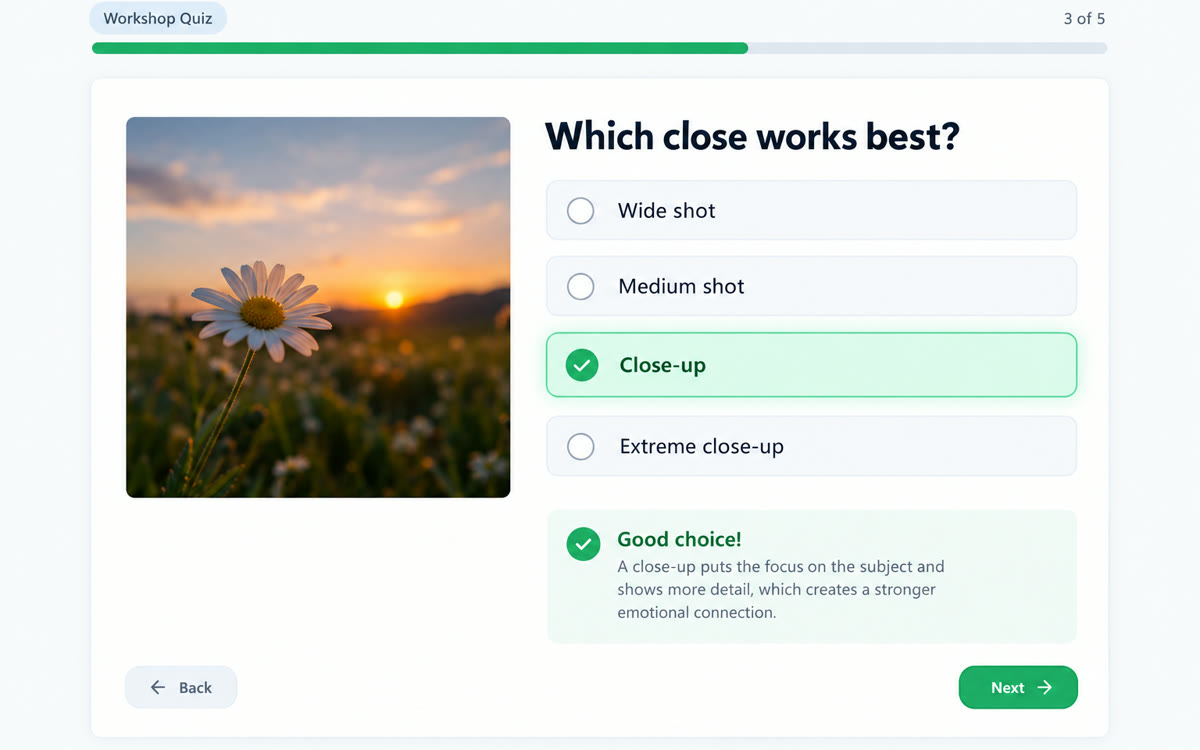
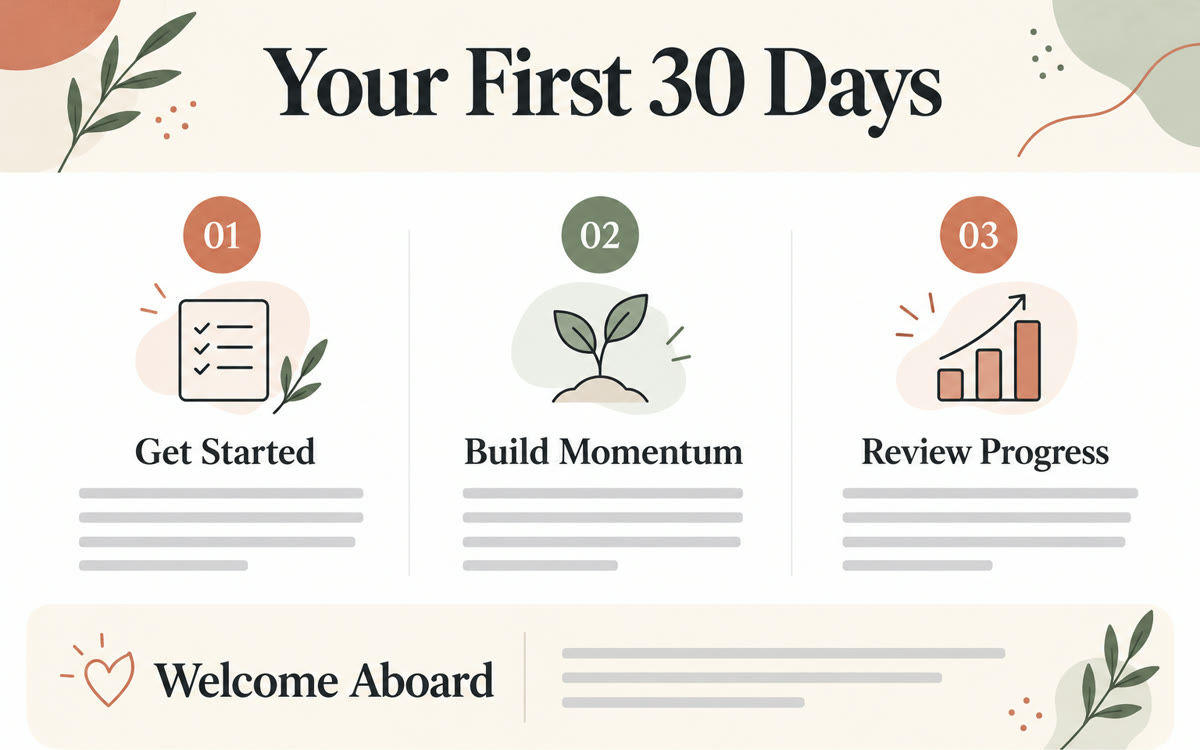
A sample of what you get back, made with AI.
Your prompt
Fill in your details. Skip any you like.
Claude opens with your prompt already typed in. It's copied too, just in case.
The prompt that gets copied
Make a 30-second animated explainer that shows customers how to look after [WHAT THEY BOUGHT, e.g. a new lash lift]. Use these steps, in this order: [CARE STEPS, e.g. no water 24 hours, no mascara 2 days]. Show one step per scene, each with a big plain-language headline, a simple icon or shape and one short line underneath. End with a scene that says what to do if something doesn't look right: [WHO TO CONTACT, e.g. text us at the shop number]. Use my colors [BRAND COLORS, e.g. sage green and cream] and the name [YOUR BUSINESS]. Keep the pace calm, about five seconds a scene, with no voiceover and no people on screen. Make it vertical so it plays well on a phone.
Type /motion in Claude and describe your care steps. You get a short animated MP4 you can text or email to every customer after they buy or book.
Step by step
- Type /motion in the Claude message box
- Paste the prompt below with your product and care steps
- Ask Claude to change colors, timing or wording until it fits
- Download the MP4 and add it to your after-purchase email or text
What you'll get
A vertical 30-second MP4 with one care step per scene, your colors and name, and a final contact scene.
Claude Motion is in beta on Team and Enterprise plans. Enterprise admins turn it on in Organization settings.
- Made for
- Small business owners, Creators
- Works in
- Claude