Carousel GeneratorAn AI skill in the Solo Creators AI Studio
Turn one idea into a scroll-stopping carousel.
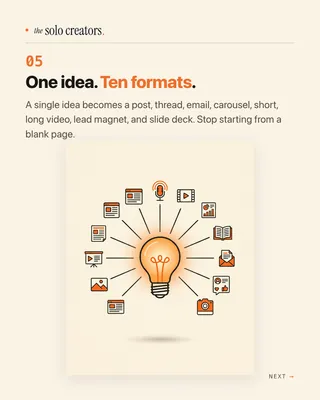
The Carousel Generator is an AI skill that turns a blog post, a transcript, an article link or a rough idea into a finished carousel for LinkedIn and Instagram. It writes the slides, designs them in your colors and fonts, and hands you the captions, hashtags and alt text, ready to post.
Cancel anytime 30-day money-back guarantee Yours to keep

“My goodness is that carousel skill clean and easy to use.”
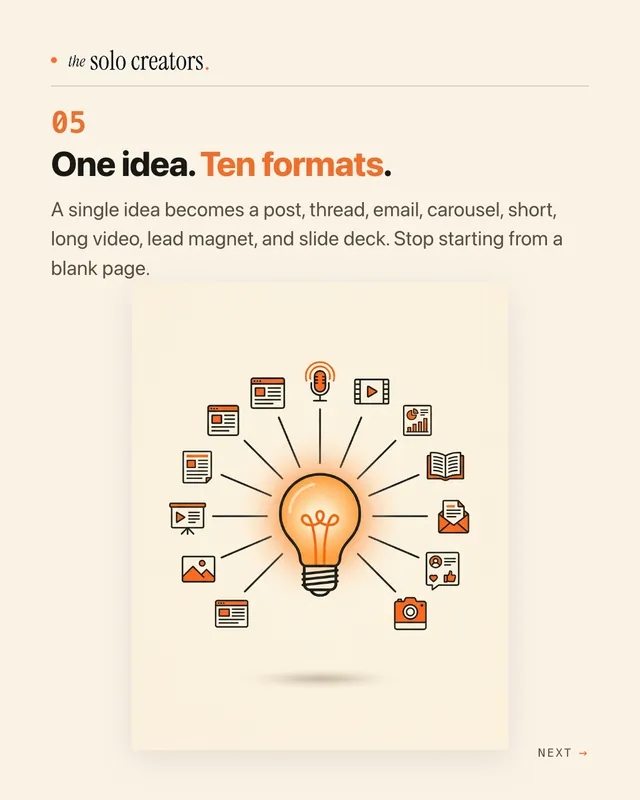

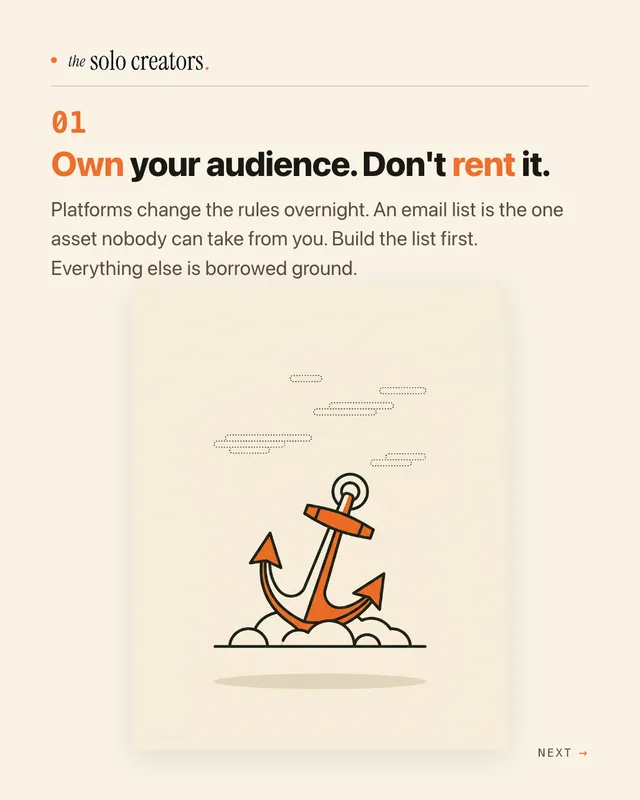
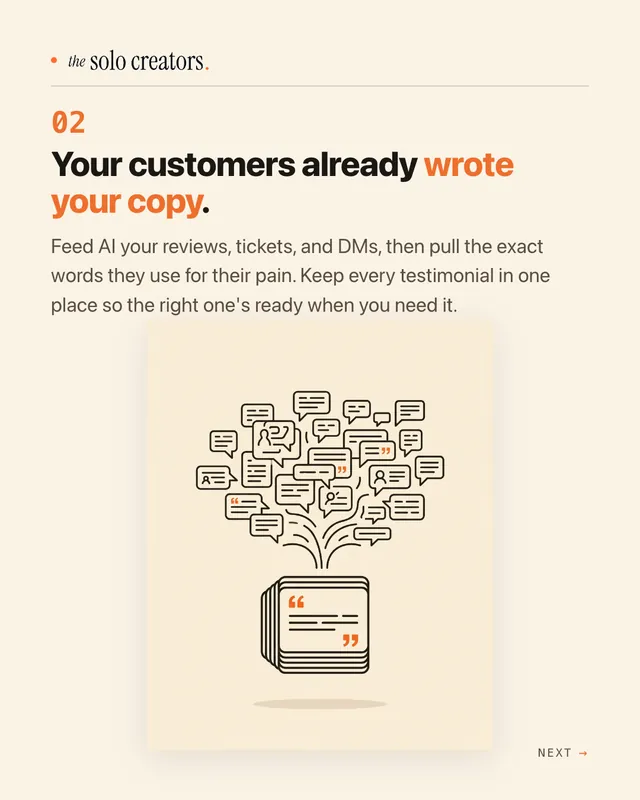
 thesolocreatorsai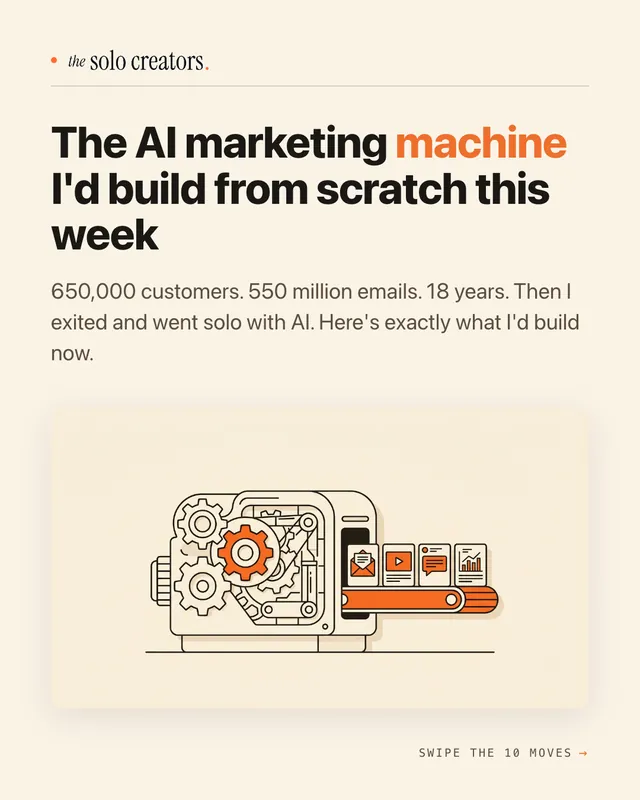
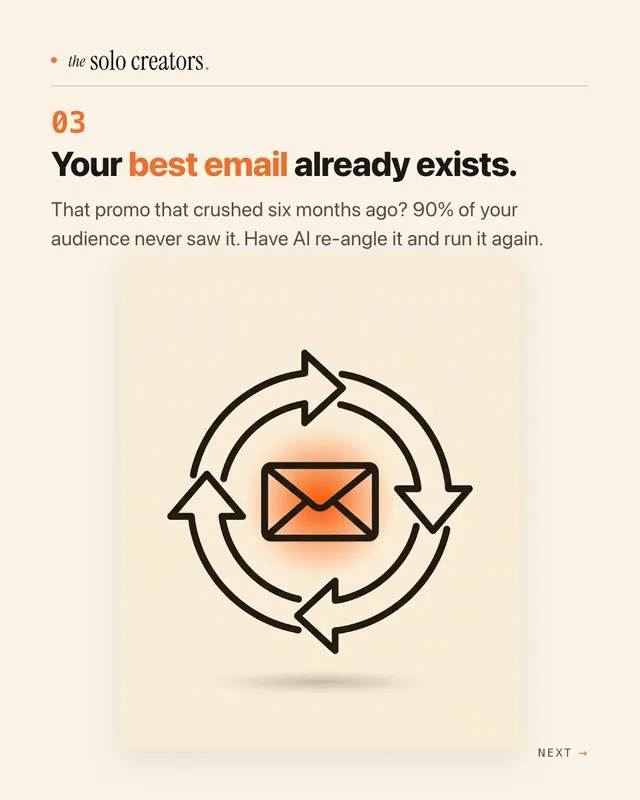
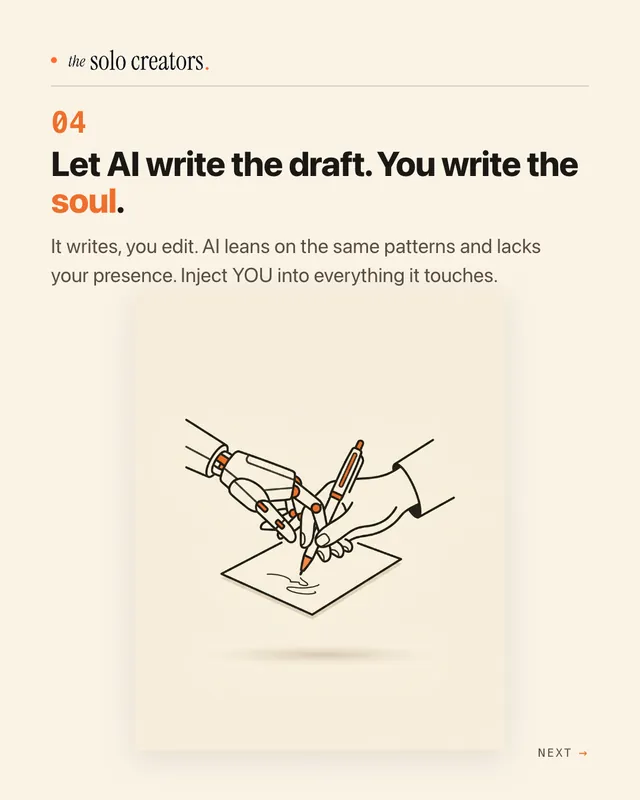
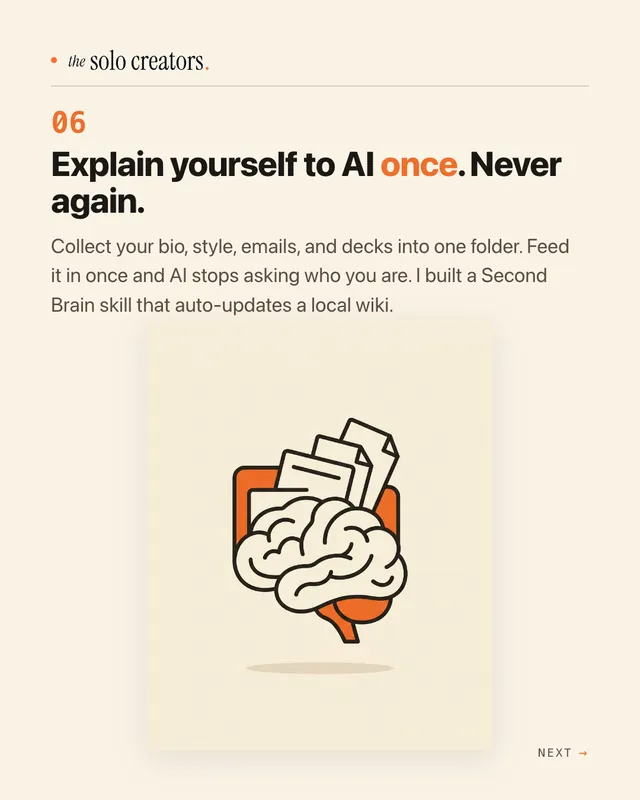
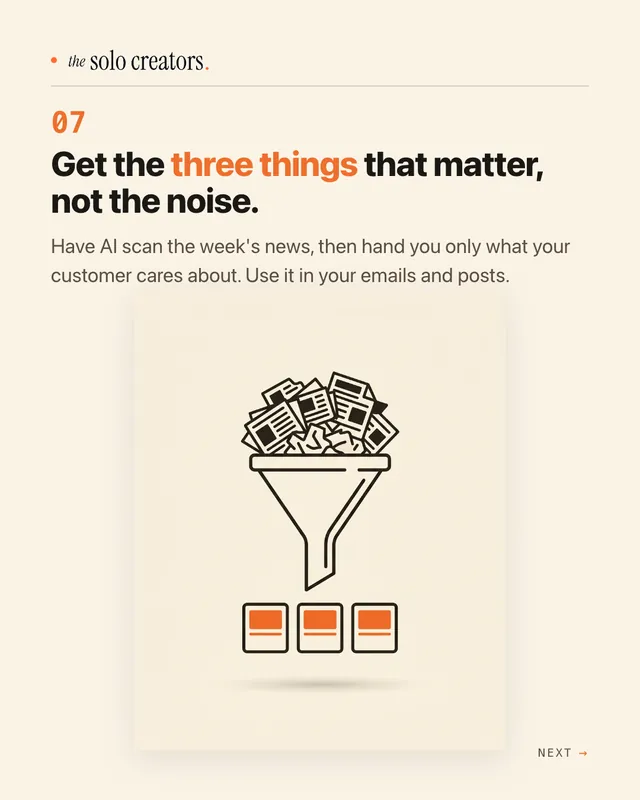
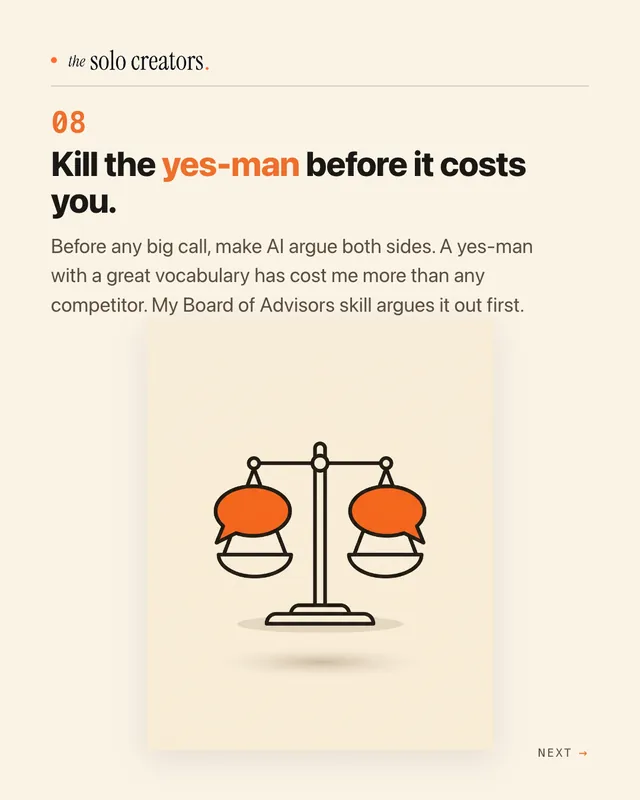
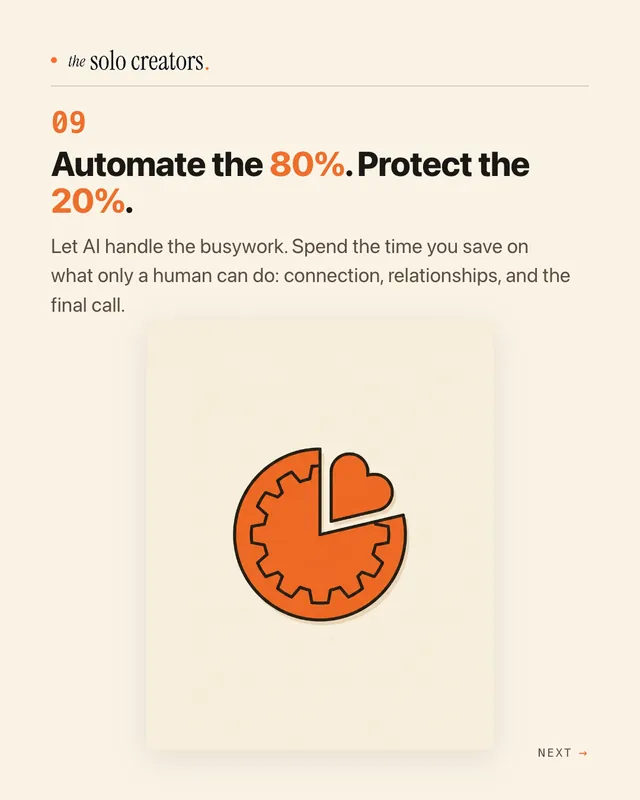
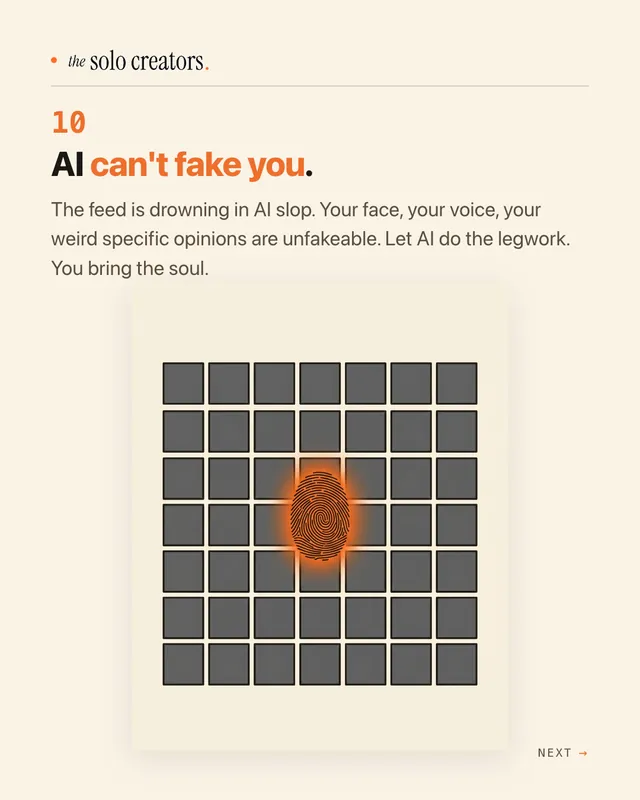
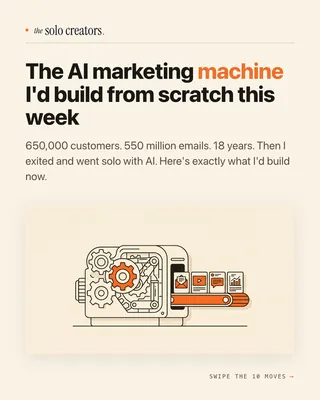
thesolocreatorsai The AI marketing machine I'd build from scratch this week. Swipe the 10 moves.
- You give itA post, a transcript, an article link or an idea
- You getBranded slides, captions, hashtags and alt text
- Made forLinkedIn and Instagram
- Your timeAbout 10 minutes
Watch it work, start to finish.
One prompt in, a full carousel out: every slide written, designed and laid out in the brand, ready to post.
One Prompt to a Fully Branded Instagram Carousel (Live AI Build)
Real carousels, right in the feed.
Two real carousels in two brands, in the feed where they live. Swipe through them.

650,000 customers. 550 million emails. 18 years. Then I exited and went solo with AI. Here's exactly what I'd build now.
 coach sarah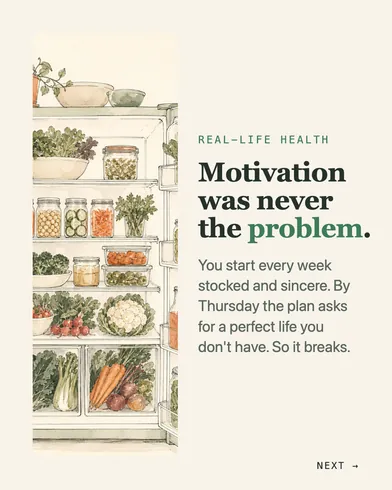

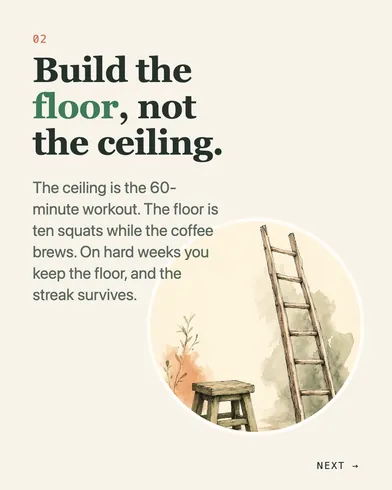

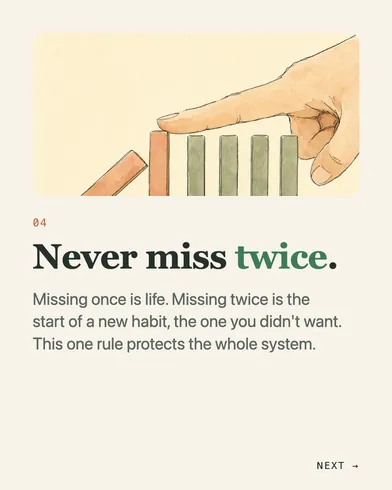




coach sarah Your healthy week doesn't fail on Monday. It fails Thursday. Save this for Thursday.
How it works, in three steps.
-
You type“Turn this blog post into a carousel for LinkedIn and Instagram: [paste the post]”
Give it one idea
Paste a blog post, a transcript or an article link, or describe a topic in two or three sentences. The first time, it asks for your brand basics once.
-
While it works
- Reads your post
- Finds the hook
- Writes every slide
- Designs them in your brand
- Writes captions and alt text
It writes and designs every slide
It picks a hook, writes the slides and lays them out in your colors and fonts, with free stock images by default or your own photos.
-
You post it
You get the slides as PNG files, plus captions, hashtags, alt text and a suggested posting time. Nothing goes live until you hit publish.
Runs in Claude Code, the desktop app for Mac and PC. No code, no terminal.
What you can use it for.
Turn a blog post into a carousel
Give a post a second life where your audience already scrolls.
Bring back an old post that did well
Reuse a proven idea in a new format.
Turn a video script into slides
Paste the script or the transcript and get the key points as a carousel.
Post from just a topic
Describe the idea in two or three sentences and it builds the rest.
Batch a week of posts
Make several carousels in one sitting, then schedule them.
Grow your list with a comment word
End on a "comment a word to get the guide" call to action for your lead magnet.
What members say.
Posted by members inside the Solo Creators AI Studio, in their own words.
“My goodness is that carousel skill clean and easy to use. I've just generated a really nice looking carousel from one of my blog posts.”
Amin MotinSolo Creators AI Studio member“I ran the new carousels skill by uploading one of my YouTube scripts. This is a workflow I had in Claude chat, but these are so much better looking.”
 Dr. Tracey MarksPsychiatrist and YouTube educator
What you get
Post like you have a design team.
Done in about 10 minutes
Paste the post, check the slides, and you're ready to publish.
Your brand on every slide
Your colors, fonts and logo, set up once and used every time.
Ready for both feeds
Made for LinkedIn and Instagram, with a last slide for each platform.
The words are written too
Captions, 3 to 5 hashtags, alt text and a suggested time to post.
Built to be swiped
It opens with a hook and pays it off slide by slide.
Nothing posts without you
You get the files and hit publish yourself, unless you connect a scheduler.
Full specsInputs, outputs, what it runs in and more. Facts as of October 2026.
- What it does
- Turn one idea into a swipeable LinkedIn and Instagram carousel, ready to post.
- Runs in
- Claude Code, the desktop app for Mac and PC
- Input
- A blog post, a transcript, an article link, a document, or a topic in two or three sentences
- Output
- Slides as 1080 by 1350 PNG files (the last slide in a version for each platform), a LinkedIn and an Instagram caption, 3 to 5 hashtags, alt text for every slide, and a suggested posting time
- Styles
- Clean SaaS, Hand-drawn, Craft paper, Documentary noir, Photography, or your own
- Images
- Free stock photos by default, your own photo library, or AI images with your own image key
- Posting
- You post it yourself, or connect a scheduling tool. Nothing goes live until you hit publish.
- Your time
- About 10 minutes per carousel
- Included in
- The Solo Creators AI Studio, with every other skill
- Updated
Included in the Solo Creators AI Studio
Get the Carousel Generator, plus every other skill.
The Carousel Generator comes with the Solo Creators AI Studio. One membership gets you all 18 skills available today, a new one every month, the training for each, and a room of solo creators who ship.
Cancel anytime 30-day money-back guarantee Full pricing is on Skool
- All 18 AI skills, yours to keep, even if you cancel.
- A new skill every month, often shaped by what members are working on.
- Two live calls a month: a build call and a hot-seat.
- Step-by-step training for every skill, made for non-technical people.
- Ronnie reads every post and replies, in a room of solo creators who ship.
Questions about the Carousel Generator.
How do I turn a blog post into a carousel with AI?
It depends on how often you post and how much design control you want. If you post carousels every week and want them in your own brand without design work, the Carousel Generator writes and designs the slides from your post in about 10 minutes of your time. If you need a one-off campaign with custom artwork, a designer is the better fit.
Do I need Canva or a designer?
No. The skill writes and designs every slide in your brand, so there is no template to wrestle and no designer to brief.
Will it post for me?
Only if you set that up. By default you get the files and the captions, and you post them yourself. If you connect an optional scheduling tool, it saves the post as a draft for you to review. Nothing goes live until you hit publish.
Where do the images come from?
Free stock photos by default, which need no key and cost nothing. It never pulls images from Pinterest or a Google image search. You can also use your own photos, or AI images with your own image key, and it shows you the cost before it makes any.
Can it work from a YouTube video or a paywalled article?
Paste the text instead. If a link is a video or sits behind a paywall, it asks you for the transcript or the article text and works from that.
Which platforms does it make carousels for?
LinkedIn and Instagram. The last slide comes in a version for each, so the call to action fits where you post it.
Do I need to use a terminal?
No. You type a plain-English request in Claude Code, the desktop app, and it does the rest. You never touch a terminal.
If I cancel, do I keep the skills I installed?
The skills are yours. They install into your own Claude Code, Codex, or other AI tool, so they live on your machine. Cancelling stops your access to future drops, live calls, and community, but anything you installed stays installed.
What if I'm not technical?
The walkthrough videos assume zero technical background. If you can copy-paste, you can install a skill. The community is full of solo creators who are just regular business owners, coaches, and consultants... not engineers.
How does the 30-day guarantee actually work?
Change your mind for any reason within the first 30 days and email me. I refund your most recent payment, no questions asked. No screenshots, no justification, no hard feelings.
Published .
Works well with.
- TikTok SlideshowPosts slideshows that sell, while you stay off cameraOne idea into a thumb-stopping TikTok photo slideshow, captions and hashtags written, ready to schedule.
- Slide Deck DesignerBlog post to deckA blog post or an idea into a beautiful, on-brand deck. No Canva, no Gamma, no designer.
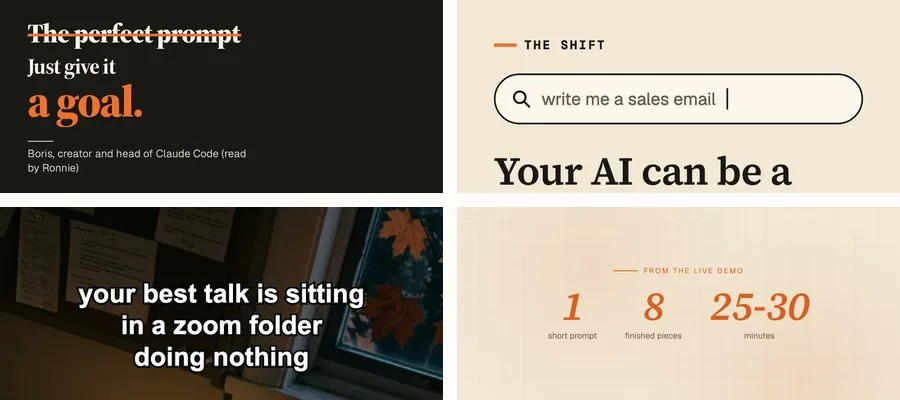
- Content ChainTurns one message into 8 finished piecesOne video and one website become a playbook, an audit, a deck, a carousel, TikTok slides, a fact check, a promo, and a teaser, all in one brand.


Turn one idea into a scroll-stopping carousel.
Join the AI StudioCancel anytime 30-day money-back guarantee