Slide Deck DesignerAn AI skill in the Solo Creators AI Studio
Turn any post into a deck worth presenting.
The Slide Deck Designer is an AI skill that turns a blog post, a document, a transcript or a few rough notes into a finished slide deck in your brand. It writes the slides to teach or to sell, draws each idea as a picture, and hands you a deck to present from your browser, plus a PDF and an editable PowerPoint.
Cancel anytime 30-day money-back guarantee Yours to keep


- You give itA blog post, a doc, a transcript or notes
- You getA deck in your brand, plus PDF and PowerPoint
- Built toTeach or sell, your pick
- Your timeMinutes, after a one-time brand setup
Watch it work, start to finish.
One sentence and a blog post in, a finished deck out: the slides written and laid out in the brand, with images pulled from the post.
Turn Any Blog Post Into a Beautiful Slide Deck With AI (No Canva, No Gamma)
Two real decks, every idea drawn.
One in our brand, one in an AI Studio member's. Same skill, two completely different looks.
A teaching deck: Ship your weekly newsletter in 1 hour (13 slides)
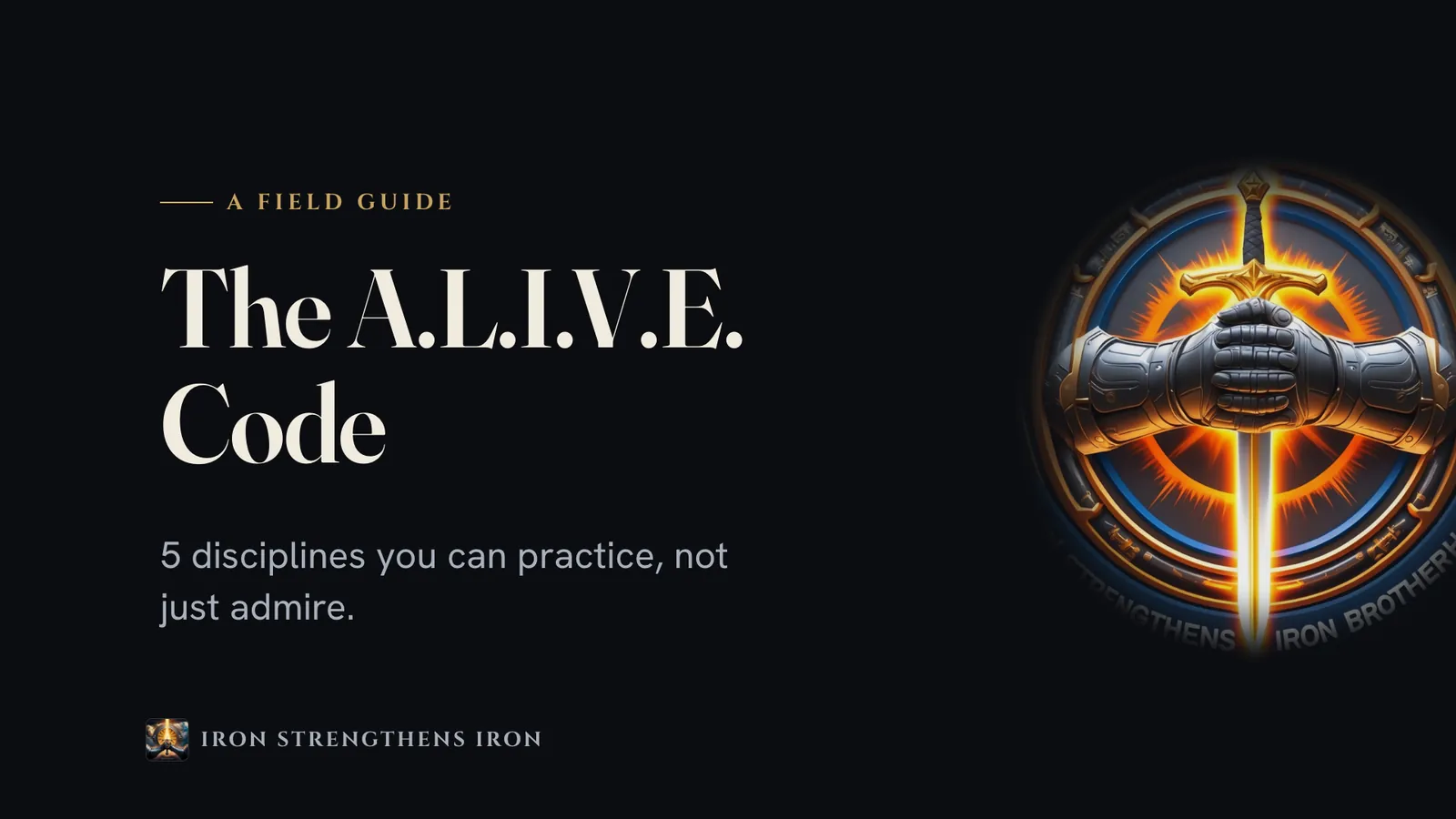
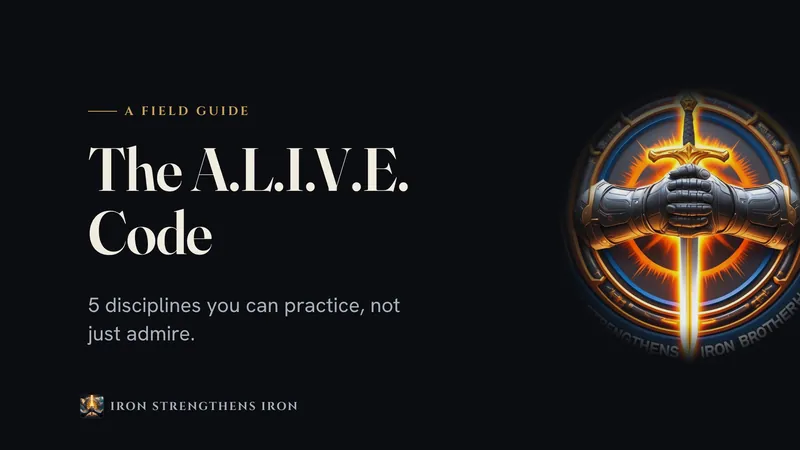
The same skill in a member's brand: The A.L.I.V.E. Code, for Michael E. Hattaway's Iron Strengthens Iron (15 slides)
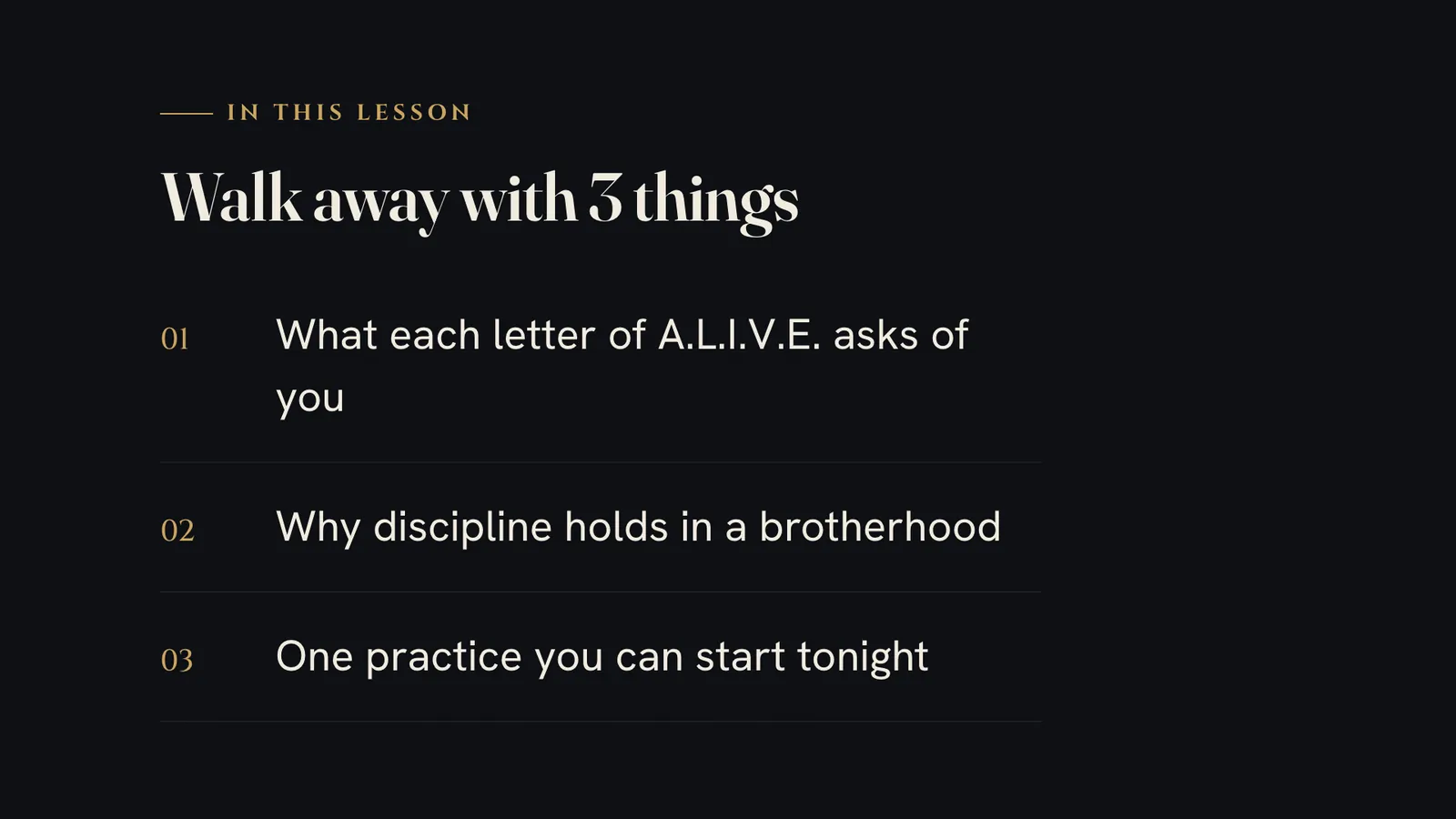

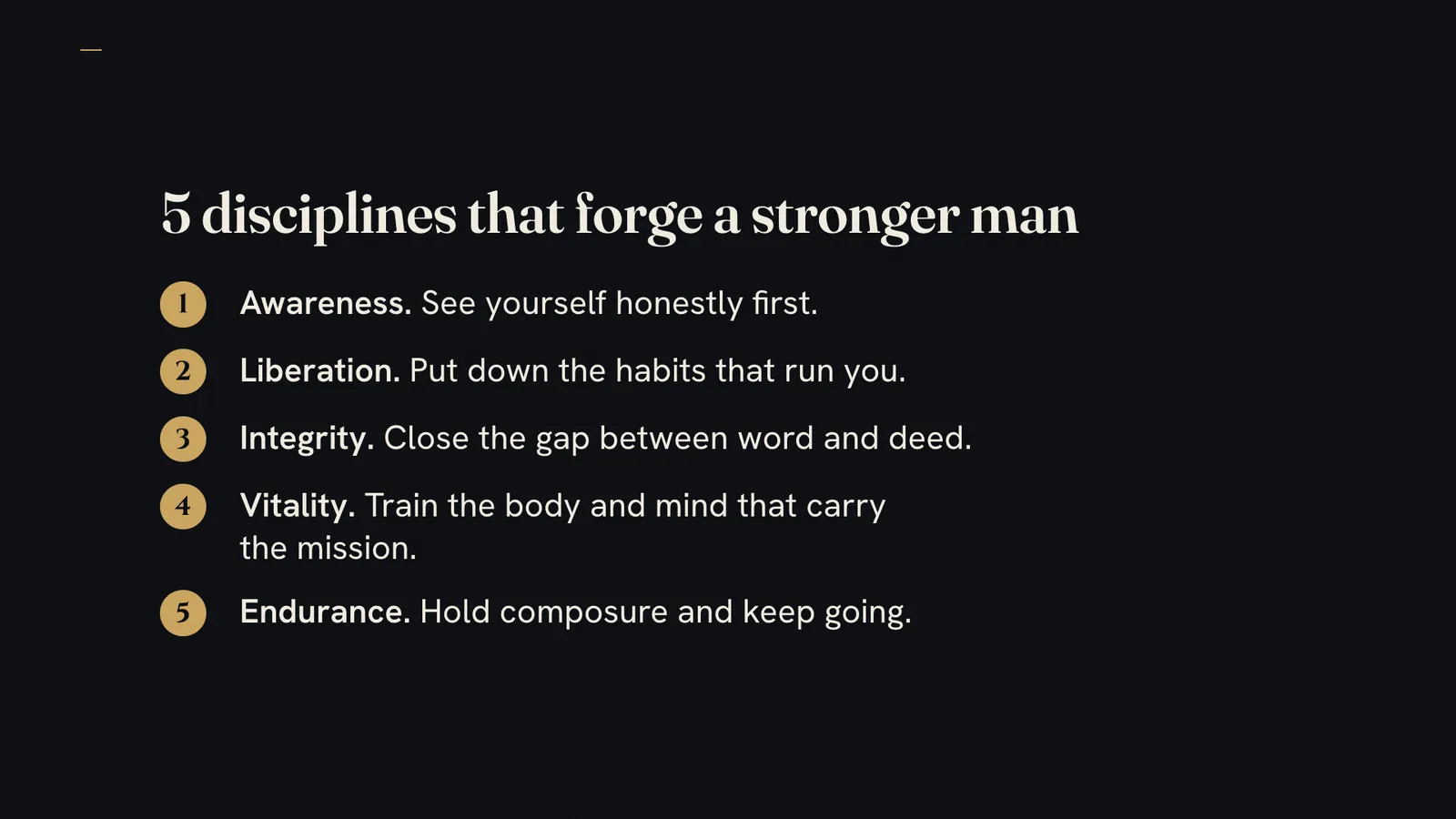



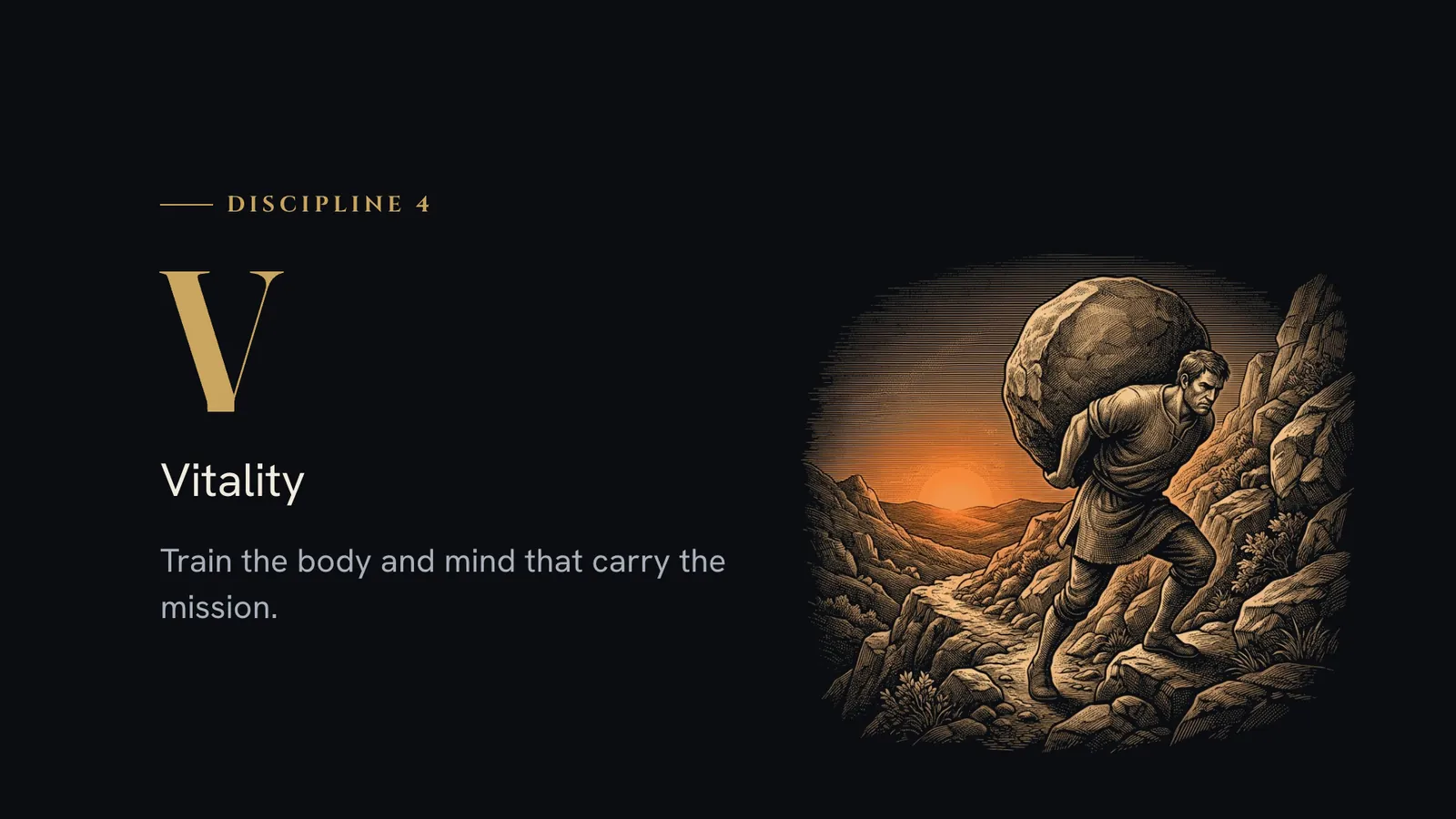

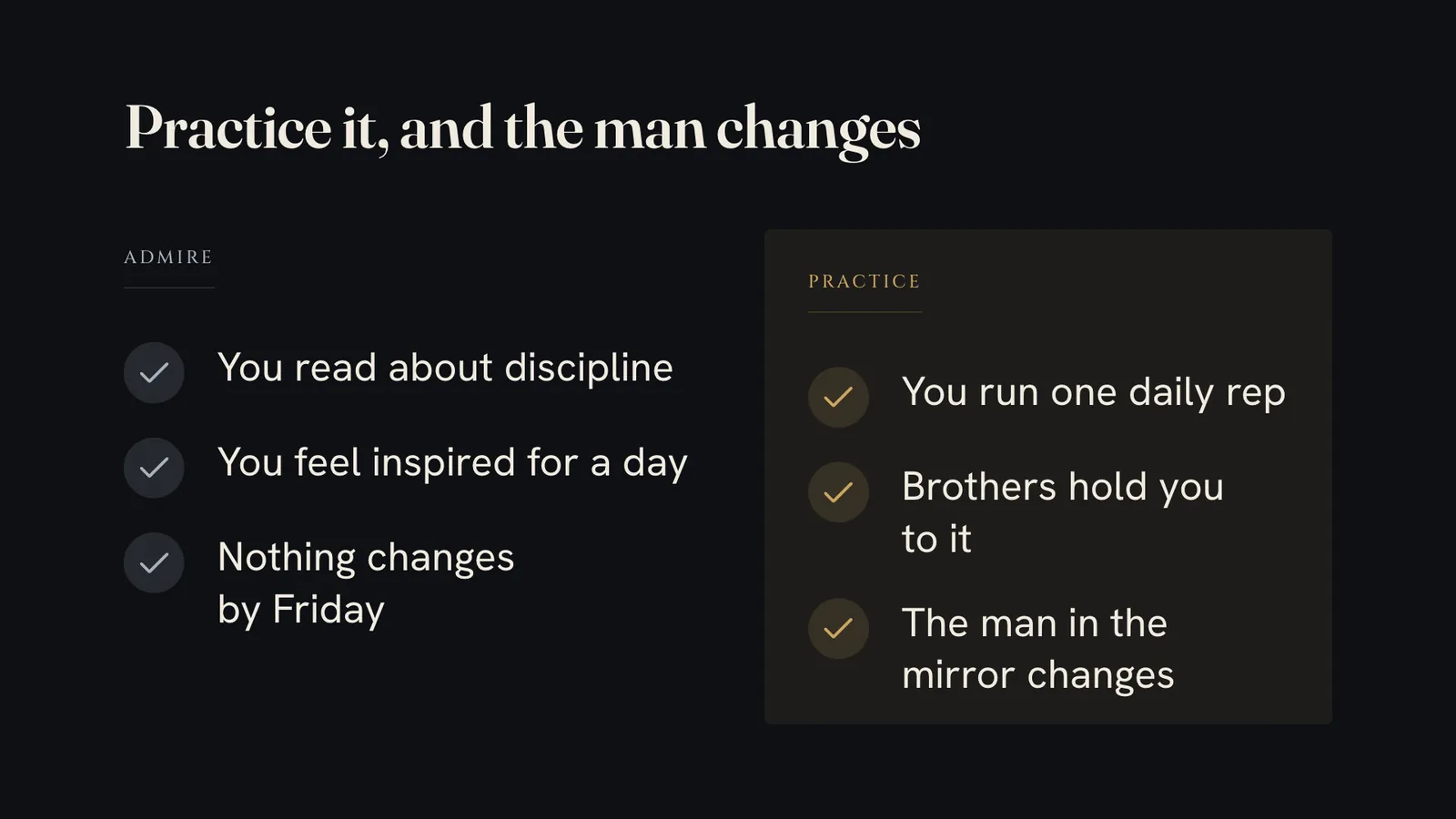

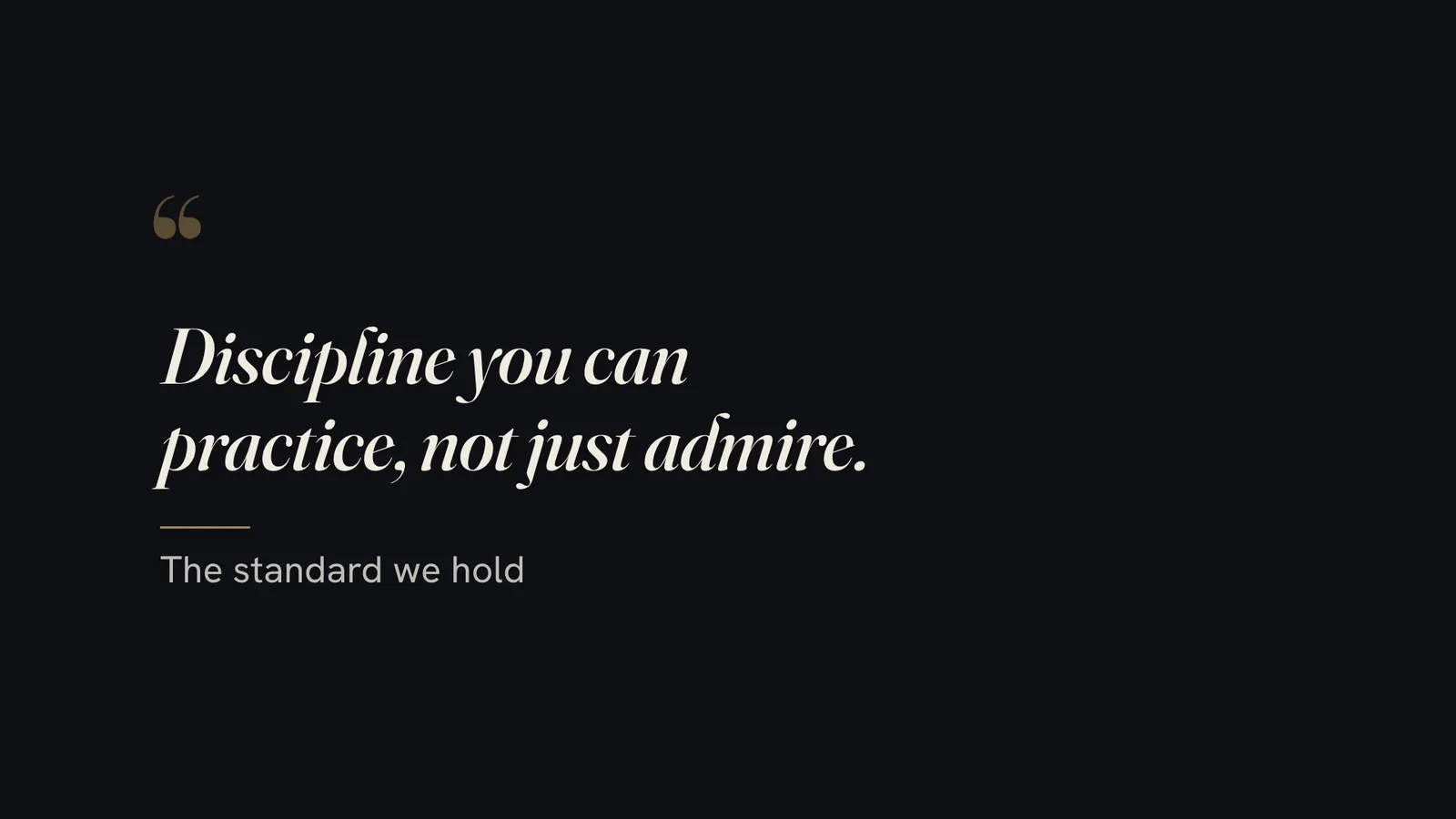
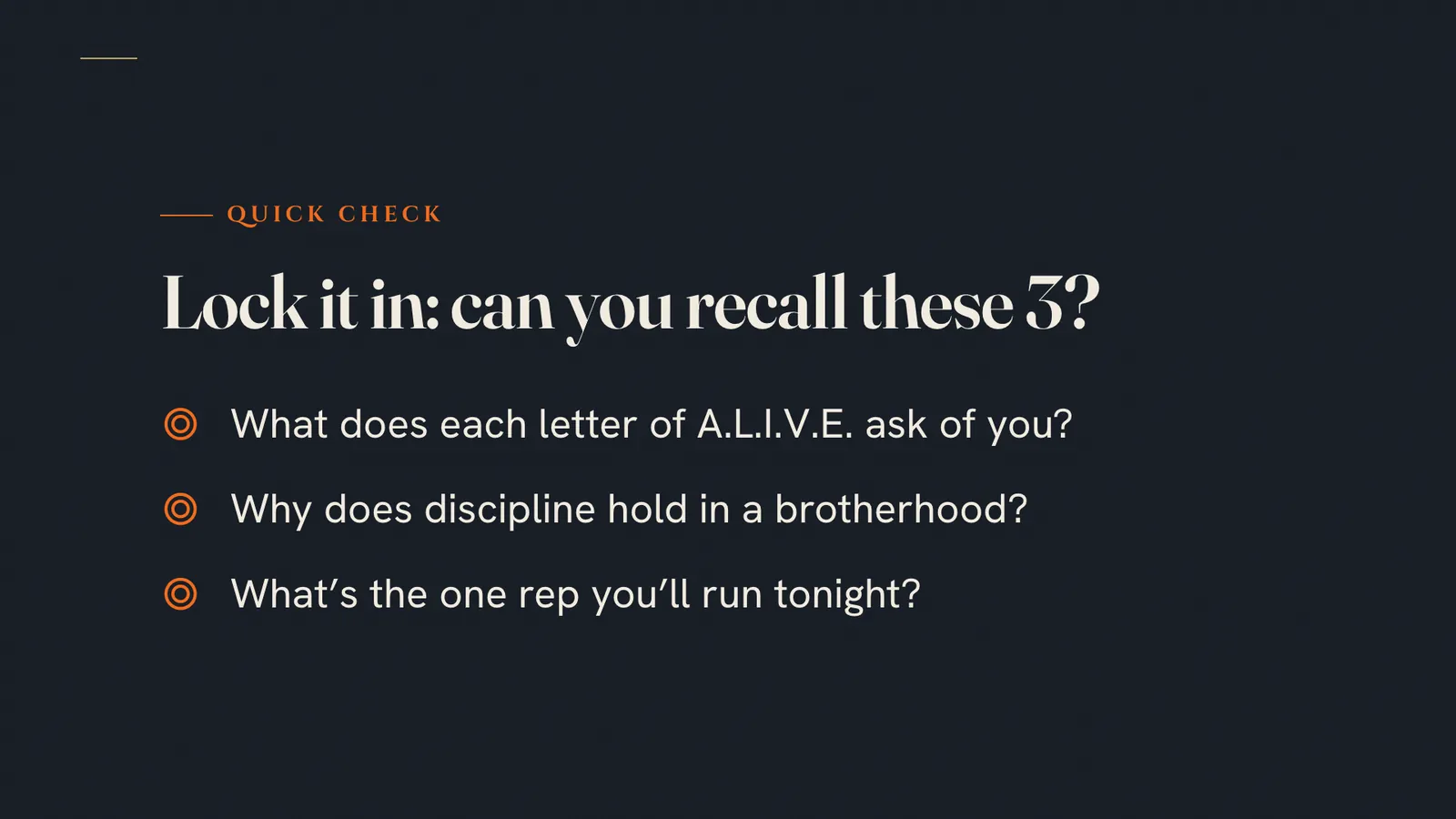

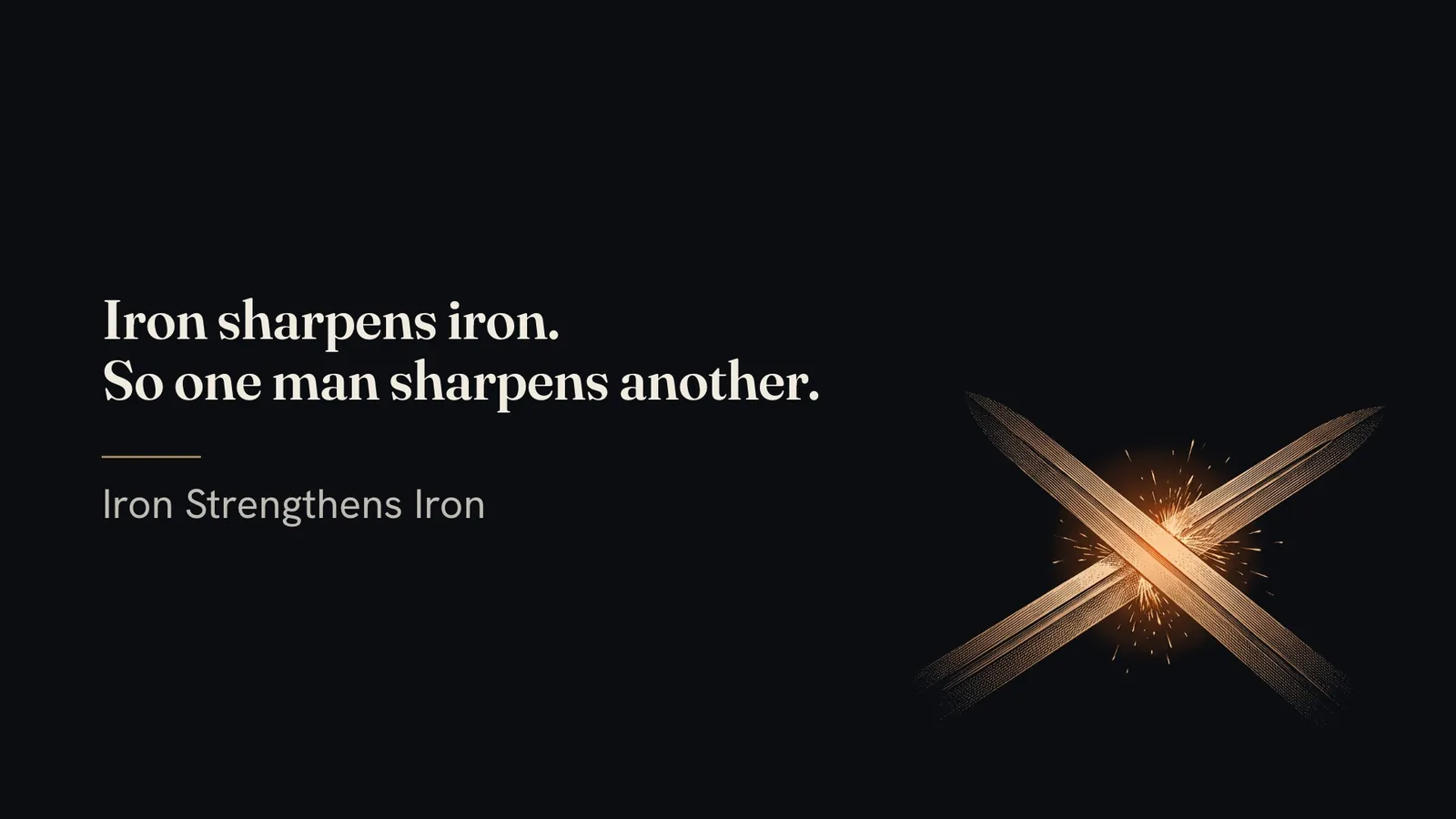
Slide 1. His emblem, big on the cover.Slide 2. An agenda.Slide 3. A statement set line by line.Slide 4. Five numbered steps.Slide 5. A: Awareness.Slide 6. L: Liberation.Slide 7. I: Integrity.Slide 8. V: Vitality.Slide 9. E: Endurance.Slide 10. Admire versus practice.Slide 11. Three reasons, with an etching.Slide 12. A quote.Slide 13. A quick recall check.Slide 14. His call to action.Slide 15. The closing.
Every deck opens in your browser and animates as you present, and exports to PDF and an editable PowerPoint.
How it works, in three steps.
-
You type“Create a slide deck from this blog post: [paste the link]”
Hand it your content
Paste a blog post link, a doc, a transcript or a few notes. The first time, it captures your brand from your website, your logo or a few questions, and shows you sample slides to approve.
-
While it works
- Captures your brand once
- Writes the slides to teach or sell
- Draws each idea as a picture
- Checks contrast, fit and crowding
- Exports PDF and PowerPoint
Approve the outline
It asks whether the deck should teach or sell, writes the slides for that goal and shows you the plan. Nothing is built until you say yes.
-
Present it or export it
It draws each idea, checks every slide for contrast and crowding, and hands you a deck that opens in any browser, plus a PDF and an editable PowerPoint.


Runs in Claude Code, the desktop app for Mac and PC. No code, no terminal.
What you can use it for.
Turn a blog post into a talk
Give a post a second life as a deck you can present or send.
Build webinar slides
Name the topic and it starts from a proven webinar outline.
Teach a mini-course lesson
Teaching decks get learning goals, a quick check and a recap.
Pitch an offer
Sales decks lead with benefits, show proof and end on one clear ask.
Make a lead magnet or a handout
Export the PDF and share it.
Tell your story or a case study
Starters for an about-me deck and a case study, so you never face a blank page.
What you get
Present like you hired a designer.
Your brand on every slide
Captured once from your site, your logo or a few questions, then reused on every deck.
Ideas drawn, not listed
Timelines, dials, showdowns, calendars and flip cards that animate in as you present.
Built to teach or to sell
Teaching decks end on a recap. Sales decks end on one clear ask.
Checked before you see it
Every slide is checked for contrast, overflow and crowding at full presenting size.
Present, send or edit
A deck that opens in any browser, plus a PDF and an editable PowerPoint.
Change it in plain words
Say "trim slide 9" or "make it bolder", and only that changes.
Full specsInputs, outputs, what it runs in and more. Facts as of October 2026.
- What it does
- A blog post or an idea into a beautiful, on-brand deck. No Canva, no Gamma, no designer.
- Runs in
- Claude Code, the desktop app for Mac and PC
- Input
- A blog post or article link, a document or .md file, a transcript, an outline, or ideas typed into the chat. Several sources can go into one deck.
- Output
- A self-contained HTML deck that opens in any browser, works offline and keeps its links clickable, plus a PDF and an editable PowerPoint when you ask
- Your brand
- Captured from your website, your logo or a short interview, approved on 2 to 3 sample slides, then saved and reused on every deck. It reuses a brand you set up in another AI Studio skill.
- Drawings
- A timeline, a dial, a showdown, a climb, a hub, a loop, a 2x2 grid, a booked date, flip cards and poster lines, each animating in on screen
- Looks
- 6 built-in looks, matched to your brand. Say "bolder", "softer" or "more corporate" any time.
- Starters
- Webinar, mini-course lesson, sales pitch, lead magnet, about-me and case study
- Images
- Design-led by default, with licensed photos at no cost or images from your own post where they help. AI images are optional, with your own image key.
- Quality check
- Contrast, dashes, prices, overflow, links and crowding are checked on every slide before you see the deck
- Presenting
- Fullscreen, a grid of every slide, jump to any slide by number, and speaker notes, all from the keyboard
- Included in
- The Solo Creators AI Studio, with every other skill
- Updated
Included in the Solo Creators AI Studio
Get the Slide Deck Designer, plus every other skill.
The Slide Deck Designer comes with the Solo Creators AI Studio. One membership gets you all 18 skills available today, a new one every month, the training for each, and a room of solo creators who ship.
Cancel anytime 30-day money-back guarantee Full pricing is on Skool
- All 18 AI skills, yours to keep, even if you cancel.
- A new skill every month, often shaped by what members are working on.
- Two live calls a month: a build call and a hot-seat.
- Step-by-step training for every skill, made for non-technical people.
- Ronnie reads every post and replies, in a room of solo creators who ship.
Questions about the Slide Deck Designer.
How do I turn a blog post into a slide deck with AI?
It depends on how often you present and how much layout control you want. If you make decks often and want them in your own brand without design work, the Slide Deck Designer turns a post, a doc or your notes into a finished deck in minutes, and you approve the outline first. If you need to place every element on a slide by hand, pixel by pixel, a design tool you lay out yourself fits better.
Do I need Canva, Gamma or a designer?
No. The skill writes and designs every slide in your brand, and the finished deck is a file you keep.
What can I turn into a deck?
A blog post or article link, a document, a transcript of a talk or webinar, an outline, or a few ideas typed into the chat. For a video or a recording, paste its transcript.
Can I change the slides after?
Yes. Every slide has a number, so point at one and say what you want in plain words, like "trim slide 9" or "swap slides 4 and 5". It changes only that and shows you the result. You can also export an editable PowerPoint.
Will it look like my brand?
Yes. It captures your colors, fonts, logo and voice from your website, your logo file or a few questions, shows you sample slides to approve, and saves it for every deck after. If you set up your brand in another AI Studio skill, it reuses that.
Where do the images come from?
Most slides need no picture: the design carries them. When a photo helps, it uses licensed photos at no cost or images from your own post. AI images are optional, with your own image key. It never pulls images from Pinterest or a Google image search.
Do I need to use a terminal?
No. You ask in plain English in Claude Code, the desktop app, and open your deck with a double-click.
If I cancel, do I keep the skills I installed?
The skills are yours. They install into your own Claude Code, Codex, or other AI tool, so they live on your machine. Cancelling stops your access to future drops, live calls, and community, but anything you installed stays installed.
What if I'm not technical?
The walkthrough videos assume zero technical background. If you can copy-paste, you can install a skill. The community is full of solo creators who are just regular business owners, coaches, and consultants... not engineers.
How does the 30-day guarantee actually work?
Change your mind for any reason within the first 30 days and email me. I refund your most recent payment, no questions asked. No screenshots, no justification, no hard feelings.
Published .
Works well with.
- Carousel Generator10 slides, one ideaTurn one idea into a swipeable LinkedIn and Instagram carousel, ready to post.
- SEO Blog Post GeneratorRanks and gets citedResearch-backed, on-brand articles built to rank in Google and get cited by AI.
- Content ChainTurns one message into 8 finished piecesOne video and one website become a playbook, an audit, a deck, a carousel, TikTok slides, a fact check, a promo, and a teaser, all in one brand.


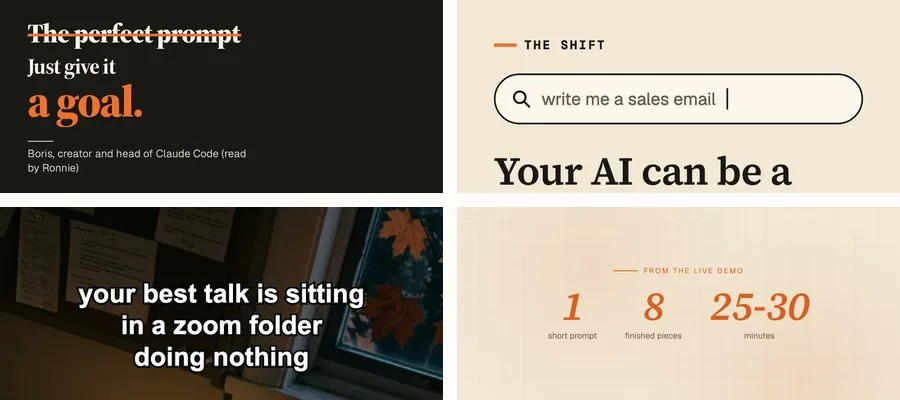
Turn any post into a deck worth presenting.
Join the AI StudioCancel anytime 30-day money-back guarantee