Design a custom 3D-printable part for your home in one chat
You get a 3D design tool with sliders for size and style, then download a print-ready file without learning any CAD.
Published . Steps as of October 2026.
Can AI design a replacement part I can 3D print?
Yes. Give Gemini your measurements and ask Canvas to build a 3D design tool that exports an STL file. As of October 2026, Google showed this with Gemini 4 Argon, which needs a Google AI Pro or Ultra plan. If you own a 3D printer, print the file at home. If you don't, send the STL to a local or online print service. For parts that carry weight, double-check the measurements before you print.
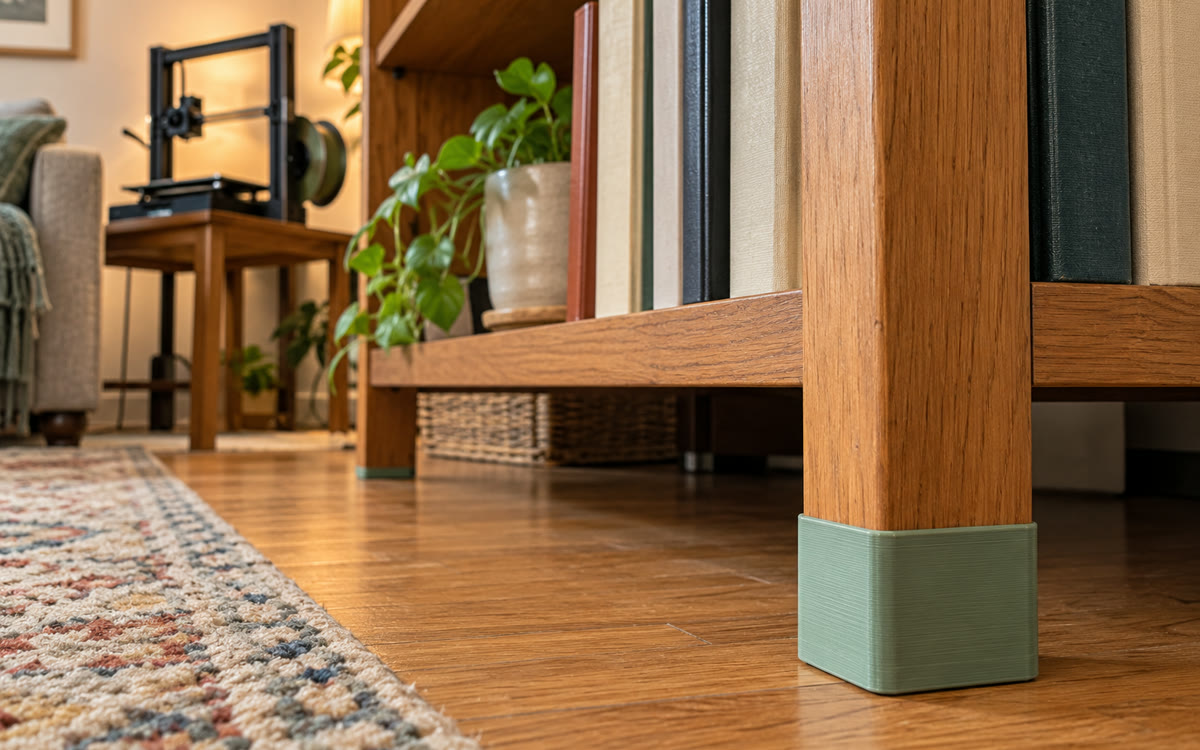
A picture made with AI to show the idea.
Your prompt
Fill in your details. Skip any you like.
This AI can't be filled in from a link, so the button copies your prompt: paste it into the new chat.
The prompt that gets copied
Build me an interactive 3D design tool for a [PART TYPE, e.g. replacement furniture leg] for my [FURNITURE ITEM, e.g. low wooden sofa]. Rough measurements: [ROUGH MEASUREMENTS, e.g. 4 in tall, 8 mm screw hole]. Show the part in 3D so I can spin it around. Give me sliders for height, width and thickness, and three style options such as plain, rounded and stacked spheres. Keep any screw holes or fit points at the sizes I gave you. Add a button to export the current design as an STL file ready for 3D printing, and a short note on which print material and settings suit a part that has to carry weight.
Describe the part you need, like a shelf bracket or furniture foot, with rough measurements. Gemini builds a 3D design tool with sliders and exports a file a 3D printer can use.
Step by step
- Measure the spot where the part goes
- Open Gemini, pick Canvas and paste the prompt with your measurements
- Use the sliders to try styles and sizes in the 3D preview
- Export the STL file and print it at home or send it to a print service
What you'll get
A 3D design tool in your chat with live sliders and style choices, plus a downloadable STL file for printing.
The source used Gemini 4 Argon in Canvas, which needs Google AI Pro or Ultra. Printing needs a 3D printer or a print service.
- Made for
- Everyone
- Works in
- Gemini


 Before
 Before