Get a client explainer video that covers just what you pick
You can rewrite the video's producer notes before it's made, so the explainer hits your points in your order.
Published . Steps as of October 2026.
How do I make a client explainer video from my own notes with AI?
Put your notes in Gemini Notebook and start a Video Overview, then pick the focus topic and edit the producer notes before you generate it. As of October 2026, this co-create step is for Google AI Pro and Ultra subscribers, and it works for Slide Decks too. Pick the video if clients will watch it before a first call. Pick the slide deck if you'll present it live. Either way, it only uses what's in your sources.
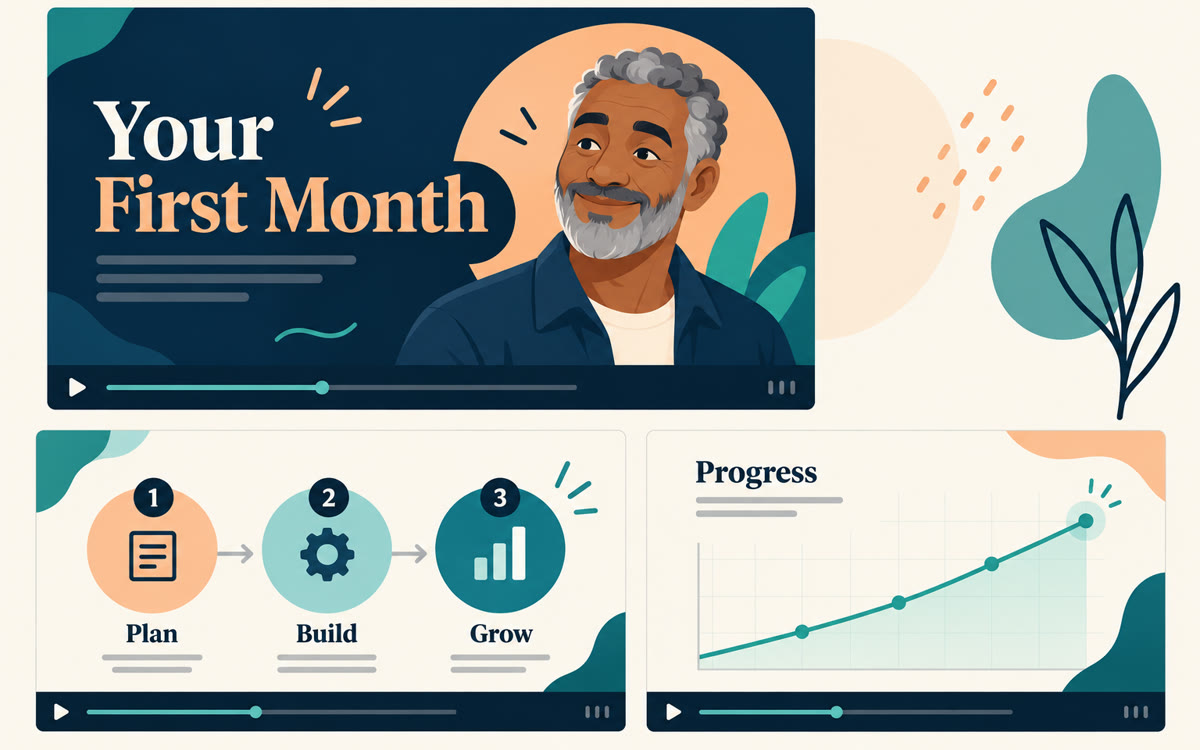
A sample of what you get back, made with AI.
Your prompt
Fill in your details. Skip any you like.
This AI can't be filled in from a link, so the button copies your prompt: paste it into the new chat.
The prompt that gets copied
Use this as my focus and producer notes for a short explainer video for new clients of [YOUR OFFER, e.g. a 12-week money coaching program]. Audience: [YOUR IDEAL CLIENT, e.g. freelancers who dread taxes]. Cover only [FOCUS TOPIC, e.g. what happens in week one]. Open with the problem they feel today in one line. Then walk through three steps in plain words, using only what's in my sources. Name one common mistake and how we avoid it. End with exactly what they should do before our first call: [FIRST ACTION, e.g. upload last year's statements]. Keep the tone warm and calm, and skip jargon.
Add your program notes to Gemini Notebook, pick the focus topic, length and style, then edit the producer notes before it makes the video. You get a client explainer that says what you want.
Step by step
- Add your program docs or notes as sources in a Gemini Notebook
- Start a Video Overview and pick a suggested focus topic or type your own
- Choose the format, length, language and visual style
- Edit the producer notes with the guide below, then click Generate
What you'll get
A short explainer video built from your own material, focused on the one topic and the order you chose.
Co-creating Video Overviews and Slide Decks needs Google AI Pro or Ultra.
- Made for
- Coaches, Consultants, Creators
- Works in
- Gemini Notebook


