Black out account numbers in a PDF before you send it
Claude finds the account number, birth date and signature on page 4 and blacks them out before you hit send.
Published . Steps as of November 2026.
How do I redact private info from a PDF using AI?
Open the PDF with the Adobe connector beside your Claude chat, tell Claude what the other person needs to see, and ask it to list and then redact everything else. This fits statements, forms and contracts you're sending to a landlord, lender or new client. Always check each page yourself before you send it. As of November 2026, interactive connectors are rolling out on Claude web and desktop on all plans, and you need an Adobe account.
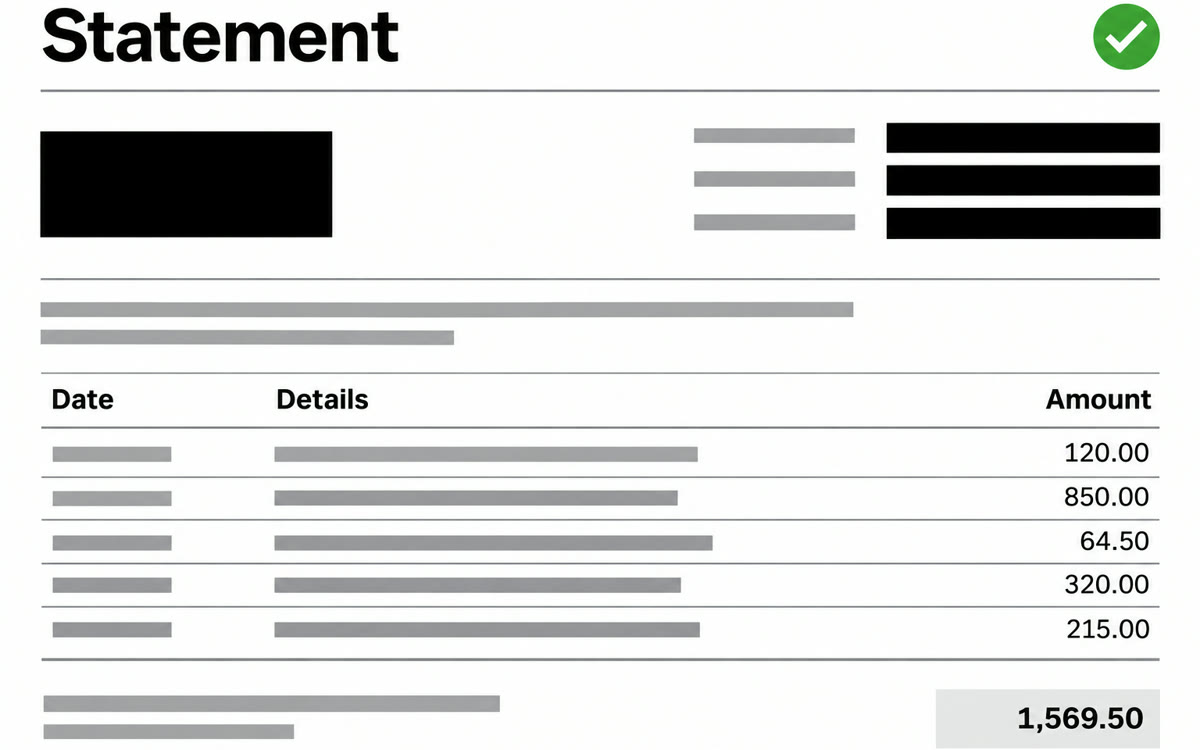
A sample of what you get back, made with AI.
Your prompt
Fill in your details. Skip any you like.
Claude opens with your prompt already typed in. It's copied too, just in case.
The prompt that gets copied
This PDF is a [DOCUMENT TYPE, e.g. bank statement] that I need to send to [WHO GETS IT, e.g. my new landlord]. They only need to see [WHAT THEY NEED, e.g. my name and monthly deposits]. Find and redact everything else that's private: full account and card numbers (keep the last 4 digits), Social Security or ID numbers, birth dates, signatures, home address if they don't need it, and [ANYTHING ELSE, e.g. the names of other people]. Before you redact, list each item you plan to cover with its page number so I can check it. Don't change anything else in the file. When you're done, tell me which pages you changed.
Open a PDF with the Adobe connector beside your Claude chat and ask Claude to find and redact the private details you name, so you can share a statement or form without oversharing.
Step by step
- Connect Adobe from the connectors directory in Claude.
- Open the PDF with Adobe beside your chat, using the + menu.
- Paste the prompt below and approve each redaction Claude asks to make.
- Check every page at full screen, then save the redacted copy to send.
What you'll get
A list of every private detail by page, then a redacted copy of your PDF that shows only what the other person needs.
Interactive connectors are rolling out on Claude web and desktop on all plans. Needs an Adobe account. Always check pages yourself.
- Made for
- Everyone, Small business owners, Consultants
- Works in
- Claude