Turn an old proposal in your cloud storage into a new one
Claude pulls your old file from storage, rewrites it and saves it back.
Published . Steps as of November 2026.
Can Claude pull a file from my storage and rewrite it?
Yes. Connect your storage app, tell Claude which file to get, and describe the new job. It works from your old file and can save the new one back. Use it for proposals, agreements or handouts you reuse. As of November 2026, file transfers are in beta on Pro, Max and Ultra and only work with connected apps that support files. Read the draft before you send it to anyone.
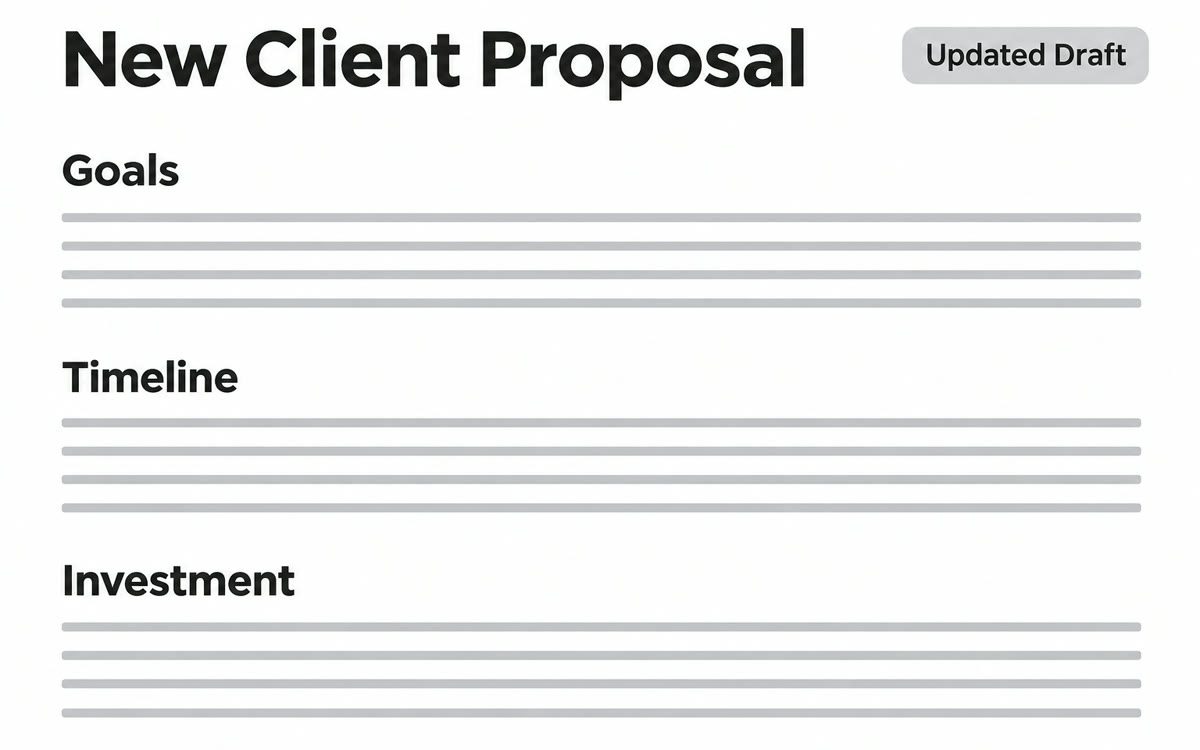
A sample of what you get back, made with AI.
Your prompt
Fill in your details. Skip any you like.
Claude opens with your prompt already typed in. It's copied too, just in case.
The prompt that gets copied
Get the file [OLD FILE NAME, e.g. Spring Coaching Proposal] from my connected [CLOUD APP, e.g. Google Drive]. Use it as the model for a new proposal for [NEW CLIENT TYPE, e.g. a small bakery owner]. Keep the same structure and tone. Change the goals to [THEIR GOALS, e.g. steadier weekday sales], the timeline to [PROJECT TIMELINE, e.g. 8 weeks], and remove anything that only fit the old client. List what you changed at the end. Then save the new version in the same folder as [NEW FILE NAME, e.g. Bakery Proposal Draft] and tell me where it landed.
Tell Claude which past proposal to pull from your connected storage. It adapts it for a new client, then saves the new version back to the same folder.
Step by step
- Connect your storage app from Claude's connectors directory.
- Name the old proposal and where it lives.
- Paste the prompt below with the details of the new client.
- Read the draft and ask for any changes.
- Approve the save and check the new file in your folder.
What you'll get
A new proposal built on your best past one, a short list of what changed, and the file saved in your folder.
Beta. Pro, Max, Ultra, gradual rollout. App must support files. Not in incognito chats.
- Made for
- Coaches, Consultants, Small business owners
- Works in
- Claude