Find the free speed fix before you buy a new hard drive
One person found a forgotten fast drive and two drives on the wrong port, then skipped a costly upgrade.
Published . Steps as of November 2026.
Why is my computer slow and do I really need a new hard drive?
Show AI a screenshot of your drive screen and describe your ports before you buy anything. It can spot storage you already own and drives on slow ports. Claude is a good fit when you want a careful, step-by-step talk-through. ChatGPT and Gemini also read screenshots and list the same kind of fixes. If you're not comfortable changing drives yourself, use the list as a checklist for a local repair shop.
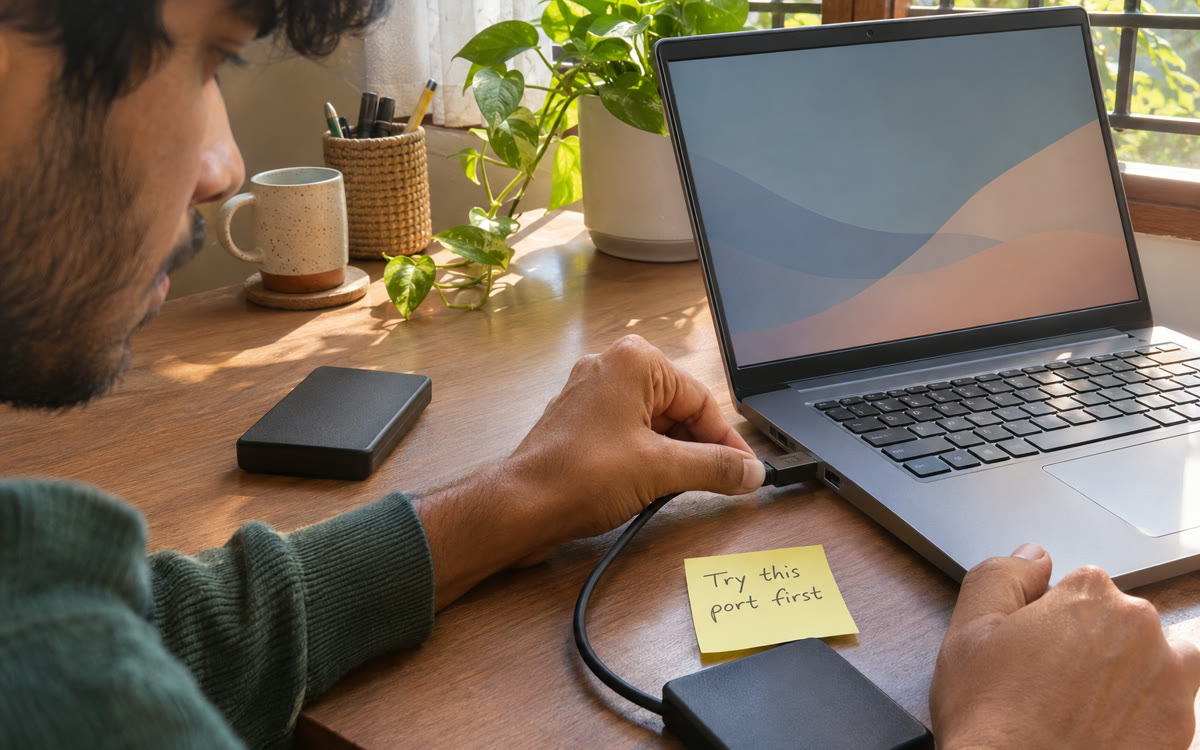
A picture made with AI to show the idea.
Your prompt
Fill in your details. Skip any you like.
Claude and ChatGPT open with your prompt already typed in. Gemini can't be filled in from a link, so its button copies your prompt: paste it into the new chat.
The prompt that gets copied
My computer feels slow and I'm about to buy [WHAT YOU PLAN TO BUY, e.g. an 8 TB hard drive]. Before I spend money, help me check if a free fix exists.

My computer: [COMPUTER AND AGE, e.g. Windows desktop, about 6 years old]
What feels slow: [THE PROBLEM, e.g. copying photos takes forever]
My drives and where they plug in: [DRIVES AND PORTS, e.g. two 4 TB drives in the front USB ports]

I've attached a screenshot of my drive screen (or I'll describe it if you ask).

Please:
1. Look for drives or space I own but don't use (unformatted, unpartitioned or hidden).
2. Check if any drive sits on a slower port than it supports, and tell me how to spot the faster port.
3. List every free or low-cost fix, cheapest first, with plain click-by-click steps.
4. Warn me before any step that could erase data, and tell me what to back up first.
5. Tell me honestly if, after these fixes, I still need to buy anything.
Show AI what your computer's drive screen says before you buy more storage. It spots unused drives, slow ports and cheap fixes, so you only buy what you truly need.
Step by step
- Open Disk Management on Windows, or Disk Utility on a Mac, and take a screenshot
- Note which port each external drive plugs into and what the plug looks like
- Paste the prompt into Claude, add your screenshot and notes, then send
- Work through its fixes one at a time, cheapest first, before you buy anything
What you'll get
A cheapest-first list of fixes for your computer, with plain steps, data warnings and a clear answer on whether you still need to buy new storage.
Back up your files before changing any drive. Works on any plan that accepts screenshots.
- Made for
- Everyone
- Works in
- Claude, ChatGPT, Gemini