Drill your own material with picture flashcards on a timer
Your own files become picture flashcards you can race against a stopwatch.
Published . Steps as of November 2026.
How can I turn my own notes into timed flashcards with AI?
Upload your notes to a Gemini Notebook and generate flashcards from them. Use this for staff training, a course you teach, or your own exam prep. As of November 2026, Google says flashcards can show pictures from your sources, include a stopwatch for timed review, and send study reminders in the mobile app. If your files have few images, expect mostly text cards, so check the deck before you share it.
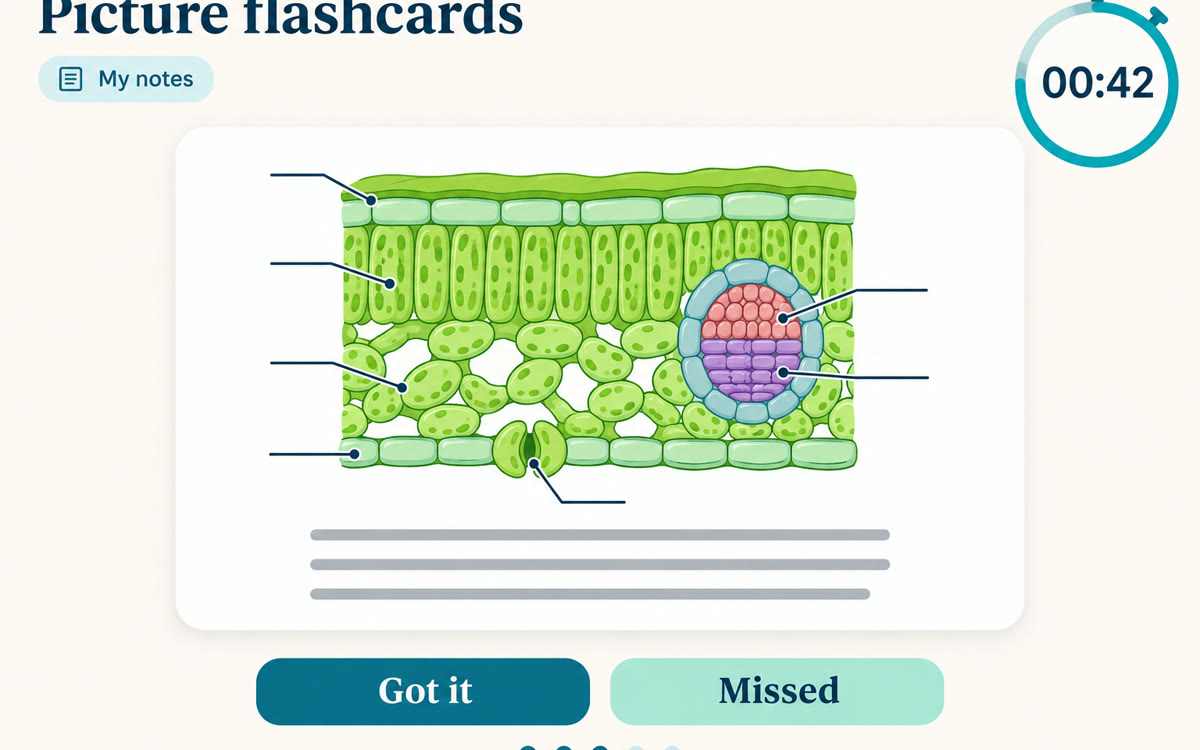
A sample of what you get back, made with AI.
Your prompt
Fill in your details. Skip any you like.
This AI can't be filled in from a link, so the button copies your prompt: paste it into the new chat.
The prompt that gets copied
Make flashcards from my uploaded sources about [YOUR TOPIC, e.g. our onboarding process]. The learner is [WHO IS LEARNING, e.g. a new part-time assistant]. Set the difficulty to [LEVEL, e.g. medium]. Put one clear question on the front of each card and a short answer on the back. Use a picture from my files whenever one fits the card. Focus on [FOCUS AREA, e.g. steps people forget]. Skip anything that isn't in my sources.
Upload your own course notes, manual, or product guide to a notebook. Gemini Notebook builds flashcards with pictures from your files, and a stopwatch lets you practice like a timed exam.
Step by step
- Open Gemini Notebook and create a notebook.
- Upload your notes, manual, or slides as sources.
- Pick Flashcards, click the pencil icon, and paste the prompt below.
- Turn on the stopwatch, then mark each card Got it or Missed it.
- On your phone, schedule a reminder to review the deck.
What you'll get
A deck of flashcards built only from your files, with pictures where they fit. Review it with a stopwatch, then retake just the cards you missed.
Free with a personal Google account. Reminders need the Gemini Notebook mobile app. Rolling out.
- Made for
- Coaches, Small business owners, Everyone
- Works in
- Gemini Notebook, Gemini