Deliver your findings as a polished web report clients can click
Your client opens one link to a designed report with charts and a contents list that jumps to each section.
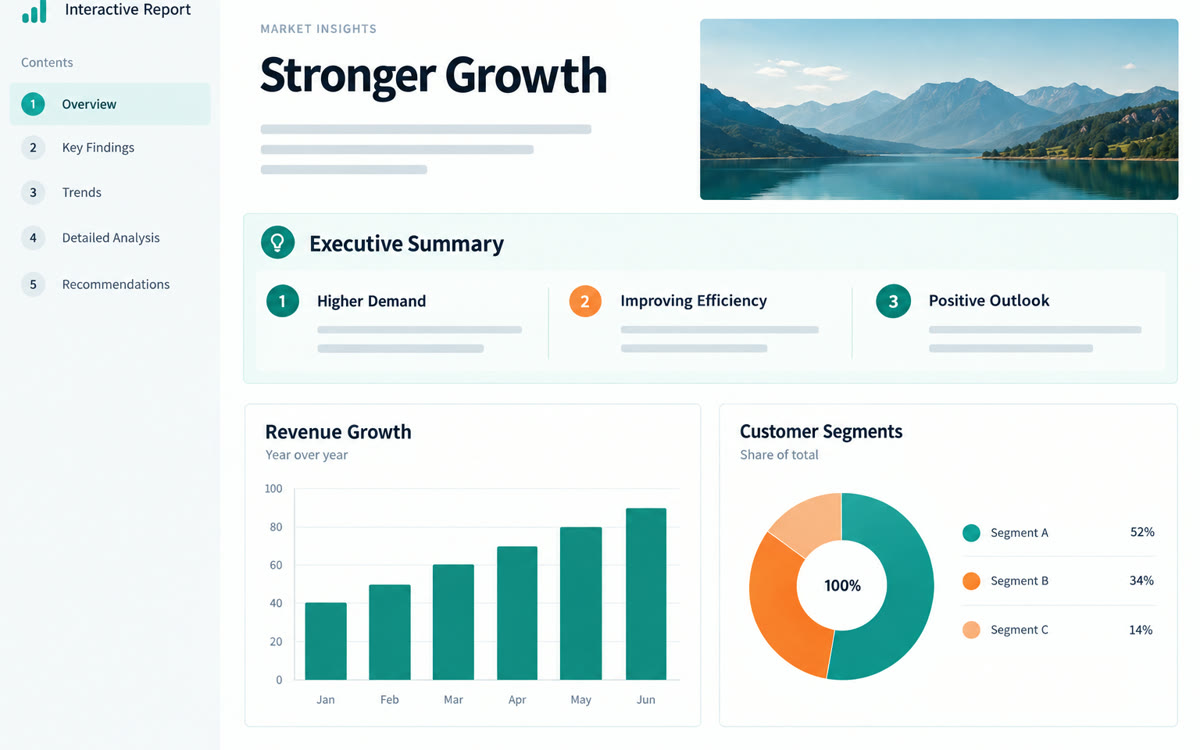
A sample of what you get back, made with AI.
Your prompt
Fill in your details. Skip any you like.
Claude opens with your prompt already typed in. It's copied too, just in case.
The prompt that gets copied
Build a polished, single-page interactive report as an artifact for my client, [CLIENT NAME OR TYPE, e.g. a regional credit union]. Topic: [REPORT TOPIC, e.g. member onboarding review]. Use my findings below and don't add facts I didn't give you. Sections: an executive summary with the three most important takeaways, what we did, what we found, a comparison table, risks, and recommendations with owners and timing. Add simple charts where my numbers support them, a table of contents with links that jump to each section, and a clean, calm design using [BRAND COLORS, e.g. navy and warm gray]. Make it easy to read on a phone. Mark any place where a number or claim needs my confirmation. My findings: [YOUR FINDINGS].
Paste your organized findings into Claude and ask for an interactive report. You get a clean web page with an executive summary, charts and a clickable contents list to share as a link.
Step by step
- Collect your findings as bullets, tables and quotes in one document.
- Paste them into Claude with the prompt below.
- Ask for changes in plain words until it reads right.
- Click Publish on the artifact, then copy the link for your client.
What you'll get
A shareable, phone-friendly web report with an executive summary, findings, charts, a linked table of contents and flagged claims to confirm.
Publishing artifacts works on all Claude plans. Open the link in a private window to see what your client sees.
- Made for
- Consultants, Coaches
- Works in
- Claude


