Turn a course's slide deck into a three-page review sheet
A whole course worth of slides becomes three pages you can actually review the night before.
Published . Steps as of October 2026.
How do I turn lecture slides into a study sheet with AI?
Attach the slide PDF to ChatGPT, Claude or Gemini and ask for a review sheet capped at three printed pages, organized by topic with terms, rules and one example each. It works the same for school courses, certification classes and work trainings. If you're studying for a test, ask it to flag anything unclear instead of guessing, and check the course rules before you bring any notes into the room.
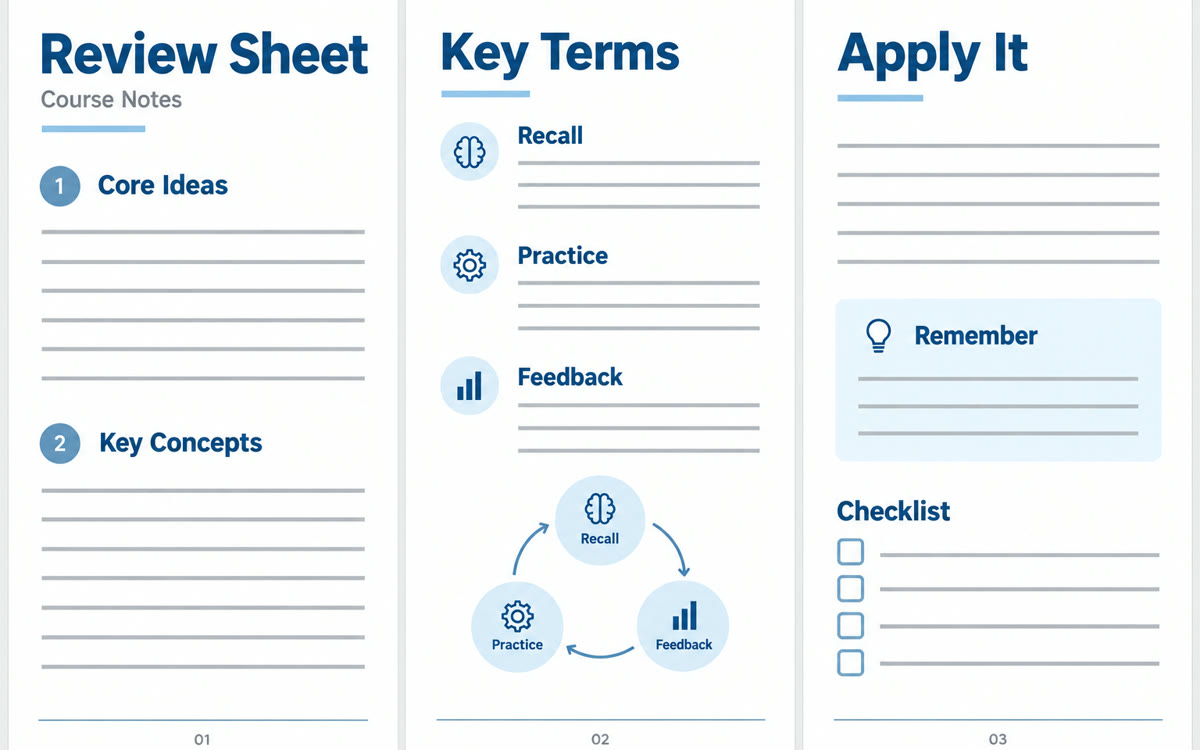
A sample of what you get back, made with AI.
Your prompt
Fill in your details. Skip any you like.
ChatGPT and Claude open with your prompt already typed in. Gemini can't be filled in from a link, so its button copies your prompt: paste it into the new chat.
The prompt that gets copied
I've attached the slides from [THE COURSE, e.g. my food safety certification class]. Turn them into a review sheet that fits on 3 printed pages.

Organize it by topic, in the order the slides teach it. For each topic give me: the core idea in one or two sentences, key terms with short definitions, any rules, formulas or numbers to remember, and one example.

Add a short "easy to mix up" box for ideas that are often confused.

Use tight bullets, no filler, and only what's in the slides. If something on a slide is unclear, list it as a question to ask the instructor instead of guessing.

My goal: [YOUR GOAL, e.g. pass the final test next Friday].
Upload the PDF slides from any class or training and get a tight three-page review sheet with every key idea, term and example in one place.
Step by step
- Download the course slides as a PDF.
- Attach the PDF to a new chat in ChatGPT, Claude or Gemini.
- Paste the prompt, fill in your course and goal, and send it.
- Ask for a printable version, then check it against the slides.
What you'll get
A three-page review sheet organized by topic, with terms, rules, examples, an easy-to-mix-up box and questions for your instructor.
Check your course rules before bringing any notes into a test.
- Made for
- Everyone, Coaches
- Works in
- ChatGPT, Claude, Gemini