Get back to writing for fun with two 15-minute prompts a day
It reads your handwriting and builds the next day's prompt on an idea you wrote yesterday.
Published . Steps as of November 2026.
How can AI help me start writing every day again?
Ask ChatGPT, Claude or Gemini for two short prompts a day, write by hand, and upload a photo of your pages so it can build tomorrow's prompts on what you wrote. If you like pen and paper, the photo step keeps you off the screen while you write. If you'd rather type, paste your pages in instead. Keep it in one project or chat so it remembers your themes.
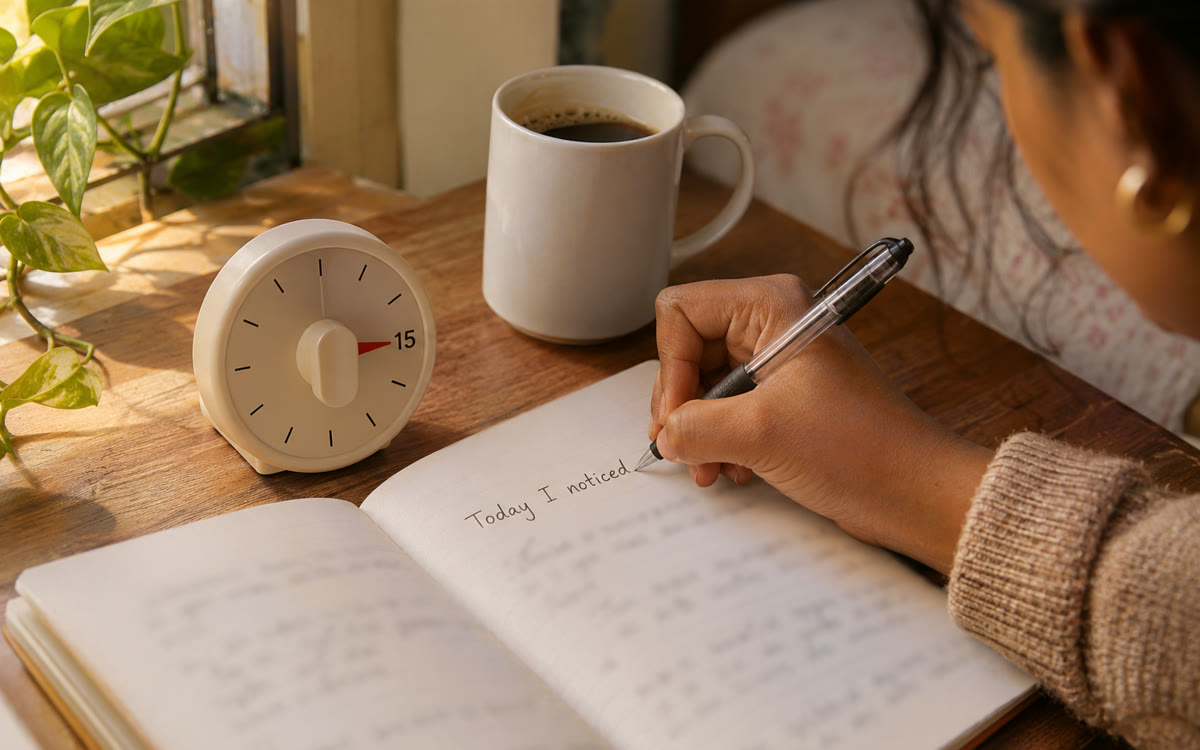
A picture made with AI to show the idea.
Your prompt
Fill in your details. Skip any you like.
ChatGPT and Claude open with your prompt already typed in. Gemini can't be filled in from a link, so its button copies your prompt: paste it into the new chat.
The prompt that gets copied
I used to love writing and I want the habit back, gently. Be my daily writing partner.

What I like to write about: [YOUR INTERESTS, e.g. small towns, family, big questions]
Time I have: [TIME PER DAY, e.g. two 15-minute sessions]

Each day, give me two prompts: one thinking prompt (a big question to explore) and one personal story prompt (a memory or moment from my own life). Keep each prompt to two sentences.

When I upload a photo of my handwritten pages, read them, tell me in three sentences what stood out, and ask one follow-up question. Then shape the next day's prompts so they build on something I wrote. Don't grade or correct my writing unless I ask. Keep the tone warm and short.
Ask AI for one big-idea prompt and one personal story prompt each day. Write by hand, snap a photo of the page, and it responds and shapes tomorrow's prompts around your ideas.
Step by step
- Start a project or one long chat called Writing practice.
- Paste the prompt below and fill in the brackets.
- Write by hand for 15 minutes on each prompt.
- Take a photo of your pages, upload it and say 'tomorrow's prompts'.
What you'll get
Two short prompts every day, a brief reply to each page you write, and prompts that grow out of your own ideas.
- Made for
- Everyone, Creators
- Works in
- ChatGPT, Claude, Gemini