Understand your book better by talking it through as you read
A book club partner who's awake at 11 p.m., knows your page, and never spoils the ending.
Published . Steps as of November 2026.
How can I use AI as a book club partner while I read?
Tell AI the book and the chapter you've reached, then ask it to discuss only what you've read and to name the scene behind each claim. Claude, ChatGPT and Gemini all work for this. For famous books they usually do well. For lesser-known ones, paste the chapter in first, because AI can misremember plots. Checking the scene it names takes seconds and keeps you in charge of the story.
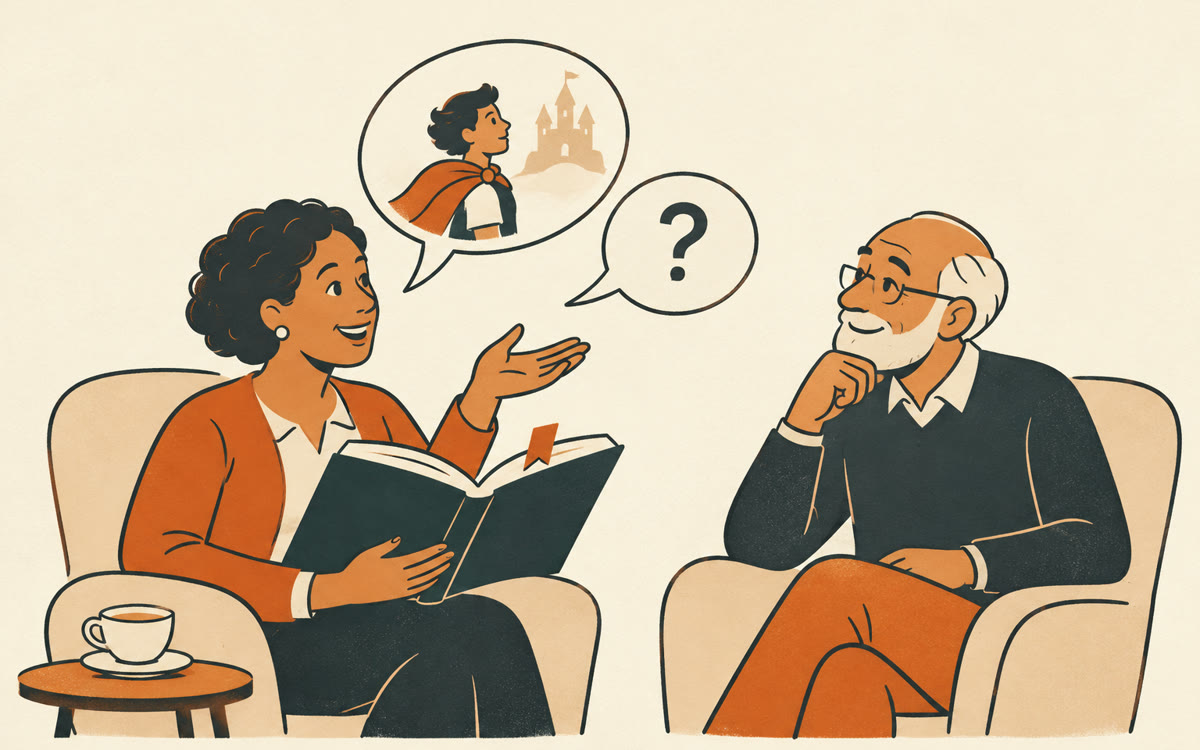
A picture made with AI to show the idea.
Your prompt
Fill in your details. Skip any you like.
ChatGPT and Claude open with your prompt already typed in. Gemini can't be filled in from a link, so its button copies your prompt: paste it into the new chat.
The prompt that gets copied
I'm reading [BOOK TITLE AND AUTHOR, e.g. The Remains of the Day by Kazuo Ishiguro]. I'm up to [WHERE YOU ARE, e.g. the end of chapter 9].

Be my book club partner. Only discuss what happens up to that point, and never hint at anything later. Start by asking what I think is going on. Then share your view on the characters' motives, the author's message, and anything I may have missed.

When you say something happened in the story, name the chapter or scene so I can check it. If you can't point to one, say "I'm not sure." Keep each reply under 150 words and end with one question for me.
Tell AI which book and chapter you're on, and it becomes a book club partner who explains motives and meaning without spoiling what's ahead. It names the scene so you can check it.
Step by step
- Tell the chat the book, the author, and the chapter you've reached
- Paste the prompt and answer its first question about what you think is going on
- Ask about any character or moment that confused you
- Check any scene it names by flipping back to that chapter
What you'll get
A back-and-forth chat about your book that stays safely behind your page, with scenes you can check and a question to keep you thinking.
Lesser-known books: paste the chapter first. AI can misremember plots, so check any scene it names.
- Made for
- Everyone
- Works in
- ChatGPT, Claude, Gemini