Talk a client proposal into a finished Google Doc on your phone
You can ramble through a proposal on a walk and get back headings, scope and next steps built from your client emails.
Published . Steps as of October 2026.
Can I write a proposal by talking into Google Docs on my phone?
Yes. In the Google Docs mobile app, tap Insert, then Create with voice, and describe the proposal out loud (as of October 2026). It can pull in your Gmail threads and Drive files as references, so it fits best when the client's details already live in your inbox. You review a plan before the draft. It needs a Google AI Pro or Ultra plan or an eligible Workspace plan, and it's English only.

A picture made with AI to show the idea.
Your prompt
Fill in your details. Skip any you like.
This AI can't be filled in from a link, so the button copies your prompt: paste it into the new chat.
The prompt that gets copied
I want a proposal for [CLIENT NAME, e.g. Harbor Dental] for [YOUR OFFER, e.g. a 3-month team coaching program]. Use the email thread and call notes I added for their exact goals and the words they used.

Structure it like this:
1. Where they are now, in their words.
2. What we'll achieve together, as 3 clear outcomes.
3. What's included, week by week or phase by phase.
4. What's not included, so there are no surprises.
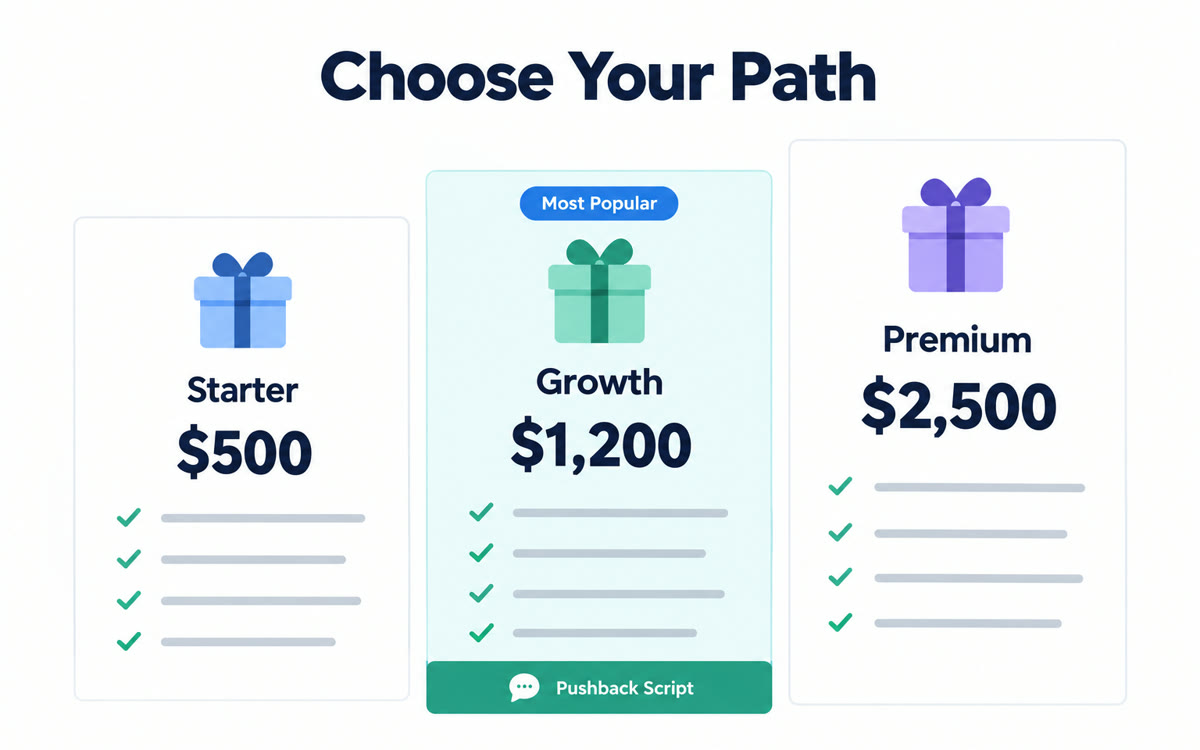
5. Investment: [YOUR PRICE, e.g. three monthly payments], and how to start.
6. Next steps with a date to reply by.

Keep it to about two pages. Write in a warm, plain voice, like I'm talking to them across the table. Before you draft it, show me the plan so I can change the order or add anything I forgot.
Open Google Docs on your phone, tap Create with voice and talk through the proposal. Gemini pulls in your emails and files and builds a structured draft.
Step by step
- Open the Google Docs app on your phone and tap the Insert icon at the bottom right.
- Tap Create with voice and talk through the proposal, using the prompt below as your script.
- Add the client's email thread or call notes from Gmail or Drive as references.
- Check the plan Gemini shows you, ask for changes, then tap Done to get the doc.
What you'll get
A two-page Google Doc proposal with their goals, three outcomes, what's in and out, your price and next steps.
Needs Google AI Pro or Ultra, or an eligible Workspace plan. Mobile app only and English only, as of October 2026.
- Made for
- Consultants, Coaches, Small business owners
- Works in
- Gemini