Sell a calculator or tracker app as your next digital product
Buyers get a working app instead of another PDF, and you never write a line of code.
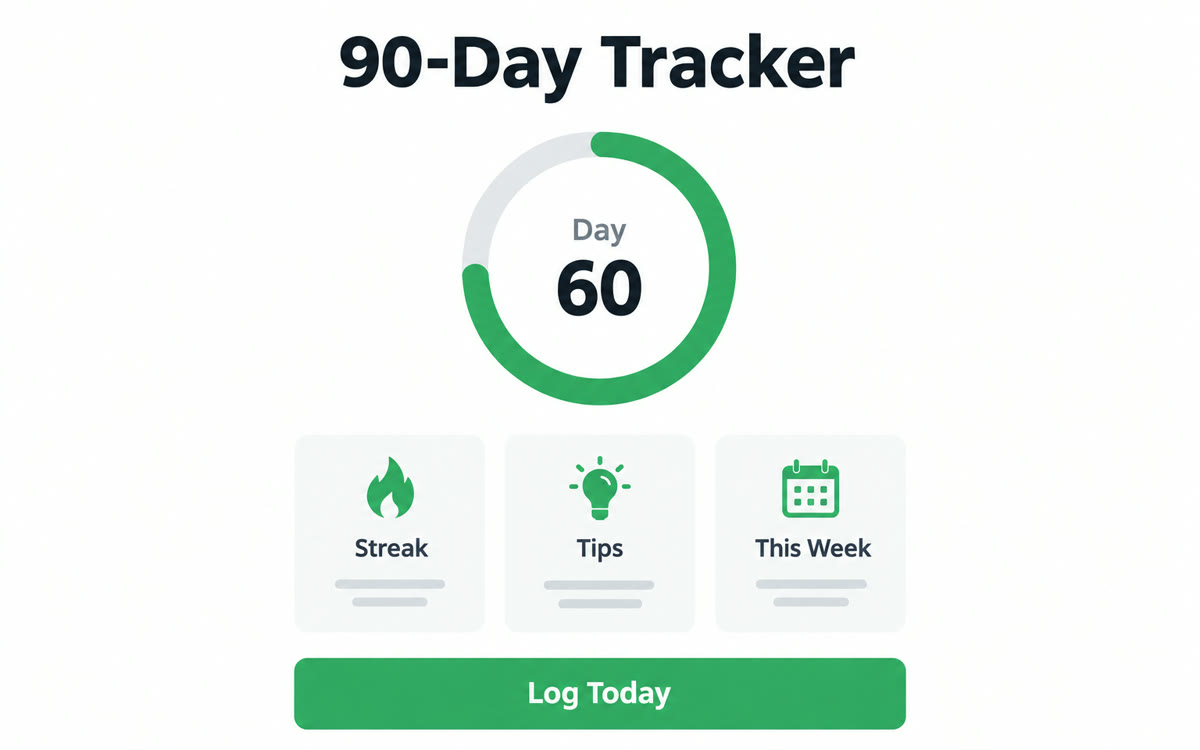
A sample of what you get back, made with AI.
Your prompt
Fill in your details. Skip any you like.
ChatGPT and Claude open with your prompt already typed in. Gemini can't be filled in from a link, so its button copies your prompt: paste it into the new chat.
The prompt that gets copied
Build an interactive [TOOL TYPE, e.g. wedding budget calculator] called [PRODUCT NAME, e.g. The Calm Wedding Budget] that I'll sell as a digital product to [YOUR IDEAL CLIENT, e.g. couples planning a wedding]. It solves this problem: [THE PROBLEM, e.g. not knowing what each part should cost]. Include a short welcome screen on how to use it, simple inputs with plain labels and examples, results that update instantly with a clear chart, and 3 tips based on their numbers. Add a reset button. Show how each result was worked out so buyers can trust it. Use [YOUR BRAND COLORS, e.g. blush and charcoal] and put [YOUR BUSINESS] in the footer. Make it work well on a phone. Add a small note that it's a planning tool, not professional advice.
Build a small tool your audience would pay for, like a budget calculator or a 90-day tracker, with Canva Code. Publish it behind a password and send the link and password after each sale.
Step by step
- List 3 questions your audience asks every week and pick one a calculator or tracker can answer.
- Select Code on the Canva homepage and paste the prompt.
- Select Preview, test it with 5 real situations and ask Canva AI to fix any wrong result.
- Select Publish, open Settings, turn off Visible in search engines and set a password.
- Add the link and password to the delivery email in your shop or checkout tool.
What you'll get
A published, password-protected mini app with a welcome screen, instant results, tips and a phone-friendly layout, ready to deliver after checkout.
Canva Code needs Canva Pro or higher. Canva's terms say you own what you make. Take payment with your own checkout tool.
- Made for
- Creators, Coaches, Small business owners
- Works in
- Canva