Refresh last year's deck with this year's facts in one prompt
One prompt updates every slide in the deck, and a summary of the changes appears in the side panel.
Published . Steps as of October 2026.
Can AI update every slide in my Google Slides deck at once?
Yes. Open the deck in Google Slides, open Gemini in the side panel and give it one prompt that names a newer Drive file to update from, as of October 2026. If your facts changed, ask it to update content from that file. If only the look is off, ask it to match another deck's style or make titles consistent. Every edit counts as your own, so undo and version history still work.
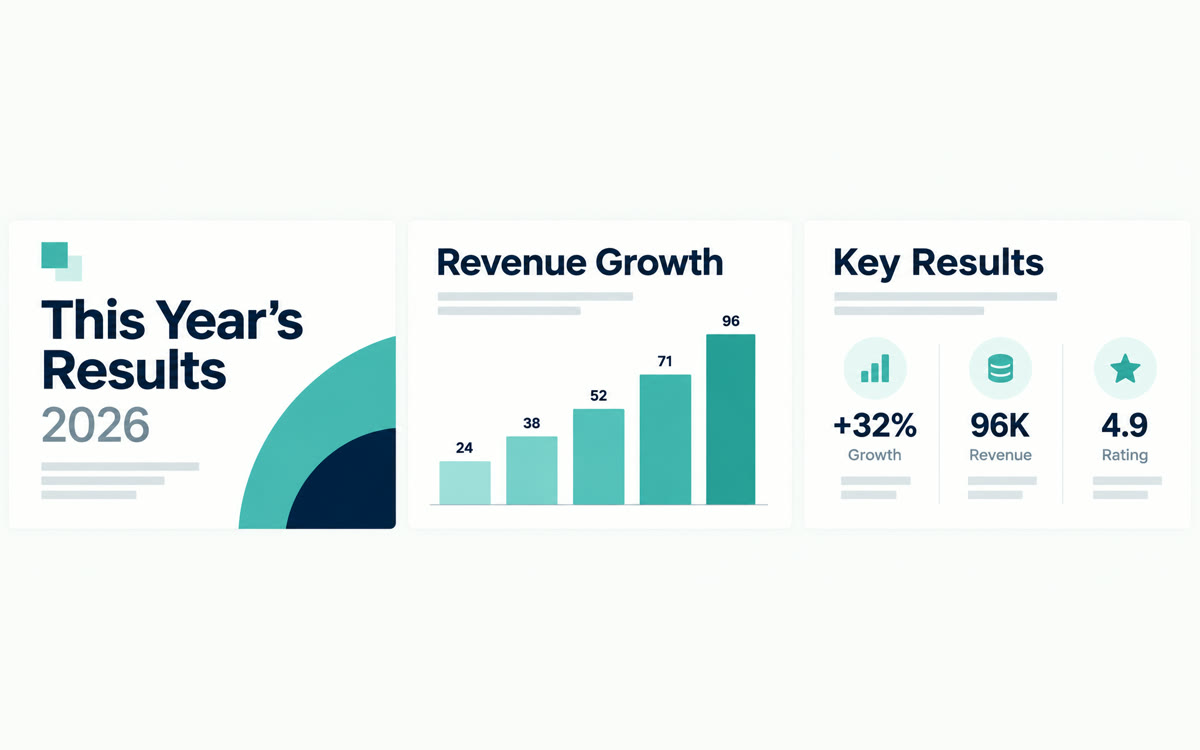
A sample of what you get back, made with AI.
Your prompt
Fill in your details. Skip any you like.
This AI can't be filled in from a link, so the button copies your prompt: paste it into the new chat.
The prompt that gets copied
Update this whole presentation using [NEWER DRIVE FILE, e.g. 2026 results summary doc] as the source of truth. Replace any old numbers, dates and examples with the current ones from that file, and add detail where the new file has something important this deck is missing. Then make the style match [STYLE REFERENCE, e.g. my Q3 client deck]: same fonts, colors and title sizes on every slide. Summarize slides [SLIDES TO MERGE, e.g. 5 to 7] into one slide. Remove page numbers. Keep my speaker voice and don't change any slide I've marked "final". When you're done, list every slide you changed and what changed on it.
Open an old deck in Google Slides and give Gemini one prompt that updates every slide from a newer Drive file. It can also match another deck's style and merge slides, and you can undo anything.
Step by step
- Open the old presentation in Google Slides
- Click Ask Gemini to open the side panel
- Paste the prompt below and name your newer Drive file
- Read the change summary, then undo or check version history for anything you don't want
What you'll get
The same deck, updated with current facts, one consistent look and fewer slides, plus a list of every change Gemini made.
Needs Google AI Pro or Ultra, or Workspace Business/Enterprise Standard or Plus. English only. Rolling out from October 29, 2026.
- Made for
- Coaches, Consultants, Small business owners
- Works in
- Gemini



 Before