Walk into discovery calls prepared with a research podcast
Your research report turns into a podcast you can play in the car.

A picture made with AI to show the idea.
Your prompt
Fill in your details. Skip any you like.
This AI can't be filled in from a link, so the button copies your prompt: paste it into the new chat.
The prompt that gets copied
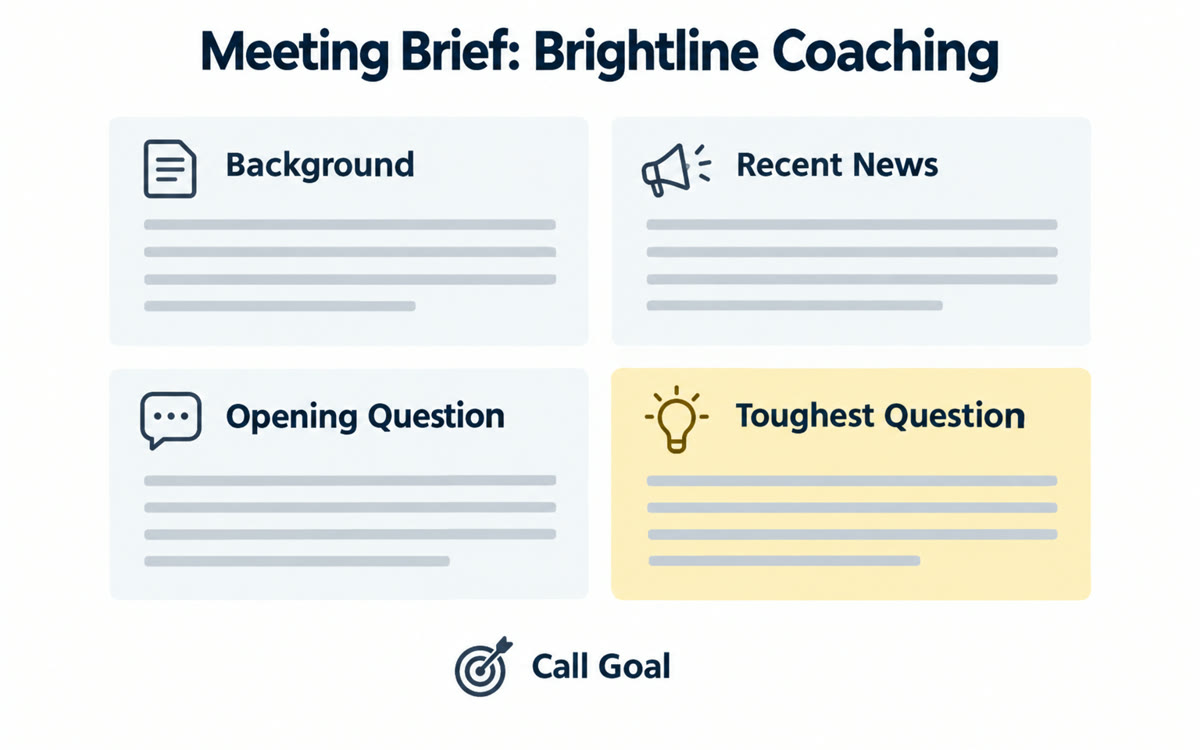
Research [THEIR INDUSTRY, e.g. independent dental practices] so I can serve them as a [YOUR ROLE, e.g. marketing consultant]. I've got a discovery call with a [TYPE OF PROSPECT, e.g. practice owner] on [CALL DATE, e.g. next Tuesday]. Cover: the top 5 problems owners in this space are dealing with right now, how they usually buy services like mine, the words they use to describe their problems, changes or news affecting them in the last 12 months, and 10 smart questions I could ask on the call that show I understand their world. Cite your sources, and note anything that's uncertain or based on thin data.
Run Deep Research on a prospect's industry or a niche you want to serve, then turn the report into a two-host audio discussion. You listen on the way to the meeting.
Step by step
- In the Gemini message box, tap Add files, then choose Deep Research.
- Paste the prompt, check the research plan, then tap Start research.
- When the report is done, open it, then tap More and Generate Audio Overview (on a computer: Create, then Audio Overview).
- Listen on the way, then skim the cited sources for anything you'll quote.
What you'll get
A cited research report plus a podcast-style audio summary you can listen to before the call.
Deep Research limits depend on your Google AI plan. The audio hosts can get details wrong, so check key facts in the report.
- Made for
- Coaches, Consultants, Small business owners
- Works in
- Gemini