Get a full PowerPoint deck built around one chart or diagram
Drop in one framework image and Copilot writes the whole talk around it, with your picture on the slides.
Published . Steps as of November 2026.
Can Copilot in PowerPoint make a presentation from an image?
Yes, you can attach an image when you ask Copilot in PowerPoint to create a presentation, and it builds the slides around it. As of November 2026, this works in PowerPoint for Windows and the web. It fits best when you already have a framework diagram, a chart or a process picture you explain often. If you only have notes, start from the notes and add the image afterward.
A sketch of what you'll get back.
Your prompt
Fill in your details. Skip any you like.
This AI can't be filled in from a link, so the button copies your prompt: paste it into the new chat.
The prompt that gets copied
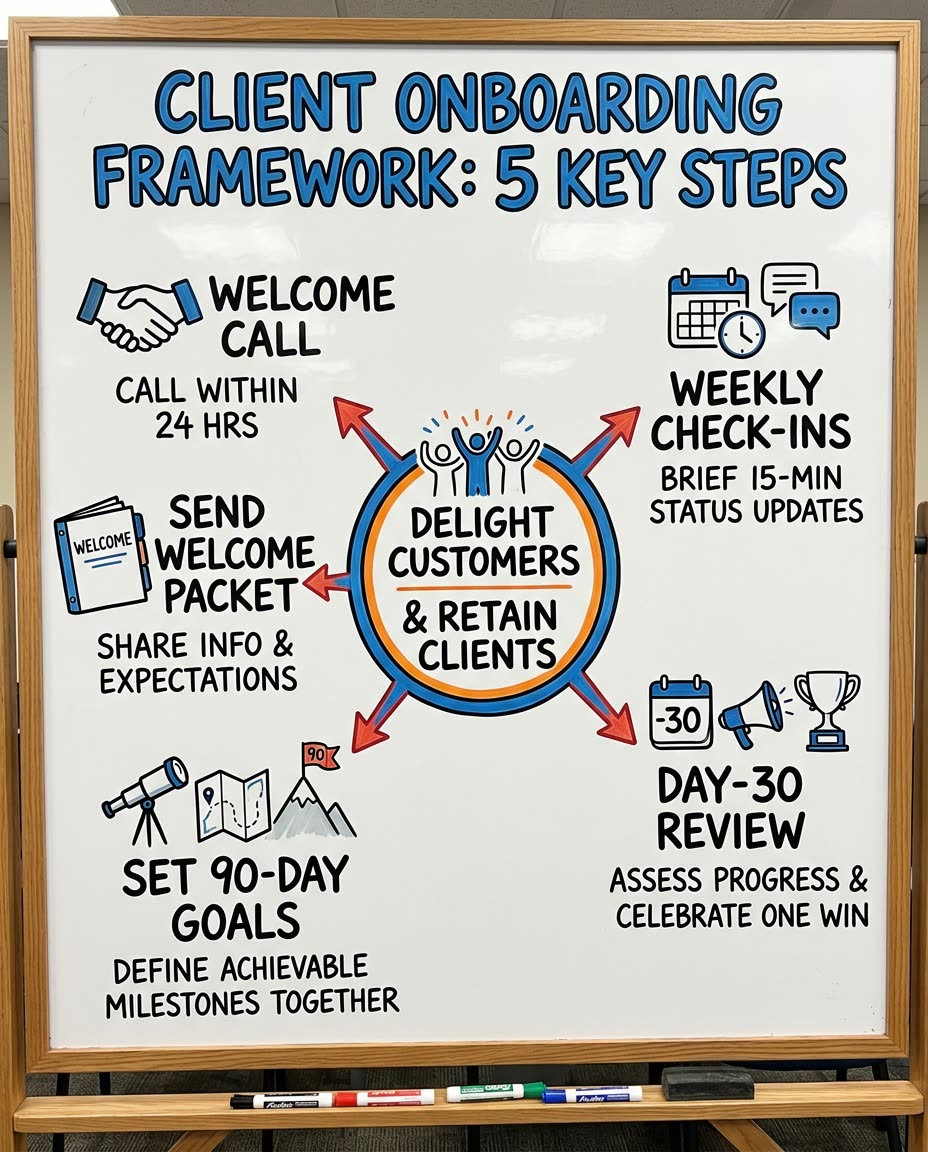
Build a [NUMBER OF SLIDES, e.g. 8]-slide presentation about [YOUR TOPIC, e.g. my 4-step client onboarding method] for [YOUR AUDIENCE, e.g. new clients]. Use the image I attached as the centerpiece: show it on an early slide, then give each part of it its own slide with a short title, 3 bullets and one example. End with a summary slide and one clear next step. Keep the words short enough to read from the back of the room.
Attach a chart, diagram or framework image when you ask Copilot in PowerPoint for a new deck. It builds the slides around your picture instead of plain text alone.
Step by step
- Open PowerPoint and click Copilot to create a new presentation
- Click Attach and add your chart, diagram or framework image
- Paste the prompt below and fill in your topic
- Review the slides and click any text to tweak it
What you'll get
A ready-to-edit deck built around your own image, with one slide for each part of it and a clear close.
Needs Copilot in PowerPoint with a Microsoft 365 plan that includes it. Windows and web.
- Made for
- Consultants, Coaches, Small business owners
- Works in
- Copilot

 Before