Get every Gmail draft, doc and deck in your brand voice
One set of voice rules now follows you from Gmail drafts into Docs proposals and Slides decks.
Published . Steps as of November 2026.
How do I make Gemini write in my brand voice in Gmail and Docs?
Create one skill in Google Workspace with your voice rules and samples, then @mention it when you write. As of November 2026, skills work in Gmail, Docs, Slides, Drive and Chat on Business and Enterprise plans. If you're a solo owner, build it from a prompt in Docs. If you have a team, share a copy from Google Workspace Studio so everyone sounds the same.
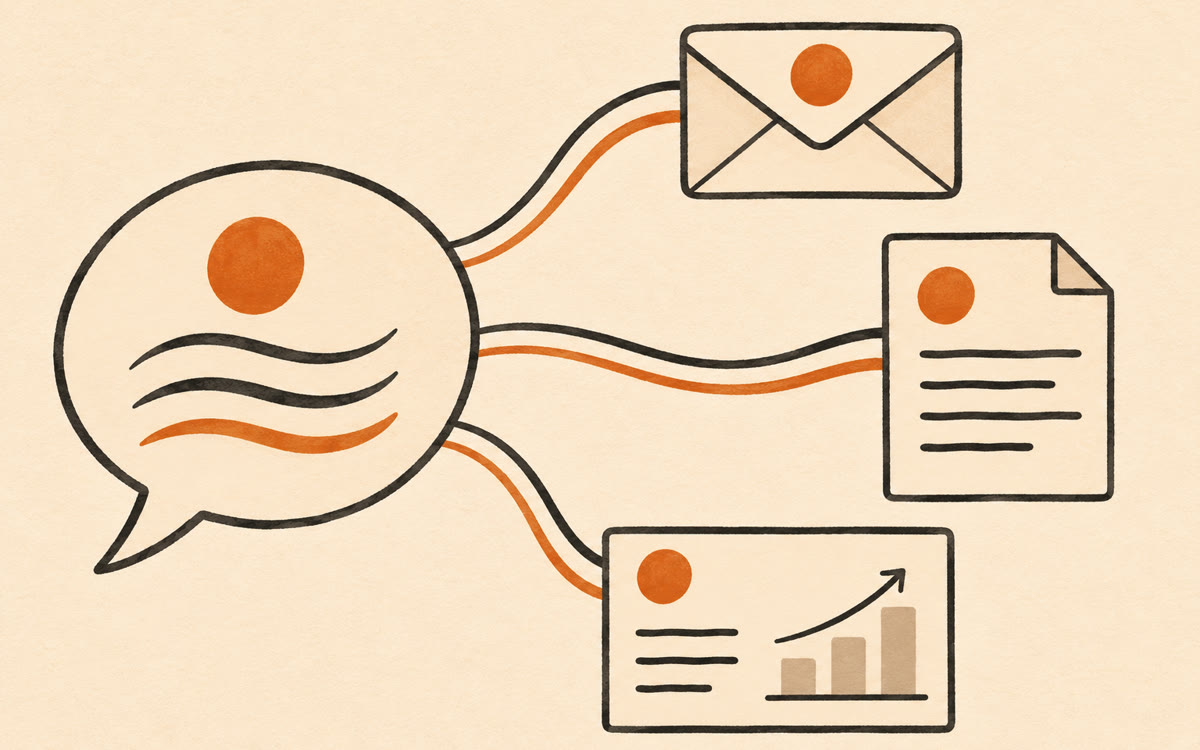
A picture made with AI to show the idea.
Your prompt
Fill in your details. Skip any you like.
This AI can't be filled in from a link, so the button copies your prompt: paste it into the new chat.
The prompt that gets copied
Help me create a Google Workspace skill called [SKILL NAME, e.g. Tidewell voice]. It should make every draft sound like [YOUR BUSINESS]. Study these three samples of my best writing: [PASTE 3 SAMPLES]. Write the skill's instructions: my tone in five plain words, words and phrases I always use, words I never use, how long my sentences run, how I open and sign off emails, and how I name my offers, [YOUR OFFER, e.g. the 90-day Calm Books program]. Add a short checklist Gemini must pass before it shows me a draft. Then test the skill by rewriting this stiff email in my voice: [A DRAFT TO FIX].
Write one brand-voice skill in Google Workspace, then call it with an @mention in Gmail, Docs or Slides. Every email, proposal and deck follows the same rules and examples.
Step by step
- Collect three emails or pages that sound most like you
- Open Gemini in Google Docs and paste the prompt below with your samples
- Save the result as a skill and test it on a real draft
- Turn it on, then @mention it in Gmail, Docs or Slides when you write
What you'll get
A reusable Workspace skill with your voice rules and a checklist, tested on a real draft, ready to @mention in Gmail, Docs and Slides.
Needs a Google Workspace Business or Enterprise plan. Rolling out from Nov 9, 2026. Not in Sheets or Meet yet. English only.
- Made for
- Small business owners, Consultants, Coaches
- Works in
- Gemini, Gmail

 Before