Answer your kid's big why question with a 15-second video
One question like "how do bees make honey?" becomes a smooth four-shot science clip you watch together.
Published . Steps as of November 2026.
How can I make a short science video to answer my kid's question?
Ask Gemini, ChatGPT or Claude to write a four-shot video prompt for the question, then make the clip in Google Vids. As of November 2026, anyone with a Google account can make up to 3 free 15-second AI videos a month in Vids on a computer. Use it for questions that are easier to see than explain, like how bees make honey, and use the two-sentence answer for quick questions at the dinner table.

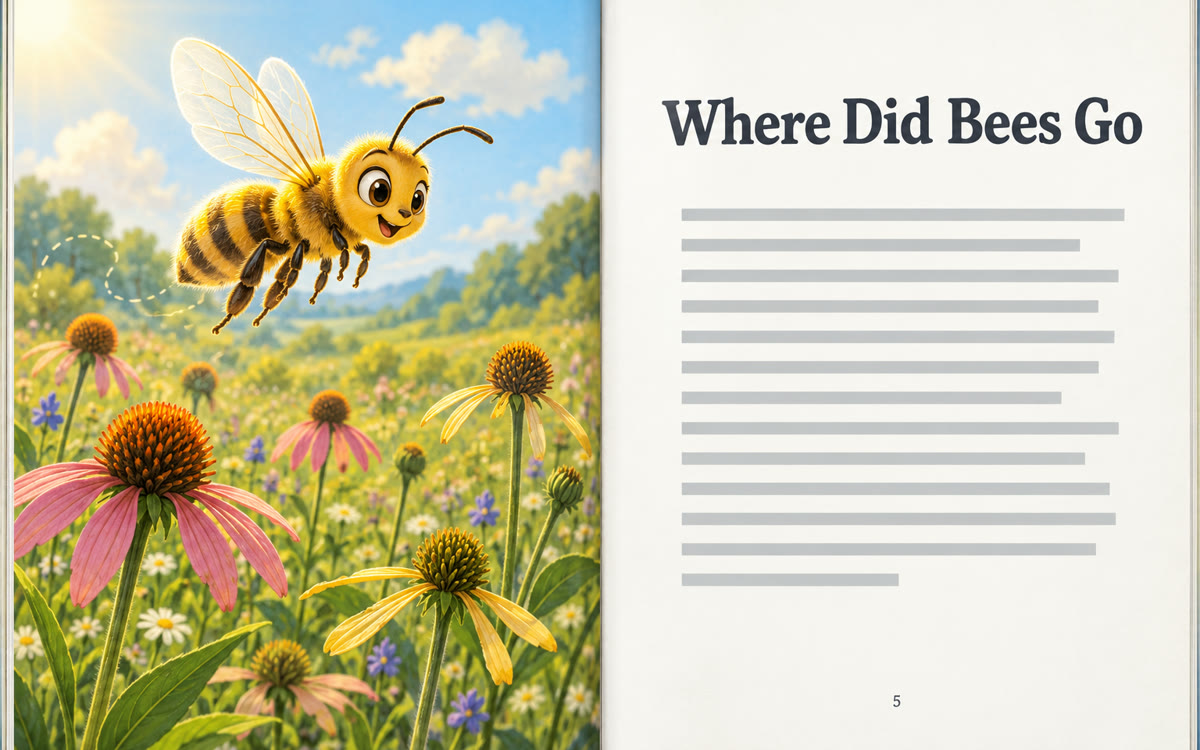
A picture made with AI to show the idea.
Your prompt
Fill in your details. Skip any you like.
ChatGPT and Claude open with your prompt already typed in. Gemini can't be filled in from a link, so its button copies your prompt: paste it into the new chat.
The prompt that gets copied
My kid just asked: [KID'S QUESTION, e.g. how do bees make honey?]. They're [KID'S AGE, e.g. 7].

First, give me a two-sentence answer I can say out loud in words a [KID'S AGE] year old understands.

Then write one video prompt for a 15-second explainer made of four short shots. For each shot, describe what we see up close, how the camera moves and one short line a friendly narrator says. Keep one look the whole way through, like a bright close-up nature film, so the shots feel like one video. Make it accurate, gentle and fun. No scary images.

Finally, give me two questions to ask my kid after we watch it, to check what stuck.
Turn your kid's latest why question into a four-shot video plan, then make the 15-second clip for free in Google Vids and watch it together.
Step by step
- Paste the prompt below into Gemini, ChatGPT or Claude with your kid's question
- Open vids.new on a computer and sign in with your Google account
- Start a new AI video clip and paste the video prompt the chat wrote
- Watch it with your kid, then ask them the two follow-up questions
What you'll get
A short spoken answer, a four-shot video prompt ready for Google Vids and two follow-up questions for your kid.
Google Vids: up to 3 free 15-second AI videos a month with any Google account, on desktop. In the Gemini app, 15-second clips are for Ultra.
- Made for
- Everyone
- Works in
- Gemini, ChatGPT, Claude