Let your kid steer a bedtime story by talking to Gemini
Your child says what happens next and the story changes right then.
Published . Steps as of November 2026.
Can Gemini tell my child a bedtime story they control?
Yes. Ask Gemini for a bedtime story and tell it to pause so your child can choose what happens next. As of November 2026, Google says Gemini for Home can tell stories with expressive voices, and you can steer the story out loud as it's told. It's listed under Gemini for Home Early Access. If you don't have one, try the same prompt in Gemini Live in the app.
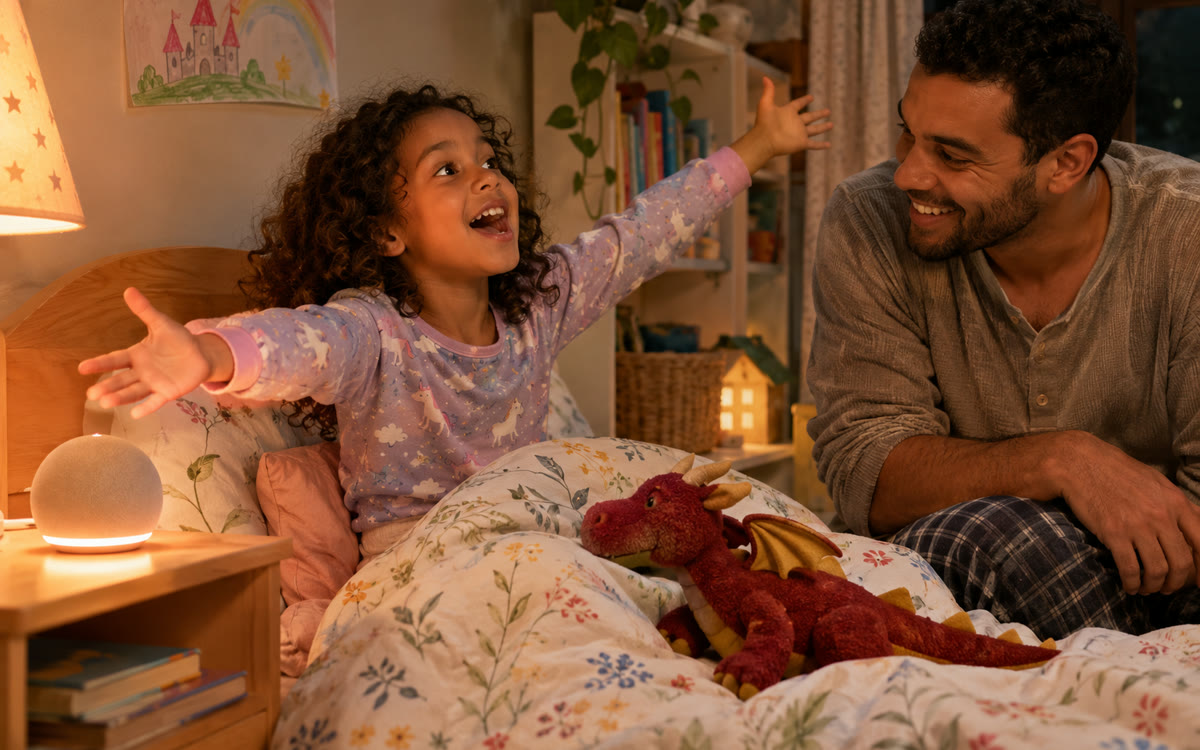
A picture made with AI to show the idea.
Your prompt
Fill in your details. Skip any you like.
This AI can't be filled in from a link, so the button copies your prompt: paste it into the new chat.
The prompt that gets copied
Tell me a bedtime story for a [CHILD AGE, e.g. 6-year-old] about [MAIN CHARACTER, e.g. a shy dragon who loves baking]. Make it about [STORY LENGTH, e.g. 5 minutes] long, gentle and kind, with no scary parts. Stop at three moments and ask my child what should happen next, then follow what they say. Use different voices for different characters, and slow down near the end so it finishes calm and sleepy.
Ask Gemini for a gentle bedtime story, then let your child decide what happens next out loud. It changes the plot as they speak and winds down at the end.
Step by step
- Say Hey Google, tell me a story, on a Gemini for Home speaker, or open Gemini Live.
- Tell Gemini the age of your child and the main character.
- Pause at each question so your child can choose.
- Ask for a calmer, sleepier ending when you're ready.
What you'll get
A spoken story your child shapes as it goes, ending in a calm, sleepy finish.
Storytelling is listed under Gemini for Home Early Access, rolling out from Nov 25. Gemini Live in the app works too.
- Made for
- Everyone
- Works in
- Gemini