Master any course or exam with a study guide that quizzes you
It picks the best study tool for each section, like a mind map here and flashcards there.
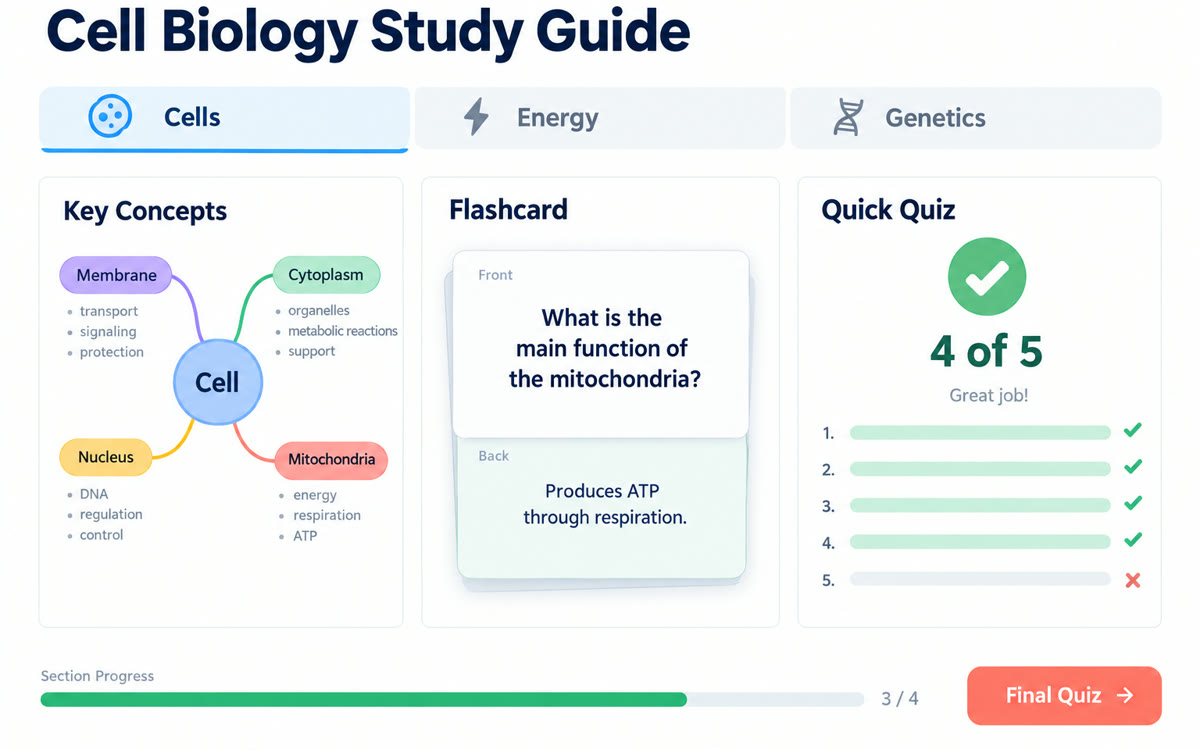
A sample of what you get back, made with AI.
Your prompt
Fill in your details. Skip any you like.
This AI can't be filled in from a link, so the button copies your prompt: paste it into the new chat.
The prompt that gets copied
I'm studying for [EXAM OR COURSE, e.g. real estate license exam] and my test is on [TEST DATE, e.g. March 3]. My background: [WHAT YOU ALREADY KNOW]. Build the learning overview around what's most likely to be tested, starting with the basics I need before the harder topics. In each section, explain things in plain English with one real-world example from [YOUR FIELD OR LIFE]. Point out the common mistakes people make with this material. Make the final quiz harder than the section quizzes so I know whether I'm ready.
Add your course materials, manual or certification guide, and Gemini Notebook builds an interactive walkthrough with sections, built-in quizzes and flashcards, and a final quiz.
Step by step
- Create a notebook and add your course PDFs, manual or notes.
- Open Reports in the right-hand panel, then choose Interactive and Learning Overview.
- Paste the prompt to set your goal and level.
- Work through each section, then take the final quiz.
What you'll get
A sectioned, interactive study guide with quizzes, flashcards, and a tougher final quiz, all from your materials.
Rolling out to all users from late September 2026. Low on usage? Choose Generate later.
- Made for
- Coaches, Consultants, Everyone
- Works in
- Gemini Notebook