Turn every game night into a chapter of your adventure log
A night of planet hopping became a named journal chapter instead of a blur of half-remembered screens.
Published . Steps as of October 2026.
How can I keep a story journal of my video game sessions?
Set up a project with a log keeper prompt, then talk through each session in voice mode and ask for the next chapter. ChatGPT and Claude both have projects that keep the instructions and earlier chapters together, so later entries can refer back. Gemini works too if you keep the whole log in one chat. Families can use the same setup for a shared game, and solo players can use it to remember where they left off.
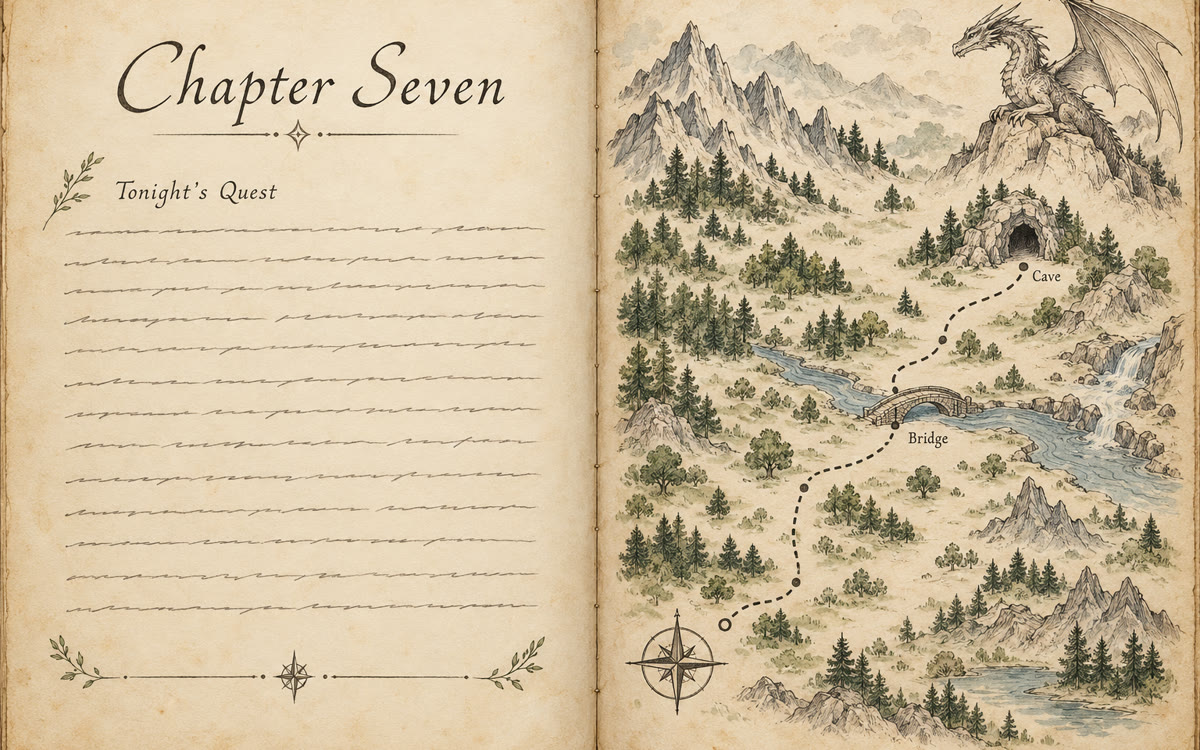
A sample of what you get back, made with AI.
Your prompt
Fill in your details. Skip any you like.
ChatGPT and Claude open with your prompt already typed in. Gemini can't be filled in from a link, so its button copies your prompt: paste it into the new chat.
The prompt that gets copied
You keep the official log for my adventures in [GAME NAME, e.g. No Man's Sky]. Write in the voice of [LOG STYLE, e.g. an old explorer's field journal]. After each session I'll tell you roughly what happened: places, creatures, fights, finds, mistakes. Turn it into the next numbered chapter, 150 to 250 words, with a short title, one memorable name for the best discovery (suggest one if I didn't name it), and one line about what I'm planning next. Keep a running list of named places, characters and unfinished goals, and use it so later chapters connect to earlier ones. Never invent big events I didn't mention. If something's unclear, ask me one question first. Start by asking me what happened tonight.
Talk through what happened in tonight's game, and AI writes it up as the next chapter of an explorer's journal. Keep it in one project and the story grows week after week.
Step by step
- Make a project called Adventure Log in ChatGPT or Claude and paste the prompt as its instructions.
- Open voice mode after you play and talk through what happened for two minutes.
- Ask for tonight's chapter and read it back.
- Ask for a recap of all chapters before your next session.
What you'll get
A numbered, titled journal chapter for each play session, plus a running list of places, names and unfinished goals.
- Made for
- Everyone, Creators
- Works in
- ChatGPT, Claude, Gemini



 Before