Fix the gaps in your Google Business Profile in one chat
It finds the customer questions and missing holiday hours you forgot were even on your profile.
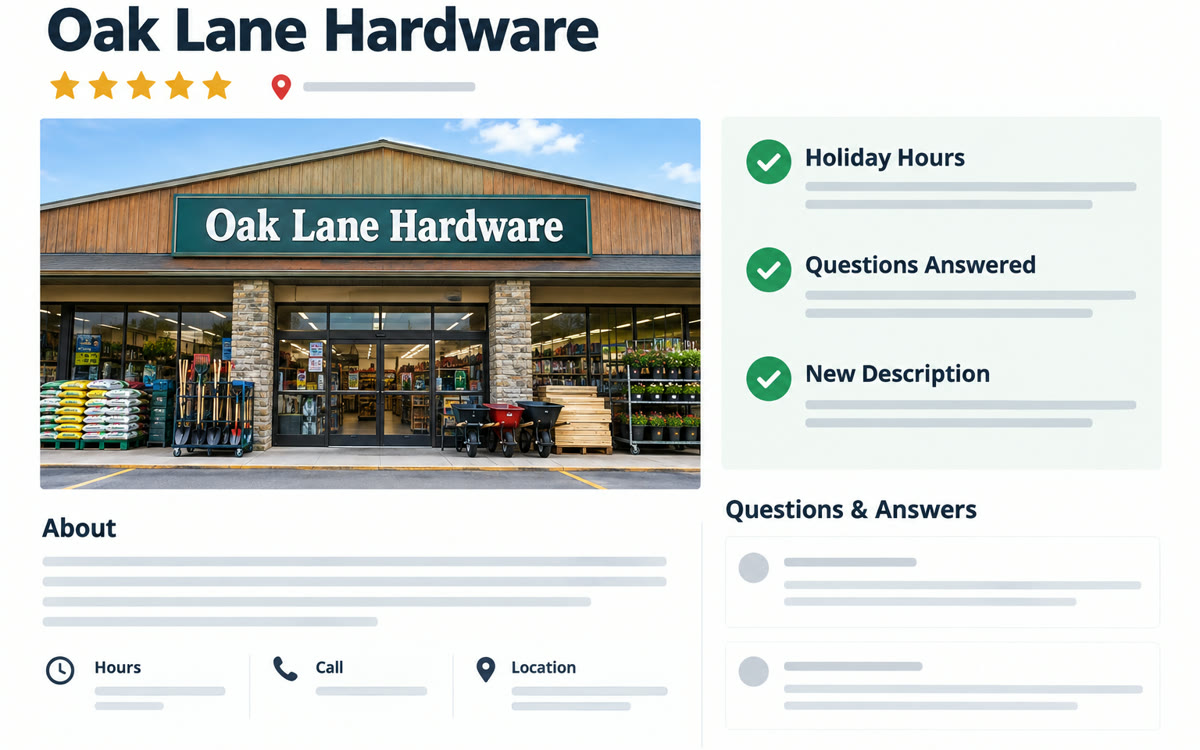
A sample of what you get back, made with AI.
Your prompt
Fill in your details. Skip any you like.
This AI can't be filled in from a link, so the button copies your prompt: paste it into the new chat.
The prompt that gets copied
You're a local marketing expert reviewing my Google Business Profile for [YOUR BUSINESS, e.g. a dog grooming salon]. Using my connected profile, give me a checkup: 1) Anything missing or out of date, like hours, holiday hours, services, photos or the description. 2) Customer questions or reviews I haven't answered, with a short reply drafted for each. 3) How my profile compares to [TOP COMPETITOR, e.g. the groomer two streets over] on reviews, photos and services listed. 4) A better business description under 750 characters that says who I help and what makes me different. 5) Three post ideas for this month. Put the most urgent fix first and keep everything in plain language.
Connect your Google Business Profile to Gemini and ask for a checkup. It flags unanswered customer questions, missing hours and weak spots, then drafts each fix for you to approve.
Step by step
- Open Gemini and connect your Google Business Profile from settings or a business notebook.
- Paste the prompt below and name your closest competitor.
- Review each suggested fix, then update your profile yourself.
What you'll get
A ranked fix list for your profile, drafted replies to customers and a rewritten business description ready to paste.
Profile connection works globally except the EEA and UK. Without it, paste your profile details instead.
- Made for
- Small business owners
- Works in
- Gemini