Get a printable family holiday letter you can fix right in chat
Highlight the paragraph about the dog, ask for it to be funnier, and just that part changes.
Published . Steps as of November 2026.
How can AI help me write a family holiday letter?
Paste your rough notes into Gemini and ask for a one-page PDF letter. As of October 2026, you can edit that PDF right in the chat, so this fits you if you want to print or email a finished page. On a computer, expand it to full screen to type fixes. On your phone, PDF editing works too. Tell it to use only your notes, so it doesn't add events that didn't happen.
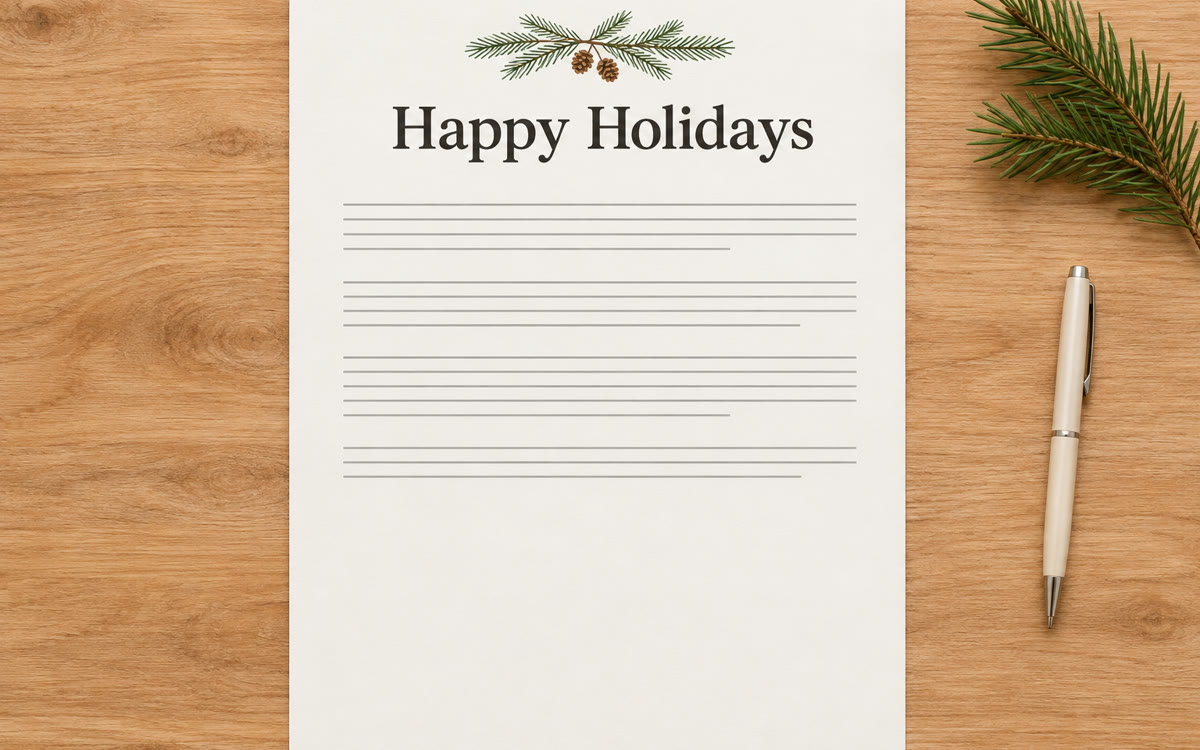
A sample of what you get back, made with AI.
Your prompt
Fill in your details. Skip any you like.
This AI can't be filled in from a link, so the button copies your prompt: paste it into the new chat.
The prompt that gets copied
Make a one-page holiday letter as a PDF for our family, [YOUR FAMILY NAME, e.g. the Rivera family]. It goes to [WHO GETS IT, e.g. relatives and old friends].

Here are my rough notes on our year: [YOUR NOTES, e.g. new job, a move, Leo started kindergarten]

The tone should be [THE TONE, e.g. warm and a bit funny, never bragging]. Write it the way a real person writes to people they love, with short paragraphs and one small funny moment. Lay it out with a simple festive heading and room for a handwritten note at the bottom.

Only use what's in my notes. Don't invent events or details. If you need something else from me, ask me first.
Paste your rough notes about the year and Gemini makes a one-page holiday letter as a PDF. Highlight any part to ask for a change, or type your own fixes in full screen.
Step by step
- Open Gemini and paste the prompt below with your notes from the year
- Click the PDF preview and expand it to full screen
- Highlight any section and tell Gemini what to change
- Type small fixes yourself, then save the PDF and print it
What you'll get
A one-page PDF letter in your family's voice, which you can edit in the chat and then print.
Available to all Gemini users, as of October 2026. PDF editing works on web and mobile.
- Made for
- Everyone
- Works in
- Gemini