Turn a stack of documents into a clear decision memo
It tells you what's missing, like goals with no budget, and names the two documents that contradict each other.
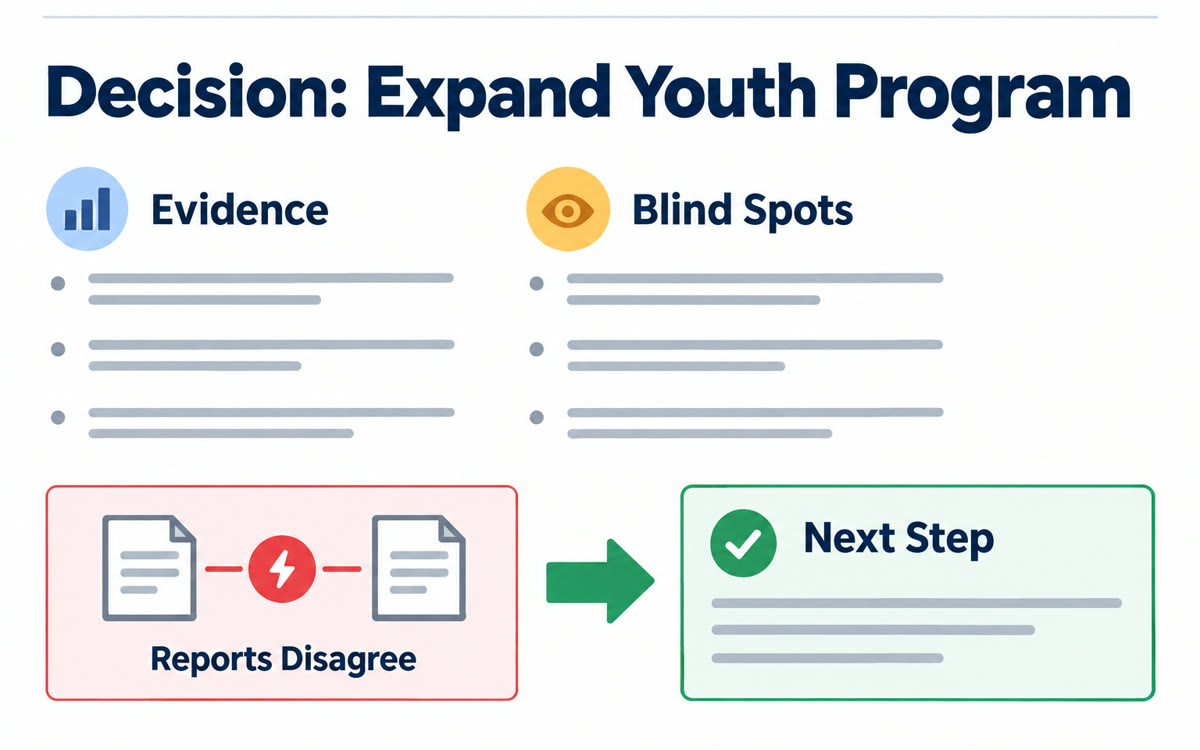
A sample of what you get back, made with AI.
Your prompt
Fill in your details. Skip any you like.
This AI can't be filled in from a link, so the button copies your prompt: paste it into the new chat.
The prompt that gets copied
Act as a senior advisor reviewing documents for [DECISION MAKER, e.g. the owner of a 12-person agency]. Skip the fluff and give me a short decision memo, not a summary, every time I ask a question. Use four headings. What the documents show: the key quotes or numbers, with the source. What's realistic: costs, limits or requirements mentioned anywhere. What's missing or conflicting: gaps, like goals with no budget, and any two sources that disagree, named. What I'd do next: one clear step and the reason for it. Keep it to bullet points. If my question could mean more than one thing, check which source or decision I mean first. Never use outside facts. If something isn't in the sources, say so.
Give Gemini Notebook a custom persona that answers every question as a decision memo. It pulls the evidence from your documents, checks what's doable and lists the blind spots nobody mentioned.
Step by step
- Add the reports, notes, survey results or plans as sources in one notebook.
- Open the chat settings, choose a custom style and paste the prompt as the persona.
- Ask your real question and bring the memo to your next meeting.
What you'll get
Answers formatted as decision memos with evidence, a reality check, blind spots and one recommended next step.
Gemini Notebook's chat customization allows personas up to 10,000 characters.
- Made for
- Consultants, Coaches, Small business owners
- Works in
- Gemini Notebook


