Get a teacher's feedback on your photo or sketch, plus a lesson
You upload a flat sunset shot and get a short, step-by-step lesson on the one skill to fix next.
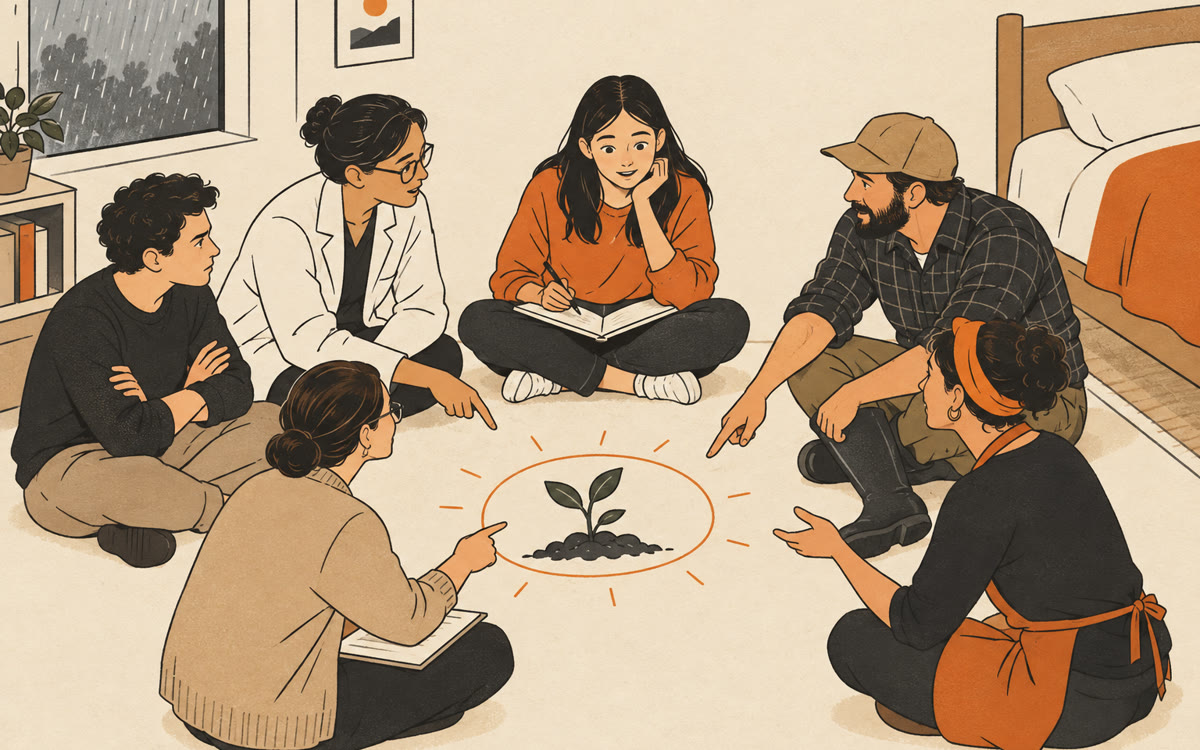
A sketch of what you'll get back.
Your prompt
Attach a clear photo first, then paste the prompt with it.
Fill in your details. Skip any you like.
This AI can't be filled in from a link, so the button copies your prompt: paste it into the new chat.
The prompt that gets copied
I'm teaching myself [YOUR SKILL, e.g. landscape photography] as a [YOUR LEVEL, e.g. beginner]. I've attached one of my recent pieces. First, tell me two things that are working and why. Then pick the single skill that would improve this piece the most and teach it to me step by step, checking my understanding with a question before you move on. Use a simple diagram or a short video if it helps. End with one practice exercise I can do this week, and tell me what to look for when I upload my next attempt.
Upload a photo you took or a sketch you drew to Gemini's Guided Learning. It names what's working, picks the one skill to improve next and teaches it step by step with diagrams.
Step by step
- Open gemini.google.com, open the tools menu and choose Guided Learning.
- Upload your photo, sketch or painting.
- Paste the prompt below and answer its questions as you go.
- Try the exercise this week, then upload the new version and compare.
What you'll get
Honest feedback on your piece, a short guided lesson on the one skill to improve and an exercise for the week.
Sign in required. Guided Learning can include YouTube videos only when Gemini Apps Activity is on.
- Made for
- Everyone
- Works in
- Gemini