Enjoy Shakespeare with a modern translation beside every line
A scene that lost you in school reads like a TV script, with the backstory you never got.
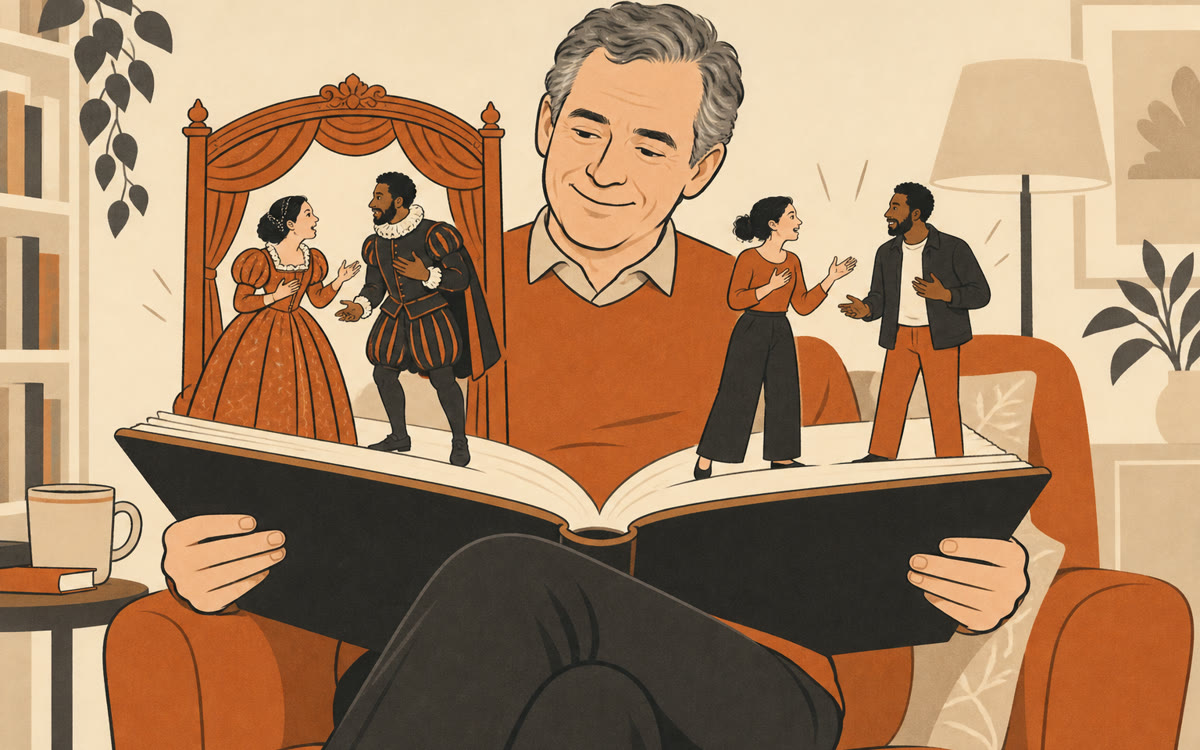
A picture made with AI to show the idea.
Your prompt
Fill in your details. Skip any you like.
Claude and ChatGPT open with your prompt already typed in. Perplexity can't be filled in from a link, so its button copies your prompt: paste it into the new chat.
The prompt that gets copied
Help me read [CLASSIC WORK, e.g. Macbeth] in a way I'll actually enjoy. Start with [SCENE OR CHAPTER, e.g. Act 1, Scene 3]. It's in the public domain, so you can quote the original.

1. In two or three sentences, tell me what's happened so far and who's on stage.
2. Lay out the scene in short chunks: the original lines, then a plain modern version right under each chunk. Keep the modern version natural, the way people talk now.
3. Add a short box of history: anything a reader at the time would have known that I don't (customs, beliefs, real events, word meanings).
4. Point out any line people still quote today and why it lands.
5. End with one question that makes me think about the scene, and wait for my answer.

Use sources for the history and tell me when something is debated. When I type next scene, continue the same way.
Pick any public-domain classic and a scene. AI lays out the original next to a plain modern version, adds the history you need, and explains the lines people still quote.
Step by step
- Open Perplexity, Claude, ChatGPT or Gemini
- Paste the prompt and fill in the work and the scene
- Read the side-by-side version and ask about any line
- Type next scene to keep going
What you'll get
A scene laid out in original and modern English side by side, with a short history box, the famous lines explained, and one question to think about.
- Made for
- Everyone
- Works in
- Perplexity, Claude, ChatGPT, Gemini