Turn your best PDF into a cinematic explainer video
Gemini acts like a film director, picking the story, style, and visuals for you.
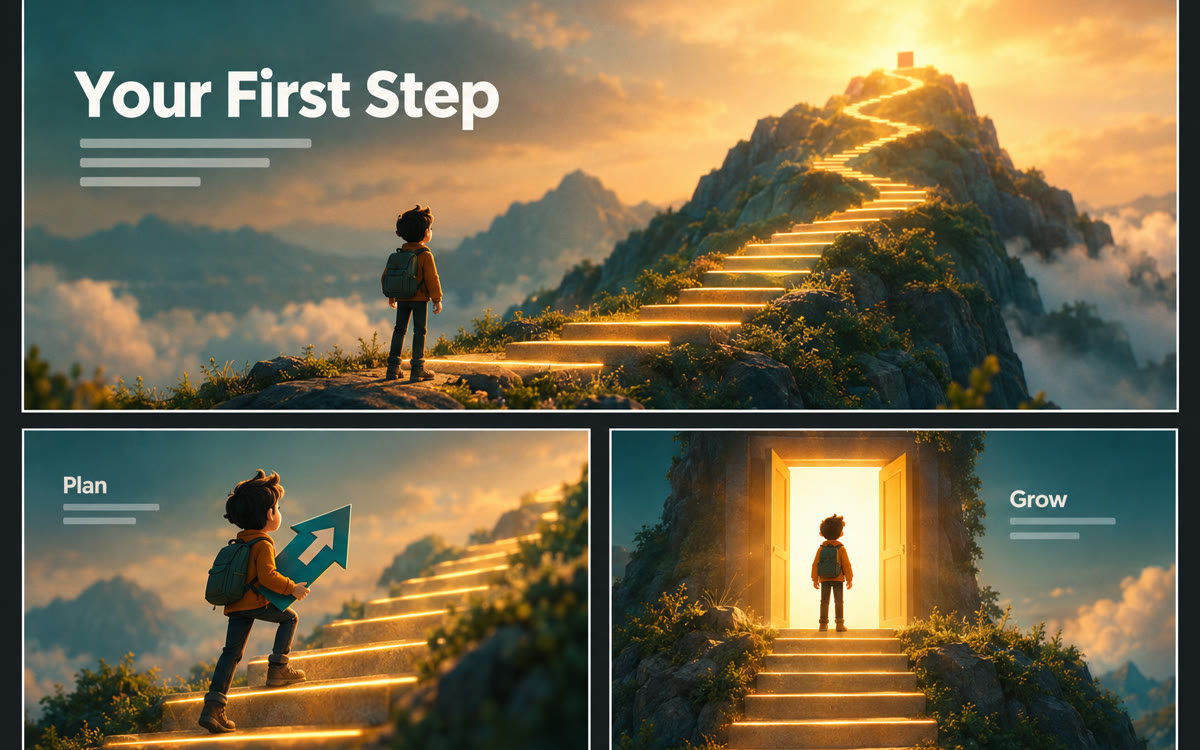
A sample of what you get back, made with AI.
Your prompt
Fill in your details. Skip any you like.
This AI can't be filled in from a link, so the button copies your prompt: paste it into the new chat.
The prompt that gets copied
Make this video for [YOUR AUDIENCE, e.g. professionals over 50 changing careers]. Focus on [THE BIG IDEA, e.g. the 3-step career pivot]. Open with a relatable moment they'd recognize, explain the idea in 3 simple steps, and close with one action they can take today. Keep the tone [THE TONE, e.g. warm and calm], skip jargon, and use only facts from my source. Avoid anything that sounds like a guarantee or a hard sales pitch.
Add a guide, article, or lead magnet as a source, and Gemini Notebook produces an animated, narrated explainer video with rich visuals, not just slides.
Step by step
- Open Gemini Notebook and add your guide or article as a source.
- Choose Video Overview in the right-hand panel, then pick the Cinematic option.
- Paste the prompt to steer the focus and audience.
- Watch the whole video and check facts before you post it.
What you'll get
An animated, narrated explainer video built from your own content, ready to review and share.
English only, 18+. Needs a Google AI Pro or Ultra plan, or an eligible Workspace plan.
- Made for
- Coaches, Consultants, Creators, Small business owners
- Works in
- Gemini Notebook


