Get a big AI job done right with check-ins along the way
The AI shows you a rough outline first, so you fix the direction in one line instead of redoing the whole job.
Published . Steps as of October 2026.
How do I get better results from AI on a big project?
Ask the AI to work in stages and stop at checkpoints, instead of doing the whole job in one go. Have it ask questions and show an outline first, then a short draft, then the full version once you say go. This prompt works the same in Claude, ChatGPT and Gemini. Use three checkpoints for bigger jobs like an event plan or a course outline, and skip straight to stage three for small, simple tasks.
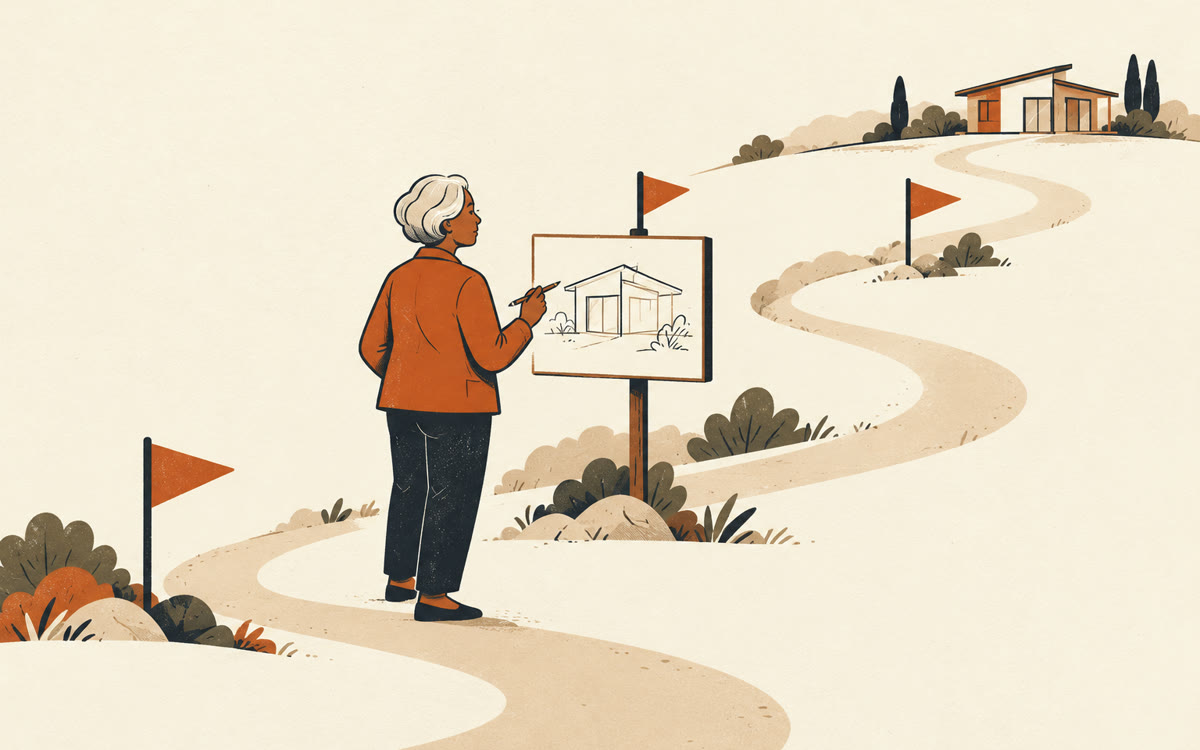
A picture made with AI to show the idea.
Your prompt
Fill in your details. Skip any you like.
Claude and ChatGPT open with your prompt already typed in. Gemini can't be filled in from a link, so its button copies your prompt: paste it into the new chat.
The prompt that gets copied
I want your help with a bigger job: [YOUR PROJECT, e.g. a two-day family reunion plan for 30 people]. Here's what done looks like to me: [WHAT DONE LOOKS LIKE, e.g. a schedule, menu and shopping list]. Don't do it all at once. Work in three stages and stop after each one so I can steer. Stage one: ask me up to five questions, then give me a rough outline and the two biggest choices I need to make. Stage two: give me a short draft of the most important part, plus anything you're unsure about. Stage three: once I say go, produce the full finished version in clean sections. At every stop, keep it short and end with one clear question for me.
Instead of asking for the whole finished thing in one go, have the AI stop at three checkpoints with a rough version. You steer early, so the final result matches what you pictured.
Step by step
- Paste the prompt with your project and what done looks like
- Reply to each checkpoint with what to keep, cut or change
- Say "go" at the last checkpoint to get the finished version
What you'll get
A finished result built in three steps, with your feedback shaping it at each checkpoint so the end product matches what you wanted.
- Made for
- Everyone, Coaches, Consultants
- Works in
- Claude, ChatGPT, Gemini