Know if you can afford to hire before you post the job
Drag a slider for the new hire's hours and watch your lowest cash month and break-even point move on the spot.
Published . Steps as of November 2026.
How can I tell if my small business can afford to hire?
Build a what-if model from your own monthly numbers and test the hire's hours and pay against your cash. If your numbers are in Google Sheets and you have a paid Google AI or Workspace plan, Sheets canvas (as of November 2026) builds it with sliders right in your sheet. Without that plan, paste the same numbers into ChatGPT or Claude and ask for the table and verdict instead. Check the result with your bookkeeper.
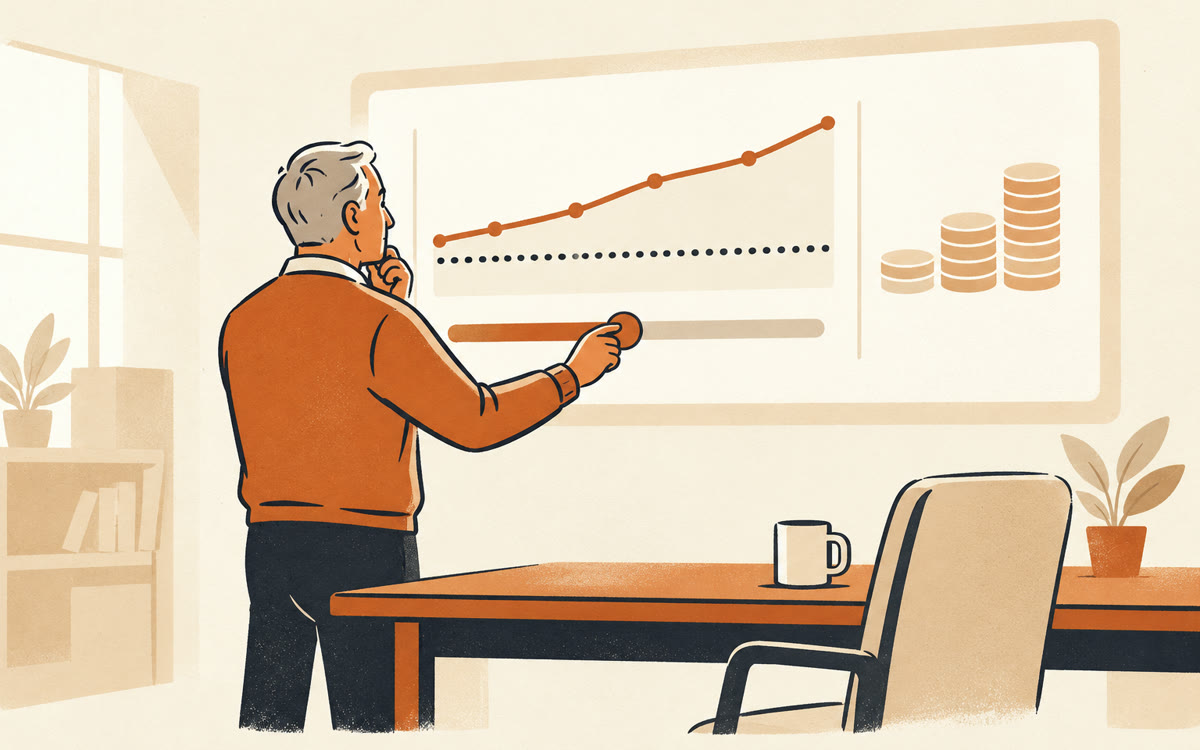
A picture made with AI to show the idea.
Your prompt
Fill in your details. Skip any you like.
ChatGPT and Claude open with your prompt already typed in. Gemini can't be filled in from a link, so its button copies your prompt: paste it into the new chat.
The prompt that gets copied
Using the numbers in this sheet, build me an interactive model that answers one question: can I afford to hire [ROLE TO HIRE, e.g. a part-time assistant] at [HOURLY PAY AND HOURS, e.g. $22 an hour, 20 hours a week]? My monthly revenue, costs and cash are in [SHEET TAB NAME, e.g. Monthly P&L]. If you can't see my sheet, here are the numbers: [PASTE NUMBERS IF NEEDED]. Add sliders for monthly revenue growth, the new hire's hours and pay, how many hours of my own time they free up, and what share of that freed time I turn into paid work at [YOUR HOURLY RATE, e.g. $120]. Show a 12-month line of cash in the bank with and without the hire, the month cash runs lowest, and the break-even month. Flag in red any month cash drops below [SAFETY CUSHION, e.g. $5,000]. Put a short plain-words verdict at the top that updates as I move the sliders.
Turn your monthly numbers in Google Sheets into an interactive what-if model with sliders for pay, hours and growth, so you see cash with and without a new hire.
Step by step
- Open the Google Sheet with your monthly revenue, costs and cash.
- Click Ask Gemini, then choose Create canvas.
- Paste the prompt and press Enter.
- Move the sliders to test hours, pay and growth, then share the tab with your bookkeeper.
What you'll get
An interactive tab with sliders, a 12-month cash line with and without the hire, the lowest cash month, and a verdict that updates as you adjust.
Sheets canvas needs Google AI Pro or Ultra, or Workspace Business or Enterprise Standard and up. A planning aid, not advice.
- Made for
- Small business owners, Coaches, Consultants
- Works in
- Gemini, ChatGPT, Claude


