Turn any YouTube video into a shareable infographic in minutes
A 20-minute video becomes a polished one-page visual you can post the same day.
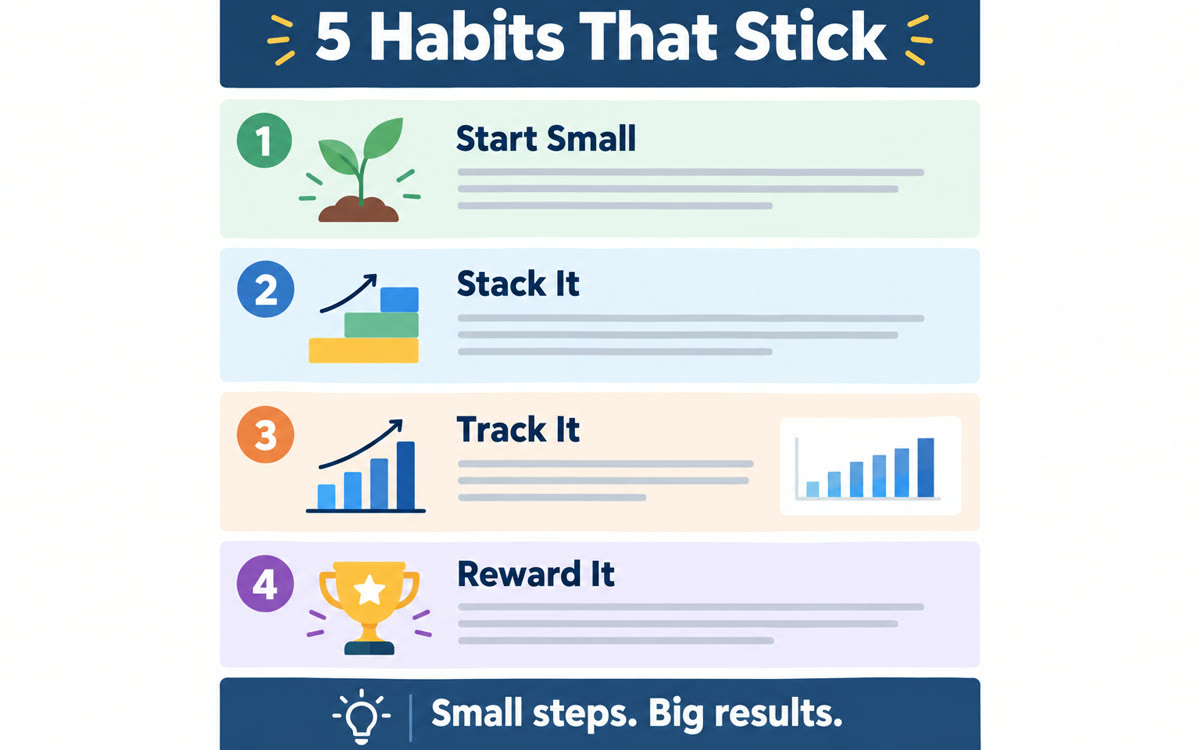
A sample of what you get back, made with AI.
Your prompt
Fill in your details. Skip any you like.
This AI can't be filled in from a link, so the button copies your prompt: paste it into the new chat.
The prompt that gets copied
Act as a content strategist and information designer. Analyze this YouTube video: [YOUTUBE LINK]. Part 1, extract: the single biggest lesson in one sentence, any specific numbers or examples, 3 short quotes worth sharing (word for word), and any step-by-step framework the speaker uses. Part 2, using only what you extracted, plan one infographic for [YOUR AUDIENCE, e.g. small business owners over 50]: a specific, curiosity-driven headline (never 'Summary of...'), a one-line subtitle saying who it's for, 4 to 6 labeled sections with a short heading and 1 or 2 key points each, and a closing takeaway with a call to action that points to [YOUR OFFER OR WEBSITE]. Keep the total text under 150 words so it stays easy to read.
Paste a YouTube link into Gemini to pull out the core lesson, key numbers, best quotes and framework as an infographic brief. Then paste it into a design tool like Gamma or Canva.
Step by step
- Copy a YouTube link, from your own video or one your audience loves.
- Paste the prompt and the link into Gemini.
- Copy Gemini's brief into a design tool like Gamma or Canva and pick an infographic layout.
- Choose a style, tweak the text and download.
What you'll get
A ready-to-design infographic brief (headline, subtitle, 4 to 6 sections, takeaway) that you paste into Gamma or Canva to get the finished graphic.
- Made for
- Coaches, Consultants, Creators
- Works in
- Gemini, Canva


