Turn a workshop recording into a mini course you can sell
Each lesson gets its own narrated explainer video made from your workshop, with nothing new to record.
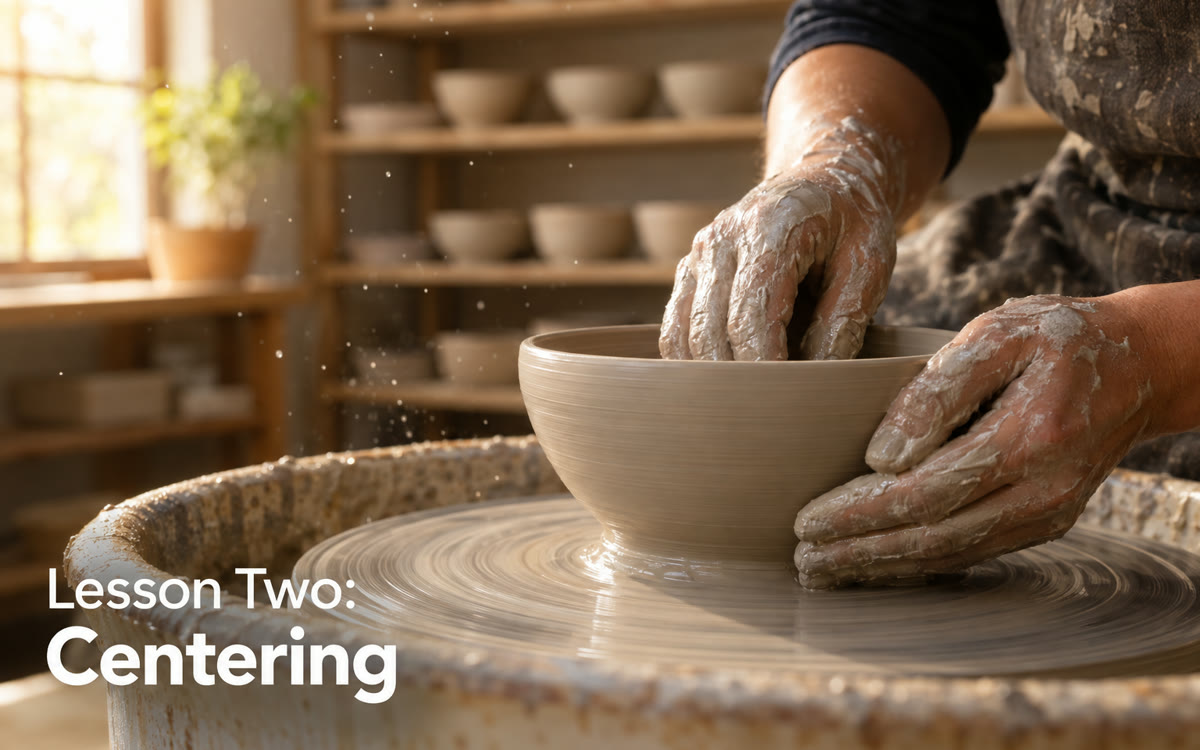
A sample of what you get back, made with AI.
Your prompt
Fill in your details. Skip any you like.
Claude opens with your prompt already typed in. Gemini Notebook can't be filled in from a link, so its button copies your prompt: paste it into the new chat.
The prompt that gets copied
Below is the lesson map and key quotes from my [WORKSHOP TOPIC, e.g. 90-minute pricing workshop]. Turn it into a self-paced mini course called [COURSE NAME] for [YOUR IDEAL CLIENT, e.g. new coaches who undercharge].

Give me:
1. Four to six lessons, each 5 to 10 minutes, with one clear result per lesson.
2. For each lesson: a short script in my words (reuse my quotes and stories, don't invent new ones), one action step and a one-page workbook section with a summary, a checklist and two reflection questions.
3. A one-line focus prompt for each lesson I can paste into a video tool.
4. Gaps: places where I rushed or skipped a step, and what to add.
5. A short course description and five bullet points for the sales page.

Lesson map: [PASTE LESSON MAP]
Upload your workshop audio to Gemini Notebook to map the lessons, have Claude write each lesson and workbook page, then design the workbook in Canva and add a short video and quiz per lesson.
Step by step
- Download your workshop recording as an audio file, such as MP3 or M4A.
- Create a notebook in Gemini Notebook and add the audio, your slides and any handouts as sources.
- Ask the notebook for a lesson map with key quotes, then paste it into Claude with the prompt.
- Make one Explainer video and one quiz per lesson in the notebook, using Claude's focus lines.
- Paste the workbook pages into a Canva workbook template and download it as a PDF.
- Watch each video and check every quiz answer, then add it all to the course platform you already use.
What you'll get
A ready mini course: lesson scripts, a designed workbook PDF, one explainer video and one quiz per lesson, plus sales page copy.
Gemini Notebook is free with usage limits, and free notebooks hold up to 50 sources. Each video can take 30 minutes or more.
- Made for
- Coaches, Consultants, Creators
- Works in
- Gemini Notebook, Claude, Canva


