Build webinar slides with your co-host in one shared page
A presentation page you and your co-host edit together.
Published . Steps as of November 2026.
Can I build a presentation with someone else inside ChatGPT?
Yes. Open Space in ChatGPT, ask for a presentation, then invite your co-host to edit the page. As of November 2026, Space is for Plus users 18 and older. People who view a shared page need Plus, Pro, Business, or Enterprise, so a free-plan co-host can't open it. If your co-host is on a free plan, use a document you both can open, or have them upgrade first.
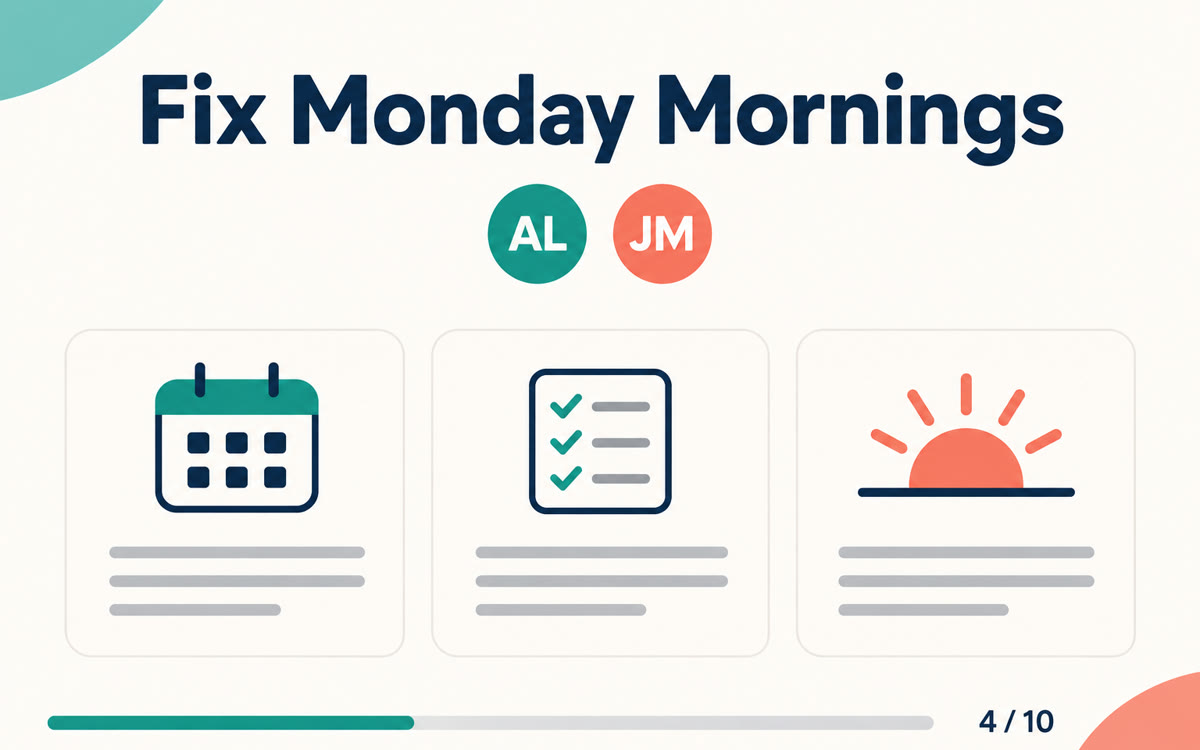
A sample of what you get back, made with AI.
Your prompt
Fill in your details. Skip any you like.
ChatGPT opens with your prompt already typed in. It's copied too, just in case.
The prompt that gets copied
Create a 10-slide presentation for a live webinar called [WEBINAR TITLE, e.g. Fix Your Monday Mornings]. Audience: [YOUR IDEAL CLIENT, e.g. new coaches]. Presenters: me, [YOUR NAME], and my co-host, [CO-HOST NAME]. I'll cover the first half, my co-host covers the second half. Include a title slide, a problem slide, three teaching slides with one example each, a short story slide, a recap, and a final slide that invites people to [YOUR OFFER, e.g. a free 20 minute call]. Put a speaker label on each slide. Keep each slide to five lines or fewer.
Open Space in ChatGPT, ask for a webinar presentation, then invite your co-host to edit the same page. You both work in one place, not in a pile of attachments.
Step by step
- Open ChatGPT and click Space in the sidebar.
- Ask it to create a presentation and paste the prompt below.
- Click the share option and invite your co-host to edit.
- Ask ChatGPT to change slides while your co-host adds their parts.
What you'll get
A shared 10-slide presentation page with speaker labels that both presenters can open and edit.
Space is for Plus users 18+. Free users can't open shared pages, and public links aren't available (OpenAI, Nov 20, 2026).
- Made for
- Coaches, Consultants, Creators
- Works in
- ChatGPT