Turn any cooking video into a recipe you can follow at the stove
Every step comes back written out with times and temperatures, so you never pause a video with messy hands.
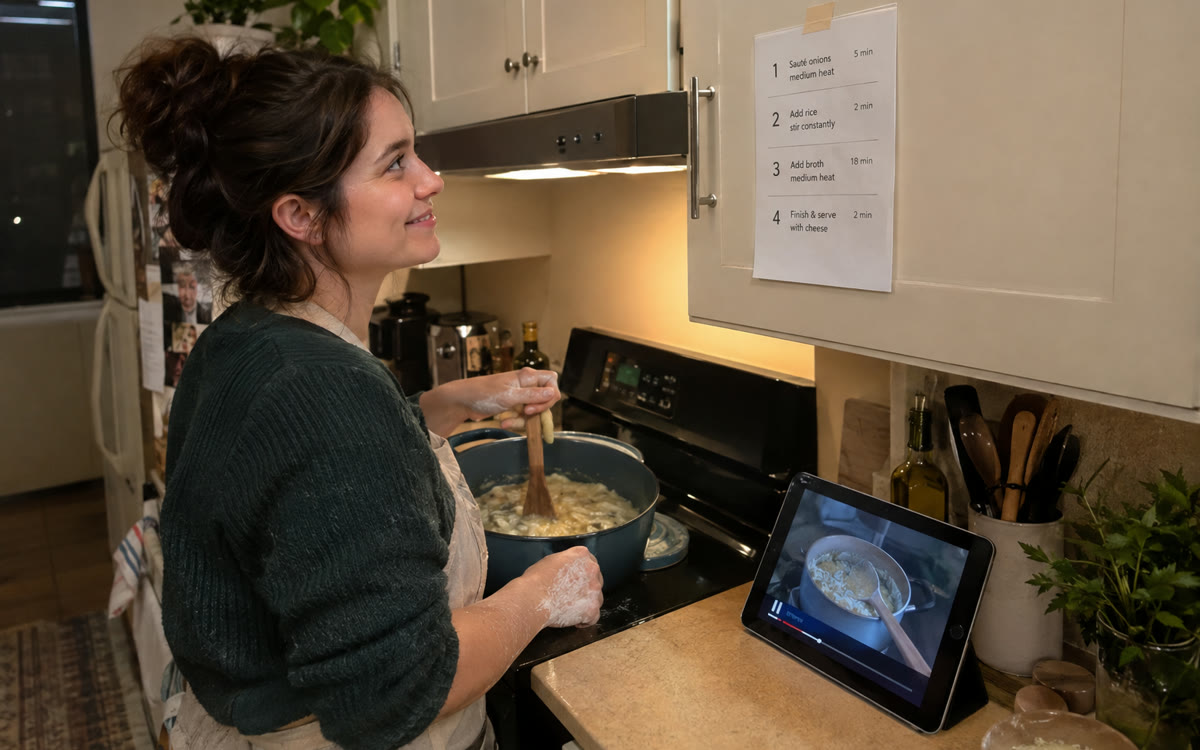
A picture made with AI to show the idea.
Your prompt
Fill in your details. Skip any you like.
This AI can't be filled in from a link, so the button copies your prompt: paste it into the new chat.
The prompt that gets copied
Using only this video as the source, write it up as a recipe I can cook from. Give me: 1) the dish name and how many it serves, 2) the full ingredient list with amounts, converted to [YOUR UNITS, e.g. US cups and ounces], 3) the tools I'll need, 4) numbered steps with times, temperatures and what it should look like at each stage, 5) the cook's tips that are easy to miss. If the video doesn't give an amount, write not stated instead of guessing, and note the timestamp where I can check. Then scale the recipe for [HOW MANY SERVINGS, e.g. 6 people].
Add a YouTube cooking video to Gemini Notebook and ask for the ingredient list and numbered steps with times and temperatures, so you can cook without pausing and rewinding.
Step by step
- Open Gemini Notebook and create a new notebook.
- Add the YouTube video link as a source.
- Paste the prompt in the chat.
- Ask for swaps if you're missing an ingredient.
What you'll get
A clean, printable recipe from the video, with amounts, steps, tips and timestamps for anything unclear.
Gemini Notebook is free. Use public YouTube videos.
- Made for
- Everyone
- Works in
- Gemini Notebook, Gemini


 Before
 Before