Remember exactly what each contractor said on the walkthrough
Weeks later you can ask what the second contractor said about permits and get their exact words back.
Published . Steps as of October 2026.
How do I keep track of what different contractors told me?
Record each walkthrough, with permission, into one Gemini Notebook and ask it to compare what every contractor said. As of October 2026, the Gemini Notebook phone app has a built-in recorder that saves each recording as a source you can question later, up to an hour each. For a small job, one table of price, scope and timeline is enough. For a big remodel, also ask for the gaps and the written questions to send before you sign.
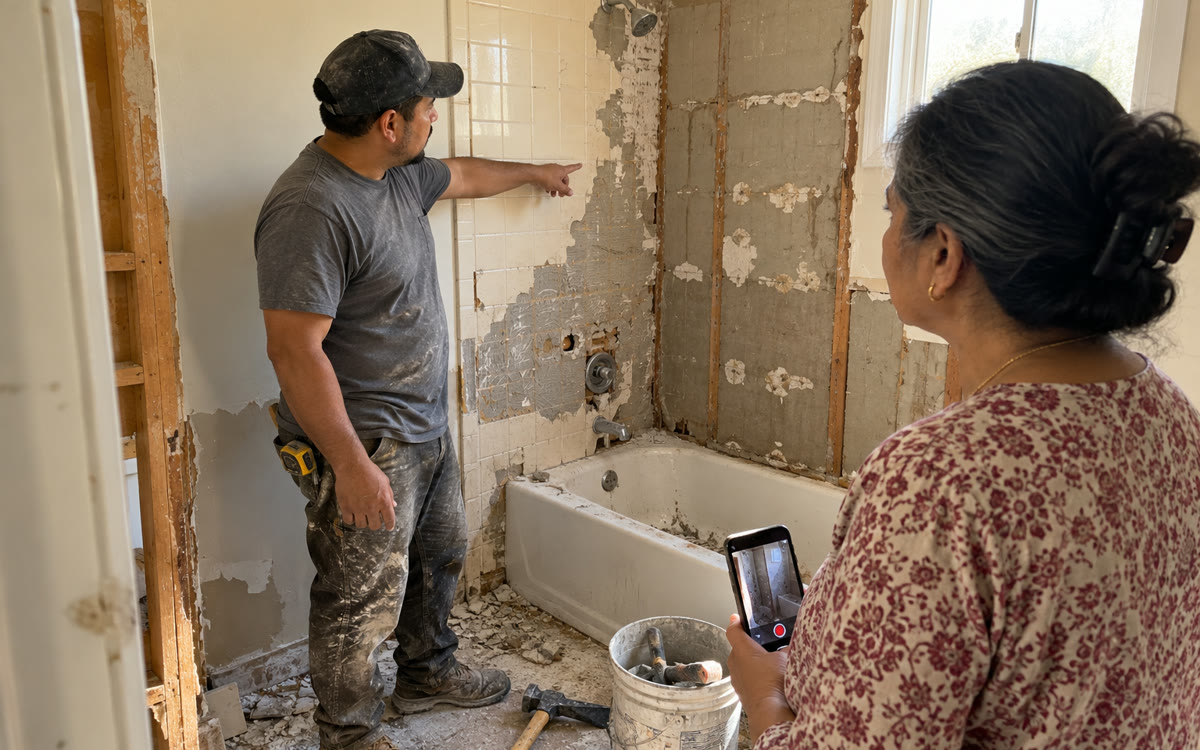
A picture made with AI to show the idea.
Your prompt
Fill in your details. Skip any you like.
This AI can't be filled in from a link, so the button copies your prompt: paste it into the new chat.
The prompt that gets copied
These sources are recordings of contractors walking through my [THE PROJECT, e.g. bathroom remodel]. For each contractor, list what they said the job includes, what it doesn't include, the price or range they mentioned, the timeline, any problems they spotted, and anything they promised (permits, cleanup, warranty). Quote their words where you can and point to the recording. Then put it all in one side-by-side table. Flag anything one contractor raised that the others never mentioned, and anything that was vague. Finish with 5 questions I should ask each of them in writing before I choose. If something isn't in the recordings, say so instead of guessing.
Record each contractor's walkthrough with the Gemini Notebook phone app, then ask the notebook for a side-by-side of what each one said, priced and promised.
Step by step
- Ask the contractor if it's OK to record the walkthrough
- Open the Gemini Notebook app and tap the microphone icon to record
- Tap the checkmark to save it, then record each contractor in the same notebook
- Paste the prompt into the notebook chat
What you'll get
A side-by-side table of every contractor's scope, price, timeline and promises, with quotes, gaps flagged and five follow-up questions for each.
Recorder is in the Gemini Notebook Android and iOS apps, widely rolling out 2026-10-27. Each recording maxes out at one hour.
- Made for
- Everyone
- Works in
- Gemini Notebook


