Make an illustrated bedtime storybook starring your child
In a few minutes you get 10 illustrated pages and a narrator who reads the whole book aloud at bedtime.
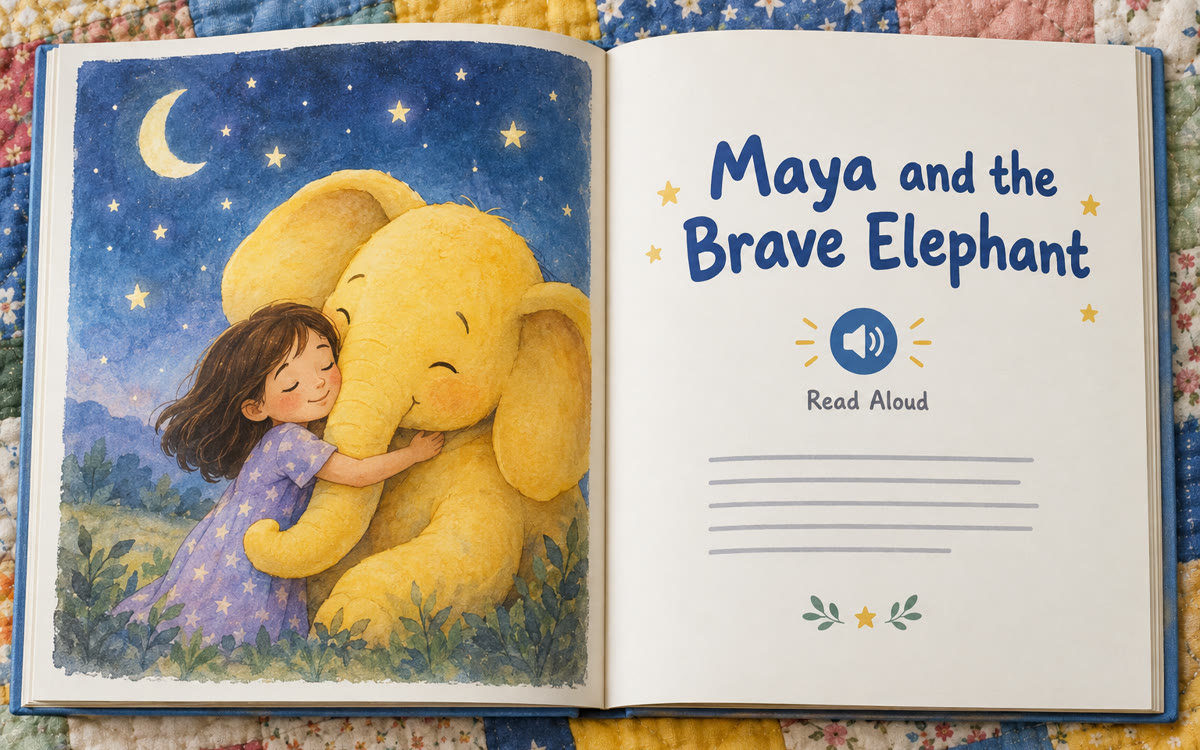
A sample of what you get back, made with AI.
Your prompt
Fill in your details. Skip any you like.
This AI can't be filled in from a link, so the button copies your prompt: paste it into the new chat.
The prompt that gets copied
Create an illustrated storybook for my child. Name: [FIRST NAME, e.g. Maya]. Age: [CHILD AGE, e.g. 5]. They love [FAVORITE THINGS, e.g. elephants, trains and the color yellow]. The story should gently teach [LESSON OR TOPIC, e.g. being brave on the first day of school]. Make my child the hero, keep the words simple enough for their age, and end on a calm, sleepy note for bedtime. Use a [ART STYLE, e.g. soft watercolor] style and keep the main character looking the same on every page.
Describe a story idea and Gemini's Storybook makes a 10-page illustrated book with read-aloud narration, starring your child, a lesson you choose or even their own drawing.
Step by step
- Open the Gemini app and type Create a storybook to start Storybook.
- Paste the prompt with your child's name, age and favorite things.
- Attach a photo or your child's drawing if you want it in the art.
- Press play to hear it read aloud, then ask for changes to any page.
What you'll get
A 10-page illustrated storybook with narration, starring your child and built around the lesson you picked.
Free in the Gemini app on web and mobile. Check the pictures before reading, since art can have small mistakes.
- Made for
- Everyone
- Works in
- Gemini


 Before
 Before