Find any old quote or detail by simply asking your Gmail
You ask your inbox a question the way you'd ask an assistant, and it answers.
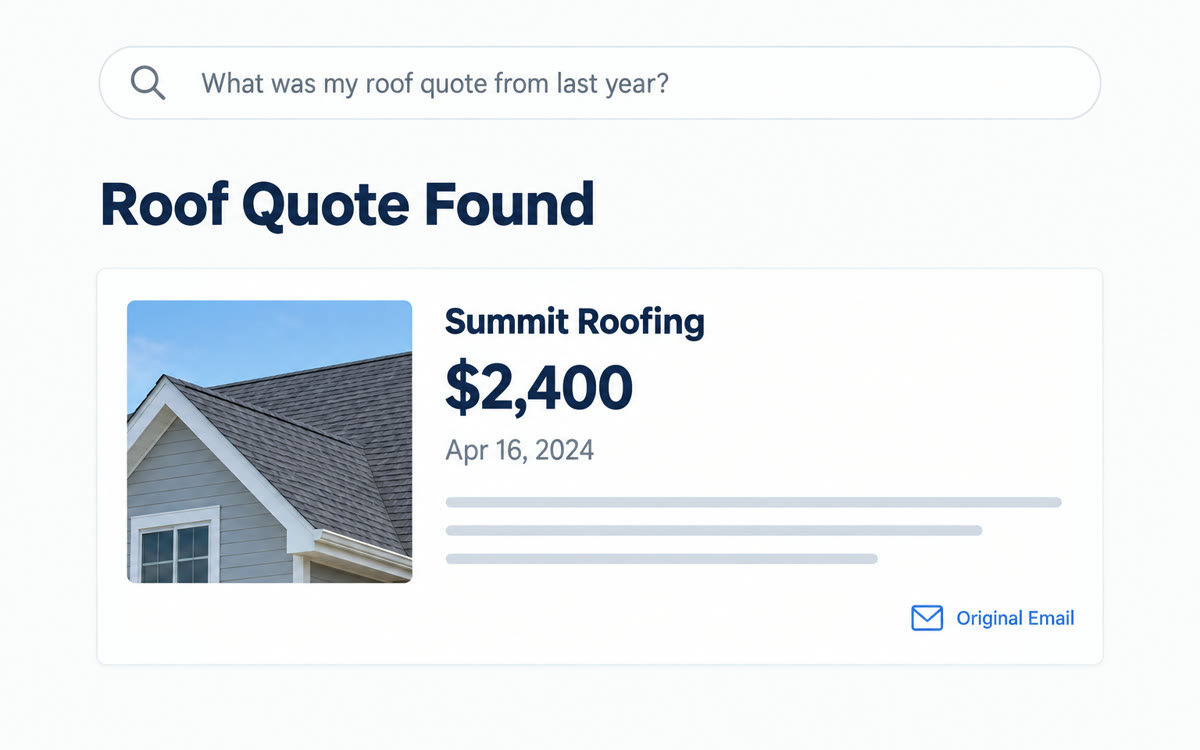
A sample of what you get back, made with AI.
Your prompt
Fill in your details. Skip any you like.
This AI can't be filled in from a link, so the button copies your prompt: paste it into the new chat.
The prompt that gets copied
Try these one at a time in Gmail's search bar, swapping in your details: 1) Who sent me a quote for [THE JOB, e.g. the bathroom remodel] in [YEAR OR MONTH], what was the price, and what was included? 2) When is my [POLICY OR SUBSCRIPTION, e.g. car insurance] up for renewal, and what did I pay last time? 3) What did [CLIENT NAME] and I agree on about [THE TOPIC, e.g. the project deadline] in our emails? 4) Which emails from the last [NUMBER OF DAYS, e.g. 14] days asked me a question I haven't answered yet?
Type a plain question into Gmail's search bar, like who quoted you for the roof last year, and Gemini answers from your own emails. It also sums up long threads in a tap.
Step by step
- Open Gmail and type one of the questions below into the search bar.
- Read the AI Overview at the top, then open the source emails to confirm.
- Open a long thread and read the summary at the top.
- Use Help Me Write to draft your reply.
What you'll get
Direct answers pulled from your own inbox, with the original emails one click away.
U.S., English. Summaries and Help Me Write are free. Asking your inbox questions needs Google AI Pro or Ultra.
- Made for
- Everyone
- Works in
- Gmail, Gemini


