How to Build an App with Claude Code · Part 4 of 6All parts
- The seriesI Built an iPhone App in 5 Weeks of Evenings. I Don't Know How to Code.
- Part 1The AI Built the App I Actually Pictured. The Trick Was One Plain-English File.
- Part 2Turn One AI Chat Into a Tireless Build Team
- Part 3I Built a Hard App Feature Without Code. I Just Described It.
- Part 4My App Went Live Four Days After I Hit Submit. Apple Rejected It Twice in Between.You are here
- Part 5I Built a Zero-Budget Marketing Machine for My App: 820+ Hooks, 122 Videos, One Rule
- Part 6What It Really Takes to Build an App With AI. I Kept Score.
Key takeaways
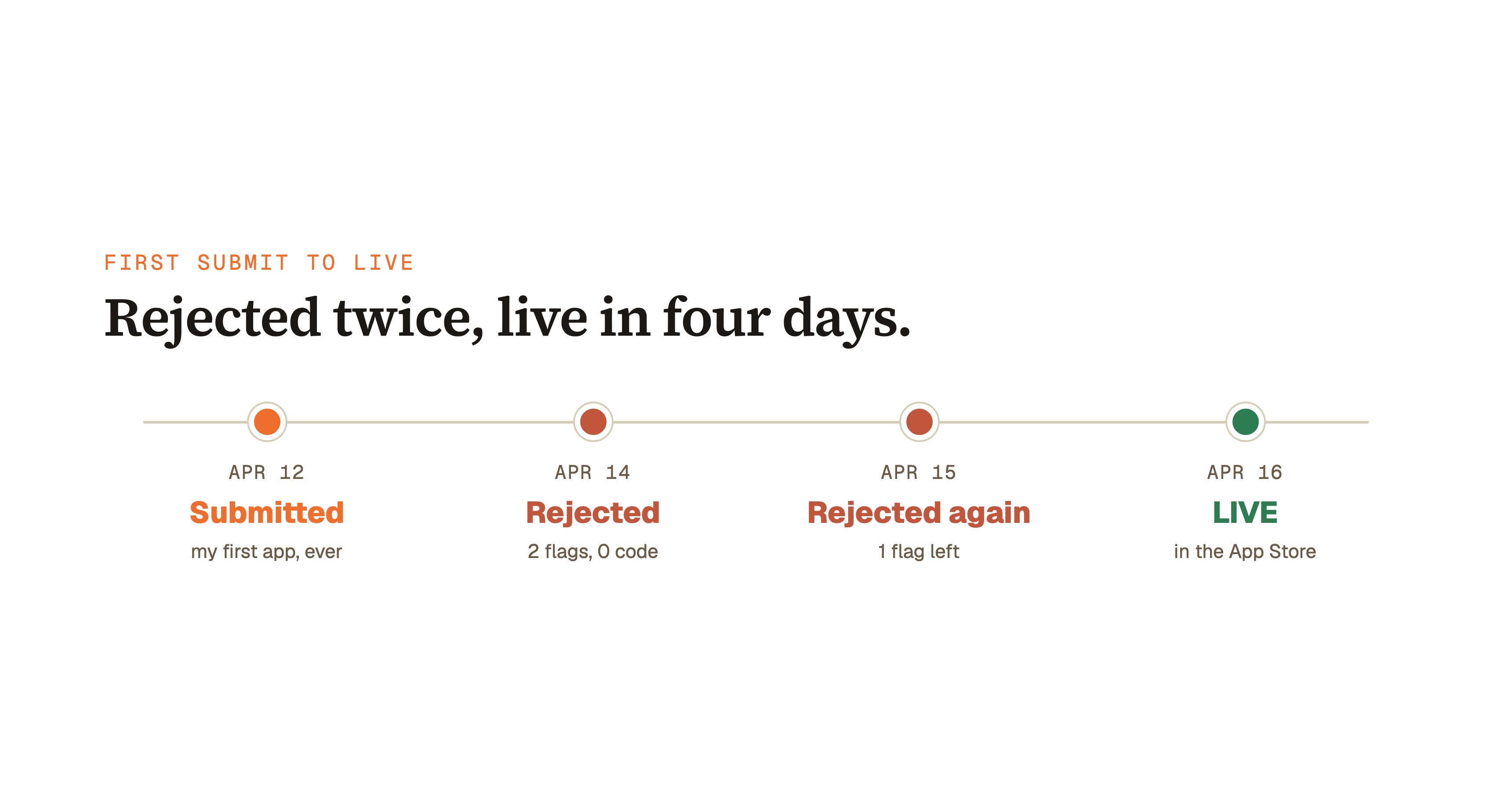
- Apple rejected CloseUp twice, and it still went live four days after the first submission: three submissions, two rejections, zero code changes.
- Not one flagged item across both rejections was the AI-written code. Every issue lived in App Store Connect: a promo image and store-side purchase setup.
- A rejection is instructions, not a verdict. Apple cites the exact guideline (2.3.2, 2.1(b)) and describes exactly what to change, sometimes down to the font size.
- Read the notice carefully. Round two literally said the new images were "duplicate or identical" and the text was "small or otherwise hard to read." That's a fix list, not a failure.
- Pre-submission checks caught the code-side risks (like the Guideline 2.3.3 rule that screenshots must show the app in use). The only misses were store-config items no checklist covered.
- Apple doesn't reject apps for being AI-built. Guideline 4.3 targets spam and clones, so build something that deserves to exist and the AI question never comes up.
The Solo Creators AI Studio
Get this skill, and every one I build.
The whole vaultA new drop monthlyBuild live with meYours to keep, forever
See inside the AI Studio
30-day money-back guarantee. Cancel anytime.
Questions people ask
Will Apple reject my app if I built it with AI?
No. Apple doesn't reject apps for being AI-built. My app's 60,000+ lines of AI-written Swift passed two reviews with zero code notes. What Apple targets is Guideline 4.3 spam: clones, reskins, and low-effort apps. Build something genuinely distinct that solves a real problem and the AI question never comes up.
How do you get an app approved after an App Store rejection?
Read the notice carefully and fix exactly what Apple cites, nothing more. Every rejection names the specific guideline and describes the problem; mine even said my text was too small. Fix the cited items, confirm purchases work, and resubmit. CloseUp went from two rejections to live in four days total.
What does Guideline 2.3.2 (Accurate Metadata) mean?
It means the images and text selling your app must accurately show the app. It caught me twice: first my promoted in-app purchase used a copy of my app icon as its promo image, then my replacements were too similar across products with text too small to read. Distinct, readable images that show each actual feature fix it.
Why did my in-app purchase fail App Store review?
Usually store setup, not code. Guideline 2.1(b) is App Completeness: reviewers actually test your purchases, and mine showed an error screen. Apple's own next steps pointed at the Paid Apps Agreement and how the products were configured for the review environment. I fixed everything inside App Store Connect without changing a line of code.
Does Apple review apps on a real device?
Yes. My rejection notices named the actual hardware: CloseUp was reviewed on a real iPad Air by a real person. So your app has to run, and your purchases have to complete, on physical devices. Test on real hardware and run a full purchase before you submit anything.
How long does App Store review take after a rejection?
Fast, in my experience. Each of my review round trips took about a day: rejected April 14, resubmitted the same morning, answered again April 15, live April 16. A rejection doesn't send you to the back of the line. Fix what's cited, resubmit, and you're usually back in review within a day or so.

Written by Ronnie Nijmeh
Ronnie spent 18 years building a SaaS with a team of 20 that served over 650,000 customers, generated over $14M in sales, and sent over 550M emails. Now he's solo, solving real business bottlenecks and turning them into working AI skills, workflows, and automations. He teaches all of it, with direct access to him, inside the Solo Creators AI Studio Skool community. See what he's built →
“I completely rebuilt my site using the Website Launch Builder. If you've ever built a website, you'll really appreciate this skill. I'm blessed to be a member.”
 Michael HattawayFounder, Iron Strengthens Iron
Keep reading
Case study · Part 5 of 6
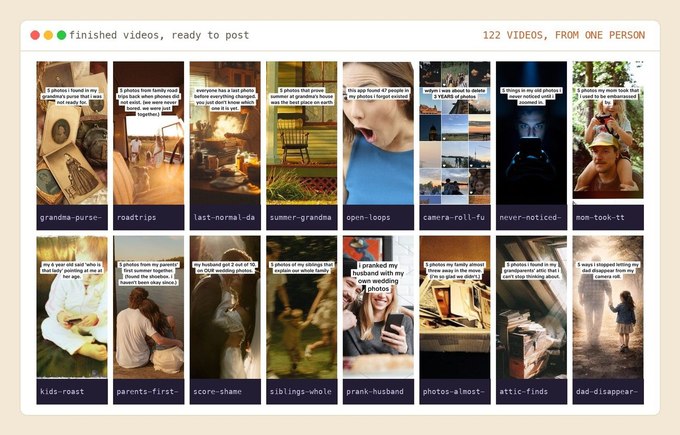
I Built a Zero-Budget Marketing Machine for My App: 820+ Hooks, 122 Videos, One Rule
The zero-budget content machine behind my app: 820+ scored hooks, 122 videos, one rule, and zero fake viral stories.
Case study · The full series
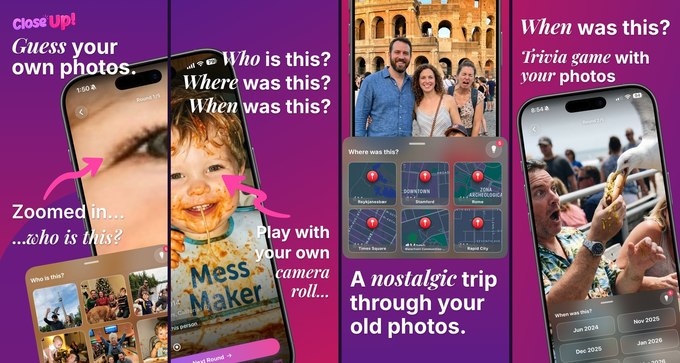
I Built an iPhone App in 5 Weeks of Evenings. I Don't Know How to Code.
How I shipped a real App Store app in five weeks of evenings, writing zero code.
No-Code, No-Terminal
Use Claude Code Without a Terminal: The Desktop App That Builds for You
The desktop app that builds real things from a chat box, no terminal.