Key takeaways
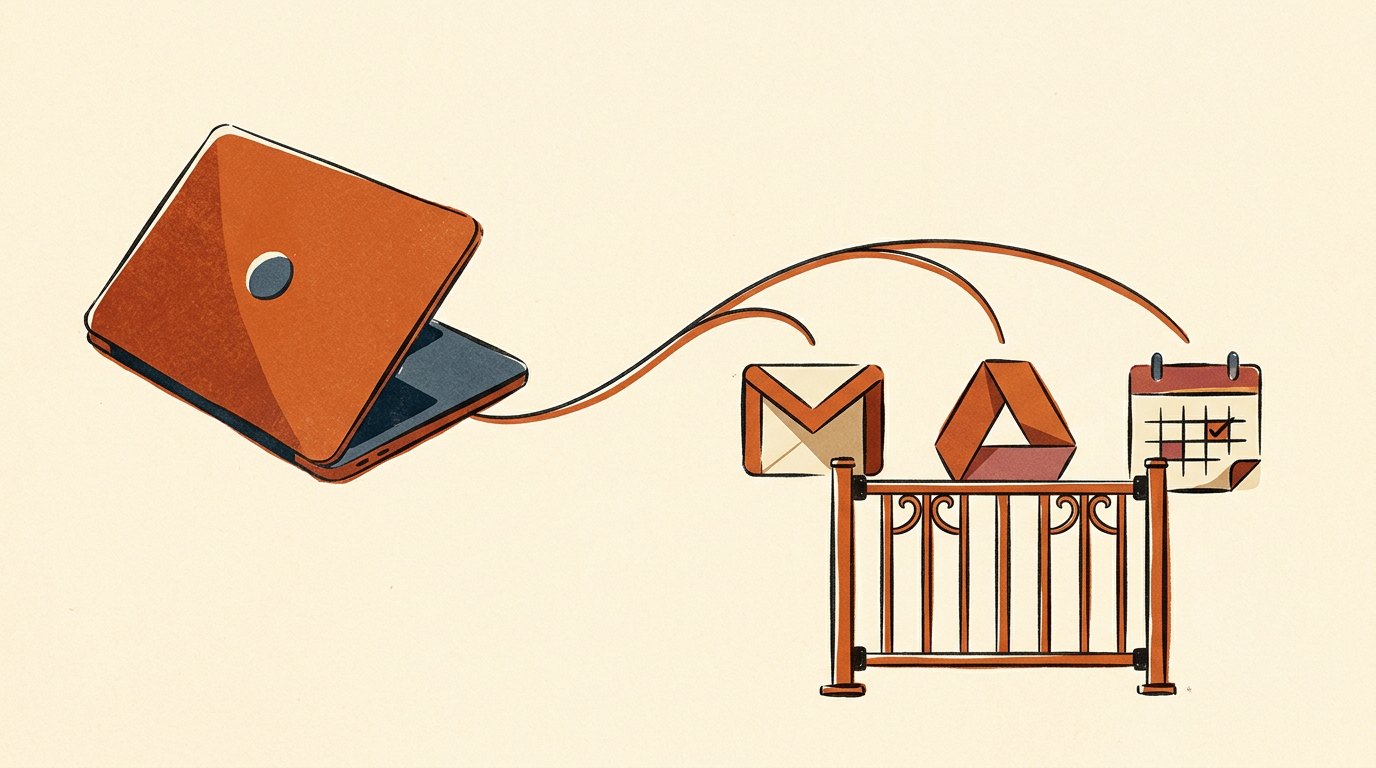
- Connecting is a click and a Google sign-in. No terminal, no API keys, no config file. You approve the same 'Sign in with Google' screen you already know.
- A connection is a permission you control. You choose what it sees, you approve what it does, and you can disconnect it from the app's Connectors menu any time.
- Gmail can draft but never send. Per Anthropic's connector docs, 'the send function is not enabled.' Calendar and Drive can write, so hold their changes behind your yes.
- Make it state its limits first. Before it touches a connected tool, have it tell you what it can and cannot do, and set 1 hard rule: nothing sends or changes without your yes.
- The payoff is real material. Replies from actual threads, answers from real documents, a morning brief from your true calendar. It stops guessing.
- Grant the narrowest access that does the job. Connect the accounts you use for work, keep the review pass, and know where the off switch is.
The Solo Creators AI Studio
Get this skill, and every one I build.
The whole vaultA new drop monthlyBuild live with meYours to keep, forever
See inside the AI Studio
30-day money-back guarantee. Cancel anytime.
Questions people ask
Do I need to code or use a terminal to connect Claude Code to Gmail or Drive?
No. Claude Code is the Claude desktop app for Mac and PC. You connect a tool by clicking a button in the app and approving a normal Google sign-in screen, the same 'Sign in with Google' you have used before. There are no API keys to paste, no terminal, and no config file. It is a permission you grant with a click and can revoke with a click.
Is it safe to give Claude Code access to my inbox?
Yes, if you use it in read mode and keep a review habit. Gmail's boundary is built in: per Anthropic's connector docs, Claude reads threads and creates drafts, but the send function is not enabled. Add 1 hard rule at the start of your session (nothing sends or changes without your yes), review every draft, and connect only the accounts you use for work. Those habits cover almost all of the practical risk.
What can it actually do once connected?
It works from your real material instead of guessing. It drafts inbox replies in your voice from actual threads, answers questions by opening the real Drive document, and preps your day from your true calendar. It can even chain tools, like reading an email, checking your calendar for a free slot, and drafting a reply proposing a time, with the send still in your hands.
How do I make sure it never sends an email on its own?
2 layers. First, Anthropic never enabled sending for the Gmail connector: its docs state that Claude 'only reads emails and creates drafts,' and that 'the send function is not enabled.' Second, state the rule explicitly at the start: 'never send, delete, or change anything without showing me the draft first and waiting for my yes.' Between the built-in limit and that standing rule, you remain the only one who ever hits send.
How is a connected tool different from a second brain?
A connected tool lets the app read your live, changing accounts (Gmail, Drive, calendar) right now, with you in the room. A second brain is a folder of your own notes and past work that it can search. They pair well: live tools for what is happening now, a second brain for what you already know. They are separate setups and you can use either or both.
Can I undo a connection later?
Yes. You can disconnect any connector from the app's Connectors menu, and you can also revoke Claude's access from your Google account's connections page. Nothing you connect is permanent, so you can grant access for a specific task and turn it off afterward if you prefer.
What can each connector actually do?
Per Anthropic's connector docs: Gmail can search, read, and draft, but not send. Google Drive can read your files and save new ones. Google Calendar can view, create, update, and delete events. Use everything in read mode first (look, summarize, draft) and allow writes only when a specific task needs them. Most people rarely need to.
Is connecting a tool safer than just pasting the content in by hand?
For a one-off, pasting is fine. But a connection used in read mode is both safer and less work over time: the assistant pulls precisely the thread or file it needs and nothing else, so you stop being the copy-paste middleman and you avoid pasting more than you meant to. It also works from the live version instead of whatever you pasted an hour ago. You still approve everything that goes out.

Written by Ronnie Nijmeh
Ronnie spent 18 years building a SaaS with a team of 20 that served over 650,000 customers, generated over $14M in sales, and sent over 550M emails. Now he's solo, solving real business bottlenecks and turning them into working AI skills, workflows, and automations. He teaches all of it, with direct access to him, inside the Solo Creators AI Studio Skool community. See what he's built →
“I completely rebuilt my site using the Website Launch Builder. If you've ever built a website, you'll really appreciate this skill. I'm blessed to be a member.”
 Michael HattawayFounder, Iron Strengthens Iron