Key takeaways
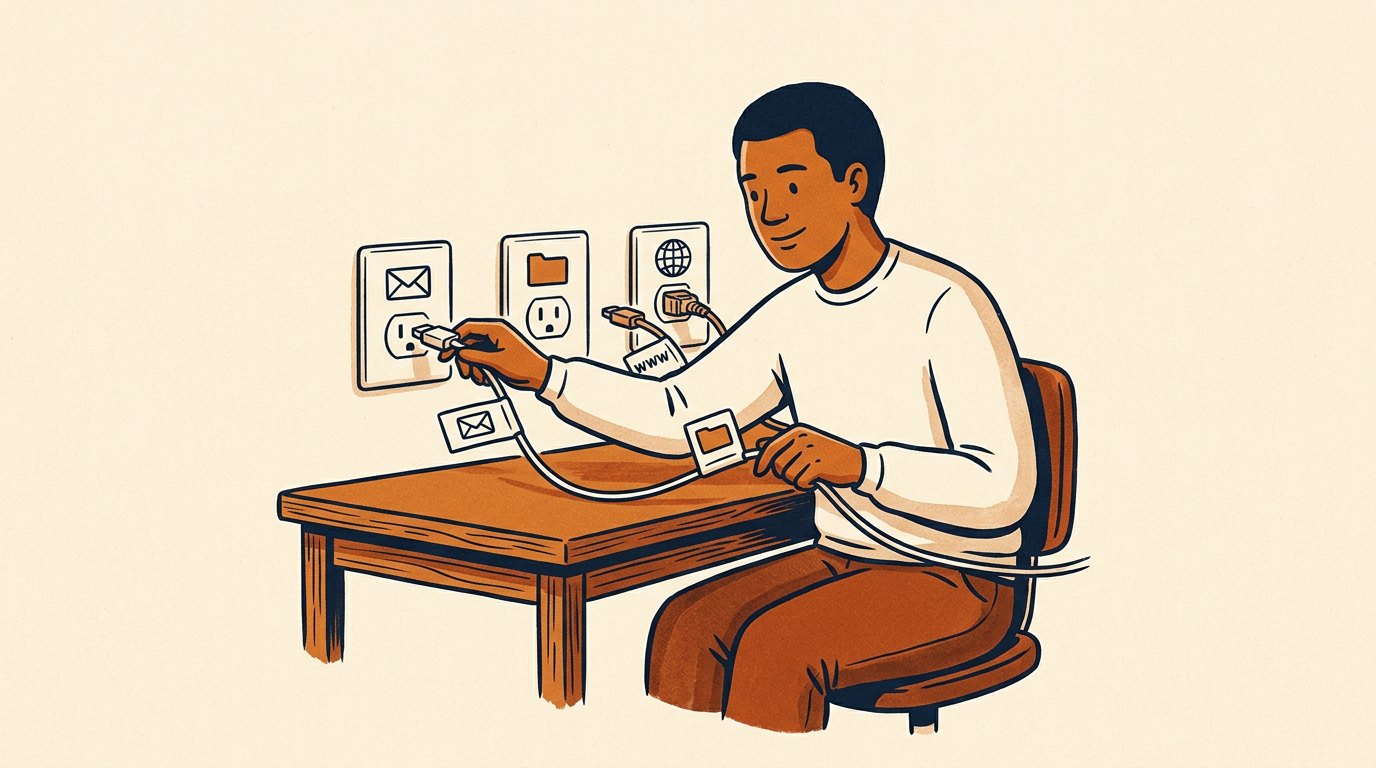
- An agent gets useful when it can read your real files, inbox, and site.
- Start every connection read-only; widen access only after the agent earns it on reversible work.
- Connect each tool to the one agent whose lane needs it, nothing shared.
- Least access per agent is the safety model when agents act while you are away.
- Paste for one-offs, connect for the recurring; the send button stays yours.
The Solo Creators AI Studio
Get this skill, and every one I build.
The whole vaultA new drop monthlyBuild live with meYours to keep, forever
See inside the AI Studio
30-day money-back guarantee. Cancel anytime.
Questions people ask
How is this different from connecting the desktop app to my accounts?
That guide is you in the room as it reads and drafts. This is a team of agents acting in channels, often while you are away, so tight per-agent scope replaces your live supervision.
Should every agent get every connection?
No. Connect each tool to the one agent whose lane needs it. Least access per agent is what keeps a mistake boxed in one lane.
Is a team of connected agents riskier than one assistant?
Scoped right, it is safer. No single agent can reach far enough to do real damage, because each can open only its own door.
When should I connect a tool instead of pasting?
Paste for one-offs. Connect when the work is frequent, so the agent can work from the source while you are away.
Can I undo a connection?
Yes. Access you grant, you can take back: disconnect a tool in the desktop app, or pull an agent out of a room in Buzz. That control is what makes connecting safe to try.

Written by Ronnie Nijmeh
Ronnie spent 18 years building a SaaS with a team of 20 that served over 650,000 customers, generated over $14M in sales, and sent over 550M emails. Now he's solo, solving real business bottlenecks and turning them into working AI skills, workflows, and automations. He teaches all of it, with direct access to him, inside the Solo Creators AI Studio Skool community. See what he's built →
“I completely rebuilt my site using the Website Launch Builder. If you've ever built a website, you'll really appreciate this skill. I'm blessed to be a member.”
 Michael HattawayFounder, Iron Strengthens Iron