Key takeaways
- The one decision that matters: prompt or skill? A prompt is a single request; a skill is a saved recipe Claude runs the same way every time.
- The test is one question: will you want this done the same way more than twice? No means keep it a prompt. Yes means make it a skill.
- Keep one-offs as prompts. Thinking out loud, exploring, and single tasks should never be systematized. Turning everything into a skill is its own busywork.
- Make repeated, brand-critical, multi-step work a skill. Recaps, newsletters, carousels, and decks pay for the recipe almost immediately.
- Convert a winning prompt by asking, no terminal. Say 'turn this into a reusable skill,' and Claude packages the steps for you to trigger by name later.
- Prompt, skill, and memory stack. Memory sets your always-on rules, a skill does one job consistently, a prompt handles the rest. Set memory first.
The Solo Creators AI Studio
Get this skill, and every one I build.
The whole vaultA new drop monthlyBuild live with meYours to keep, forever
See inside the AI Studio
30-day money-back guarantee. Cancel anytime.
Questions people ask
What is the difference between a prompt and a skill in Claude Code?
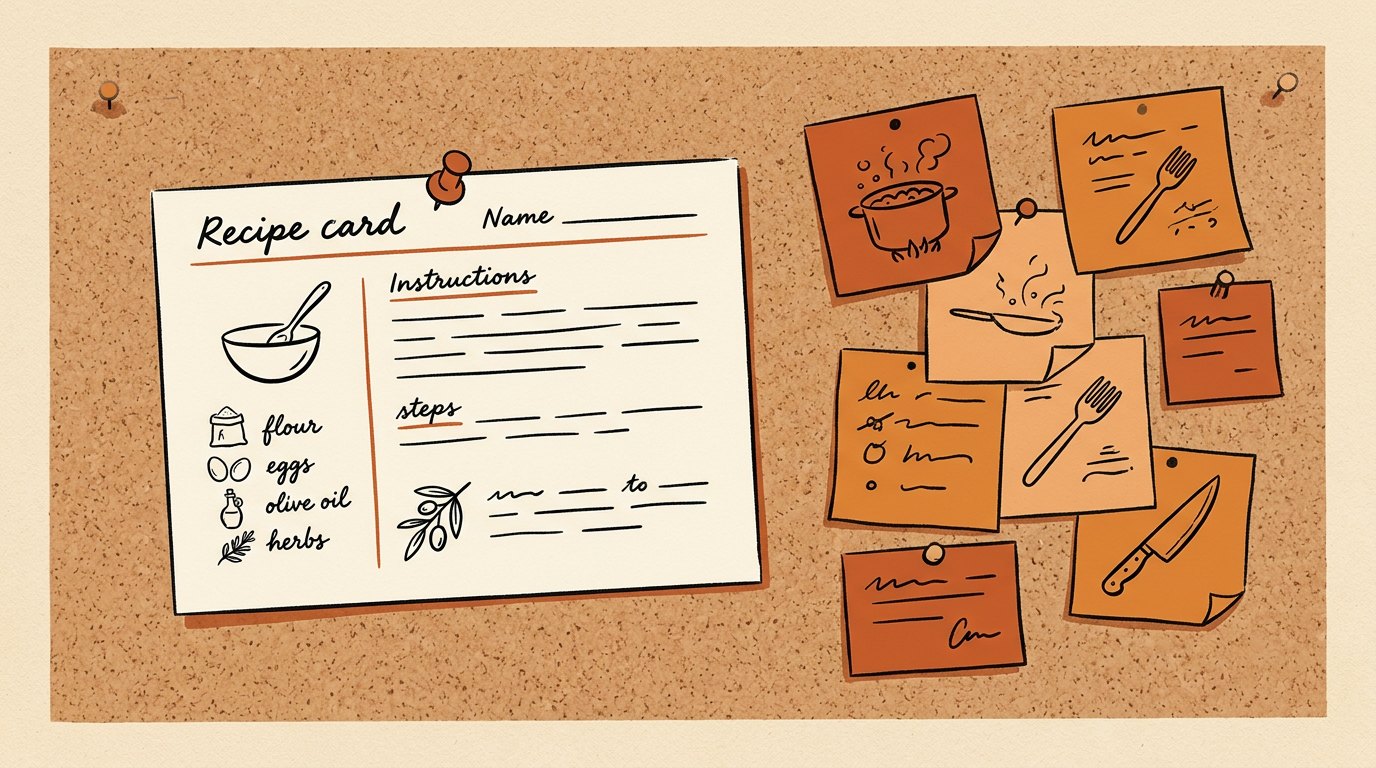
A prompt is a single request you type once and move on from. A skill is a saved recipe Claude loads on demand to do one specific job the same way every time. The prompt is a conversation; the skill is a recipe card you wrote once so you never have to re-explain the job.
How do I know when to make a skill instead of just prompting?
Ask one question: will you want this done the same way more than twice? If no, keep it a prompt and move on. If yes, make it a skill. The 3 signals a task has crossed the line are that you repeat it, you need it consistent, and you keep re-explaining the same rules every time.
What should stay a plain prompt?
Anything one-off or exploratory: thinking out loud, hunting for ideas, rewriting a single email, or a process you have not settled yet. Turning a half-baked process into a skill just automates a wobble. Do it well by hand a few times first, then save it once you know what good looks like.
How do I turn a good prompt into a reusable skill without coding?
You ask, in plain English, inside the Claude desktop app. When a prompt gives you a result you would want again, say something like 'turn this into a reusable skill called Weekly Recap, keep the format and voice exactly as they are here.' Claude packages the steps into a skill you trigger by name later. No terminal, no code.
How are skills different from memory?
Memory is your always-on rulebook: a short set of standing rules Claude follows on every task automatically. A skill is a recipe for one specific job, loaded on demand when you call it. They stack. Set your memory first so everything sounds like you, then build skills on top for your repeated work.
Do I have to build every skill myself?
No. You can build your own by saving winning prompts, and you can install finished ones. Flagship workflows like carousels, slide decks, and outreach already exist as finished, installable skills. You install the finished recipe and point it at your work instead of assembling it from scratch.
What is the single biggest thing that makes a skill good?
Giving it 1 real example of the output you loved. Instructions alone tend to produce generic results, but a pasted example of a result you were happy with teaches the app your taste directly, so the skill matches your standard instead of a default one. When you save a skill, include an example, not just steps.
Is a skill different from just saving my prompt in a notes app?
Yes, in the way that matters. A saved prompt only helps when you remember to open the note, copy it, and paste it every time. A skill lives where the work happens and runs by name, so it is there on the busy day you would have cut the corner. A note waits for you to remember it; a skill answers to its name.

Written by Ronnie Nijmeh
Ronnie spent 18 years building a SaaS with a team of 20 that served over 650,000 customers, generated over $14M in sales, and sent over 550M emails. Now he's solo, solving real business bottlenecks and turning them into working AI skills, workflows, and automations. He teaches all of it, with direct access to him, inside the Solo Creators AI Studio Skool community. See what he's built →
“I completely rebuilt my site using the Website Launch Builder. If you've ever built a website, you'll really appreciate this skill. I'm blessed to be a member.”
 Michael HattawayFounder, Iron Strengthens Iron