Key takeaways
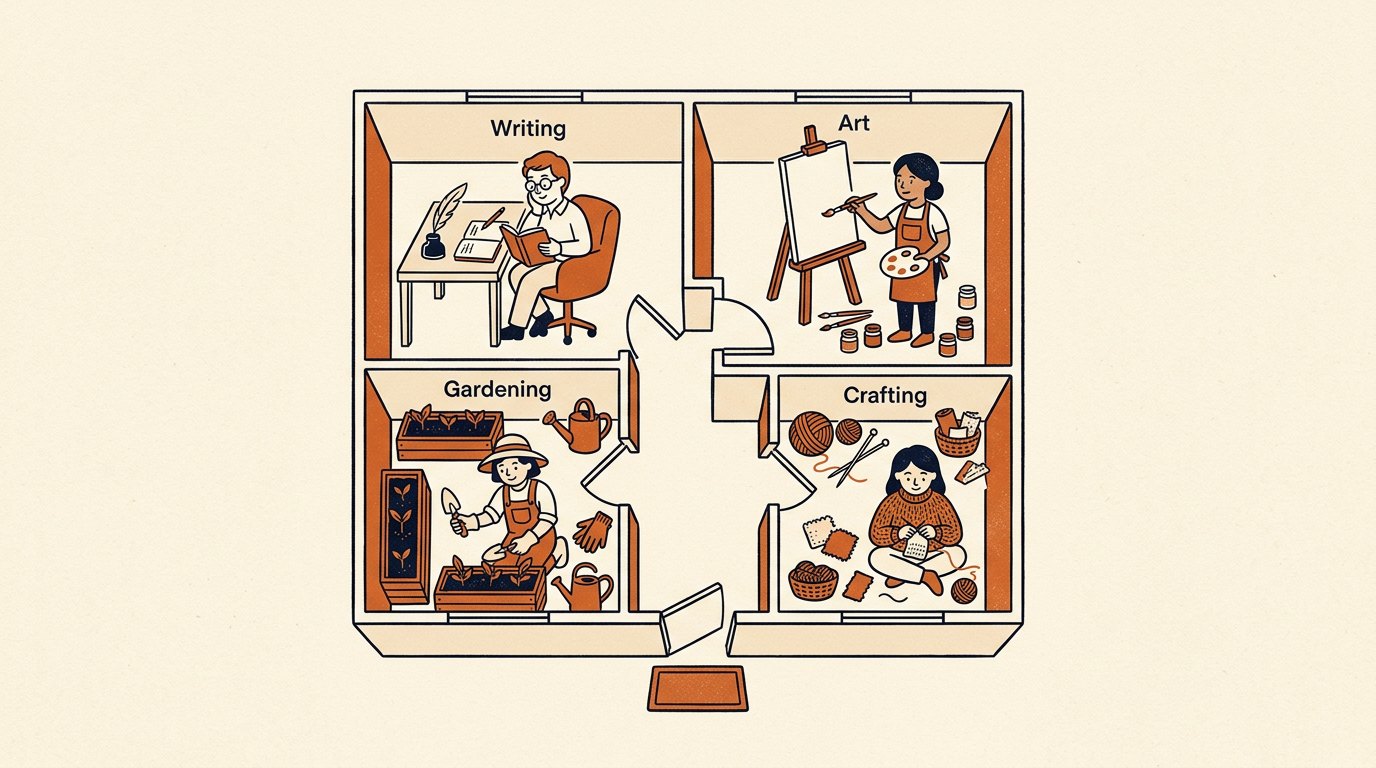
- A channel is a room for 1 kind of work. Give each kind its own and the mess sorts itself out.
- Rooms organize your agents too: an agent in a channel stays in its lane without reminders.
- A sealed room per client keeps their files, history, and agent apart from every other client, tidy for you and trust for them.
- Rooms beat folders, tags, and separate apps, because a channel carries the work, the files, and the teammate together.
- Channels organize the work; agents do it. The rooms give each agent focus and give you 1 obvious place to look.
- Keep the map small: start with a few clearly named rooms and split later when a channel gets busy.
The Solo Creators AI Studio
Get this skill, and every one I build.
The whole vaultA new drop monthlyBuild live with meYours to keep, forever
See inside the AI Studio
30-day money-back guarantee. Cancel anytime.
Questions people ask
How many channels should I start with?
A handful mapped to how you actually work: content, support, research, and 1 per client. Add more only when a real, distinct kind of work needs its own room. Fewer clear rooms beat a maze you can't navigate.
Do agents belong to a channel?
Yes. On Buzz an agent is a full member with its own keys and channel memberships, so the room is its boundary and the agent stays focused on that room's work. That's what keeps a team of agents from stepping on each other's jobs.
Is this how I keep clients separate?
Yes. A channel per client seals each account's work, files, and agent away from every other client. It's tidy for you, it's trust for them, and it's the setup worth getting right first.
Why not just use folders and tags?
Folders and tags sort files but don't carry the work or the agents. A channel holds the conversation, the files, and the teammate doing the job in one place, which folders can't do.
Will setting up channels save me time on its own?
No. Channels organize the work; the agents in them do it. The rooms are the frame that lets each agent focus and lets you always know where anything lives. Organize first, then let the agents carry the load.
Can I reorganize later?
Easily. Start small, move this week's work into a few rooms, and split a channel once it gets busy. Grow the map 1 room at a time, never more than you can name from memory.

Written by Ronnie Nijmeh
Ronnie spent 18 years building a SaaS with a team of 20 that served over 650,000 customers, generated over $14M in sales, and sent over 550M emails. Now he's solo, solving real business bottlenecks and turning them into working AI skills, workflows, and automations. He teaches all of it, with direct access to him, inside the Solo Creators AI Studio Skool community. See what he's built →
“I completely rebuilt my site using the Website Launch Builder. If you've ever built a website, you'll really appreciate this skill. I'm blessed to be a member.”
 Michael HattawayFounder, Iron Strengthens Iron