Get video scenes timed exactly to your own voiceover
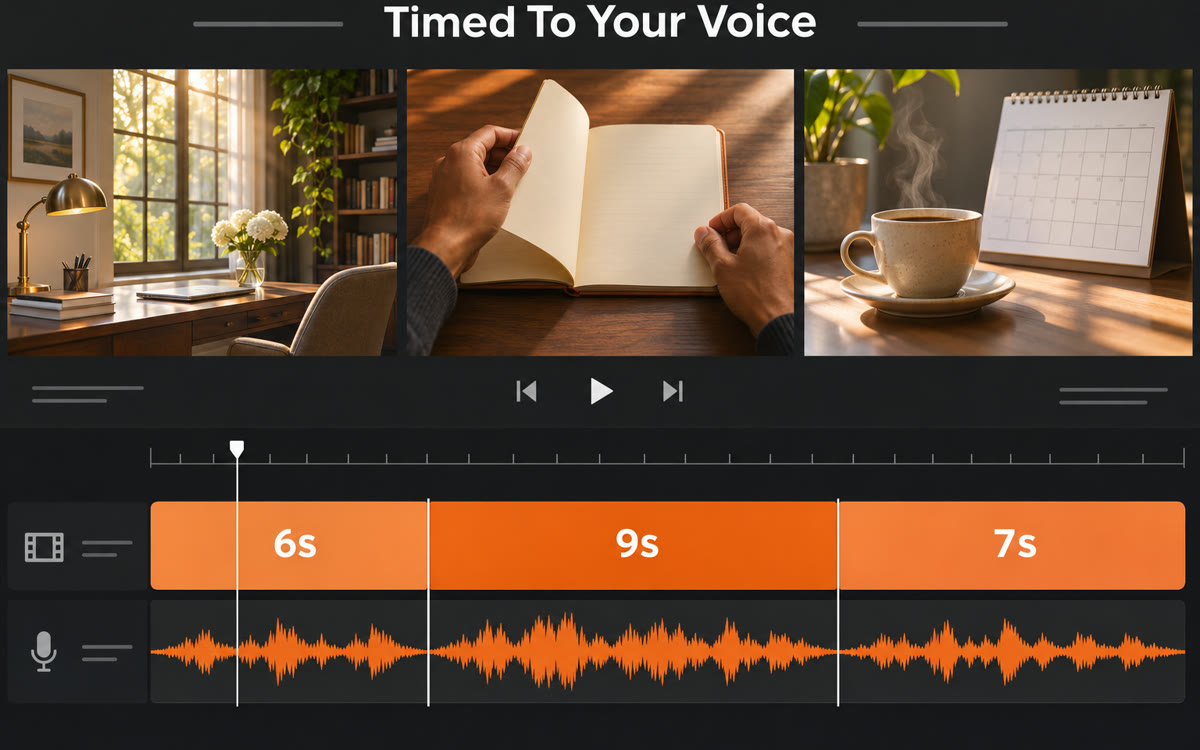
You set the exact length of each AI clip, so the pictures change right when your voiceover does.
Published . Steps as of November 2026.
How do I make AI video clips that match my voiceover?
Split your script into timed scenes in Gemini, then generate each one in Google Vids and set the clip to the exact length, as of November 2026. A free Google account fits if you're making a very short video now and then, since AI clips are capped each month. If you make a lot of videos, a Google AI or Workspace plan gives you more. Keep each scene to one simple shot, and listen through before you export.
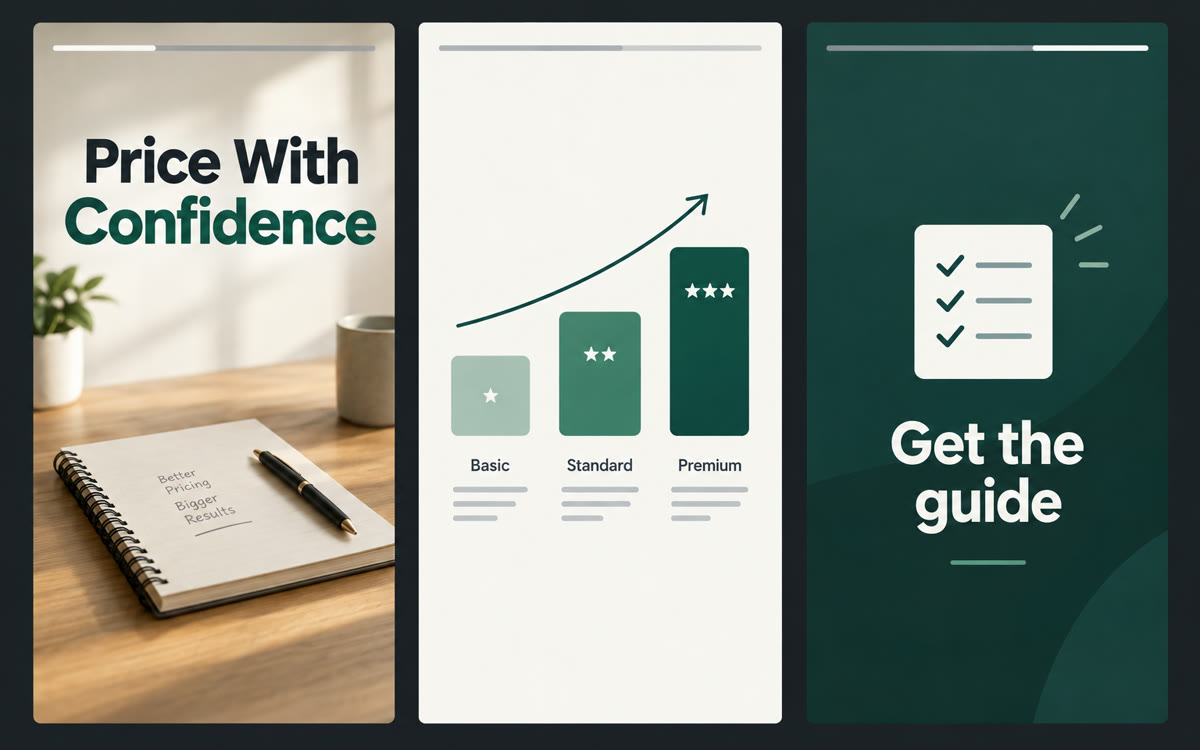
A sample of what you get back, made with AI.
Your prompt
Fill in your details. Skip any you like.
This AI can't be filled in from a link, so the button copies your prompt: paste it into the new chat.
The prompt that gets copied
Here's the voiceover script for my video: [YOUR SCRIPT]

The video is [WHAT IT'S FOR, e.g. a welcome video for new clients], and I want the look to be [VIDEO STYLE, e.g. warm, bright, natural light]. Split the script into scenes for AI video generation, assuming I speak about 150 words a minute. Give me a numbered list. For each scene, show:
1. The exact line of the script it covers.
2. How many seconds that line takes to say.
3. A short video prompt describing one simple shot: the setting, the action and the camera movement.

Keep the same style in every prompt, so the scenes look like one video. Don't include any real people, logos, brand names or on-screen text. At the end, give me the total running time and flag any line that's too long for a single shot.
Paste your script into Gemini to get a scene list with timings and visual prompts. Then generate each scene in Google Vids and set each clip to the exact length.
Step by step
- Paste the prompt below into Gemini with your script
- Go to vids.new on your computer and choose Create AI videos
- Generate each scene from its prompt and set the clip to the listed seconds
- Upscale the clips to 1080p, add your voiceover and export
What you'll get
A scene-by-scene list with timings and ready-to-paste video prompts, which become a 1080p video that matches your voiceover.
Vids is free with a Google account, on desktop. Free accounts get about 6 AI clips a month. More needs a Google AI or Workspace plan.
- Made for
- Coaches, Consultants, Creators, Small business owners
- Works in
- Gemini